Most lists of keyword research tools are written as feature inventories: this one has 20 billion keywords, that one has a clustering button, the third has an AI writer bolted on. None of that tells you which tool to open on Tuesday morning when you need 30 pages planned for a SaaS product with a $200 a month research budget. We run keyword research for SaaS companies every week, and we have stopped ranking keyword research tools by feature count. We rank them by the job they are best at, because no single tool wins every job, and buying the most expensive one does not fix that.
This guide goes job by job. For each job we name the tool we reach for first, the cheaper fallback, and the mistake we see teams make with it. Prices are list prices at the time of writing and change often, so treat them as a rough scale rather than a quote.
The jobs keyword research tools actually do
Before the tool names, here is the job list. If your process does not include one of these, that is usually where the plan is leaking.
| Job | What good looks like | Tool we open first | Cheap fallback |
|---|---|---|---|
| Seed expansion | One seed becomes 5,000 related terms with volume | Semrush Keyword Magic | Google Keyword Planner |
| Competitor gap | Terms three rivals rank for that you do not | Ahrefs Content Gap | Semrush Keyword Gap |
| Difficulty check | A score that matches what the SERP actually shows | Ahrefs KD plus a manual SERP look | Mangools KWFinder |
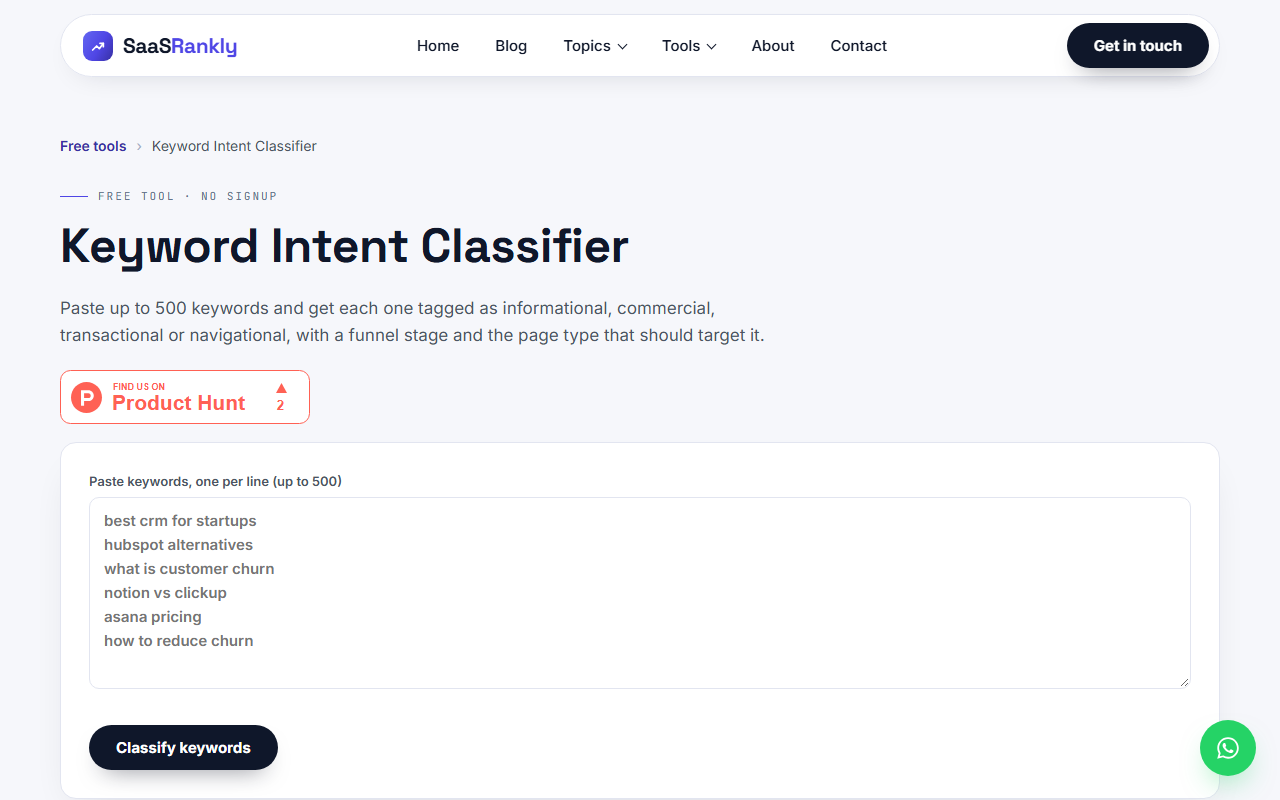
| Intent sorting | Informational vs comparison vs transactional, in bulk | Our free intent classifier | Semrush intent column |
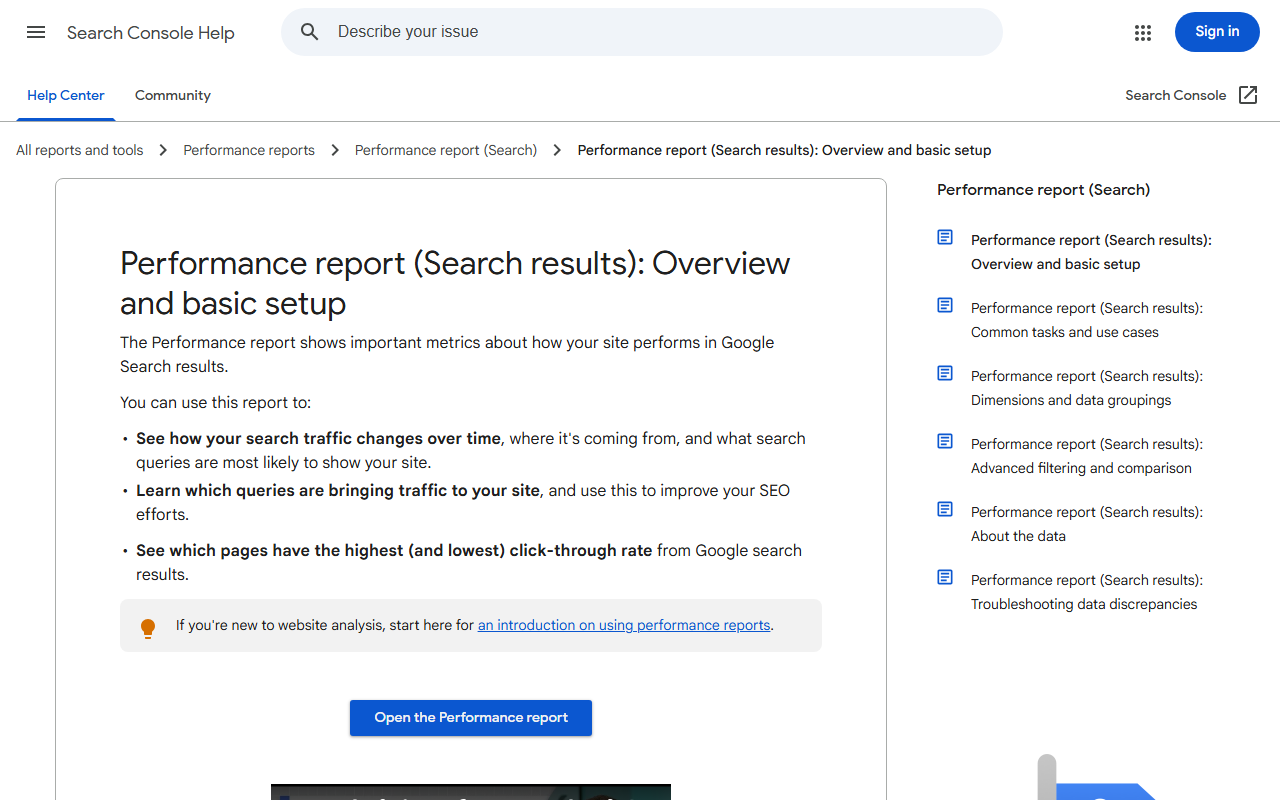
| Own-site mining | Queries you already get impressions for at position 8 to 30 | Google Search Console | Search Console API export |
| Clustering | 400 terms grouped into 40 pages | Keyword Insights or a SERP overlap script | Spreadsheet plus manual SERP checks |
| Question mining | Real People Also Ask and forum phrasing | AlsoAsked | AnswerThePublic free tier |
Keyword research tools for seed expansion
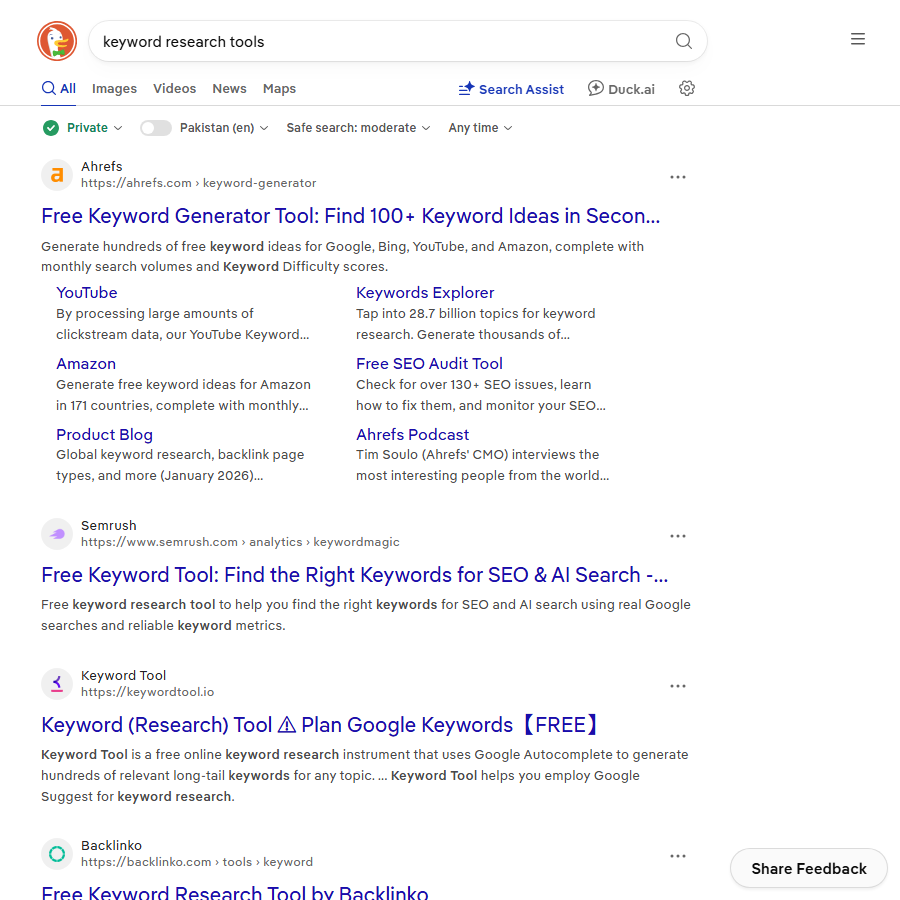
Seed expansion is the job most people mean when they say keyword research. You type “invoice software” and want every phrase a buyer might use around it. Two keyword research tools are far ahead here.
Semrush Keyword Magic Tool
Semrush has the biggest usable database for US and UK terms, and the Keyword Magic Tool is the reason. One seed returns tens of thousands of related phrases, already grouped into sub-topics down the left side, with a KD column and an intent column. The Pro plan lists at around $140 a month at the time of writing, which is the real cost of entry, because the free account caps you at 10 searches a day.
Our opinion: stay on Semrush if seed expansion is most of your research work. The volumes run higher than Ahrefs for the same term, so do not compare a Semrush number to an Ahrefs number in the same sheet without labelling which is which. We have seen a “1,900 vs 2,900” argument in a client meeting that was two tools measuring the same keyword. One caveat worth knowing before you trust the scores: each keyword difficulty tool computes difficulty on different inputs, so the numbers do not transfer between them.
Google Keyword Planner
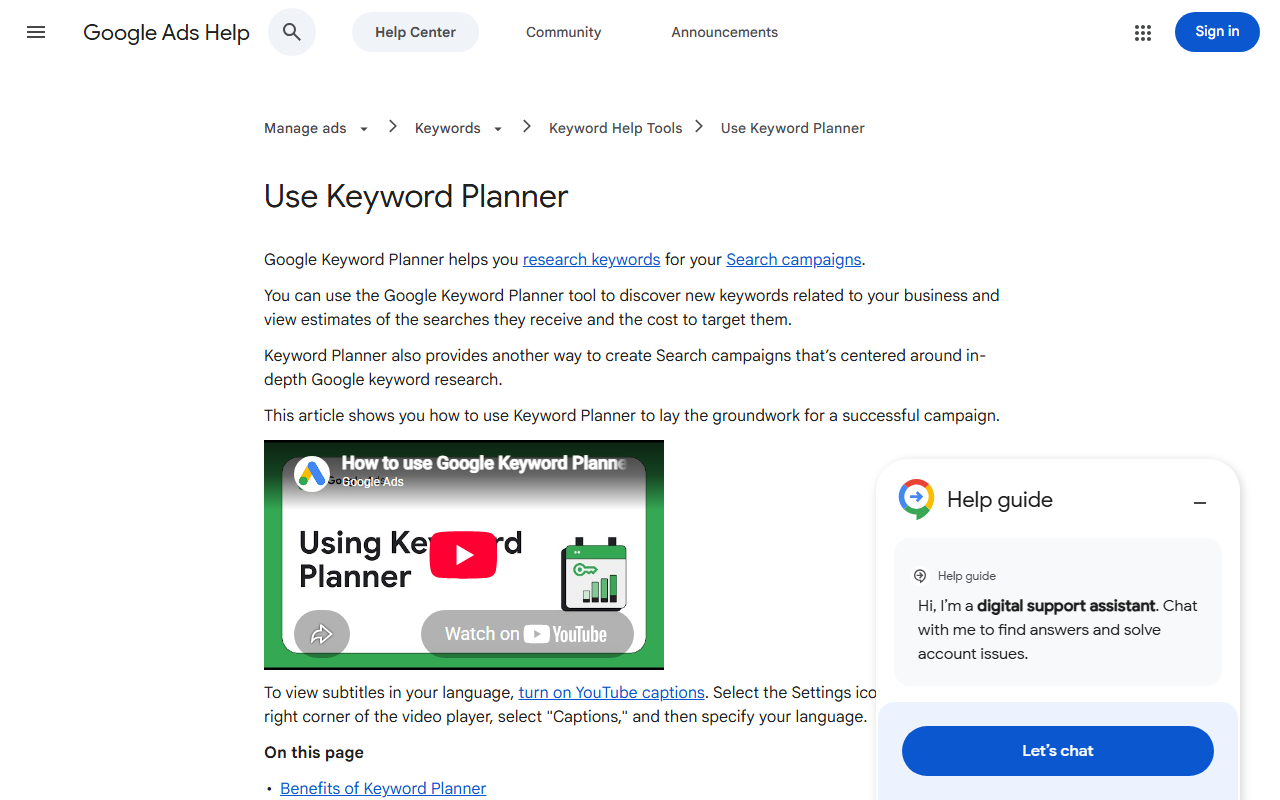
Keyword Planner is free and it is the only tool reading Google’s own data, but it buckets volumes into ranges like 1K to 10K unless you have an active Ads spend. For a SaaS team with no ad budget it is still useful for one thing: confirming that a phrase Semrush says has 2,000 searches is not actually 20. Set up an Ads account, skip the campaign, and use the Discover new keywords screen. Our guide to Keyword Planner for SEO shows the exact filters we use on a zero-spend account.
Keyword research tools for competitor gaps
The competitor gap job is different. You are not asking “what could people search”, you are asking “what do the three sites that already win in my category rank for, that I have no page for”. This is where Ahrefs is still the tool we open first.
Ahrefs Content Gap takes up to ten competitor domains, subtracts your own, and returns the terms at least two of them rank for. The Lite plan lists at $129 a month at the time of writing, and it will feel expensive until you run one gap report on a rival with 3,000 organic keywords and come out with a 90-page content plan.
The mistake we see most: teams put big review sites like G2 or Capterra into the competitor slots. Those domains rank for everything, so the gap report becomes a list of every SaaS category on earth. Use three or four direct product rivals of roughly your size, and add a fifth slot for one rival that is a year ahead of you.
Difficulty scores, and why the tools disagree
Every one of these keyword research tools shows a difficulty number, and every one calculates it differently. Ahrefs KD is mostly a link count from the top ten. Semrush KD mixes in domain authority and SERP features. Mangools and SE Ranking have their own formulas. The same term can be KD 12 in Ahrefs and KD 41 in Semrush, and neither is lying, they are measuring different things.
Our rule: use the score to shortlist, then look at the SERP with your own eyes before you commit a writer. The questions we ask on that look:
- Are the top five results product pages, blog posts, or directories? A directory wall means the term is harder than any score says.
- Does an AI Overview or an AI Mode answer sit above the results? If yes, budget for less click share.
- Is there a result from a site with under 30 referring domains in the top ten? If yes, the term is winnable for a young domain.
- Is the top result over three years old? Freshness is a cheap win.
A worked example: 40 pages for an invoicing SaaS
Here is a made-up but realistic plan we would run for a small invoicing product, call it Ledgerly, with one content person and $200 a month for keyword research tools. The numbers are illustrative.
| Step | Tool | Input | Output | Cost that month |
|---|---|---|---|---|
| 1. Seed expansion | Semrush Pro (one month) | 6 seeds: invoice software, invoicing app, recurring billing, invoice template, late payment, freelance invoicing | 2,140 terms with volume 50 or more | $140 |
| 2. Competitor gap | Semrush Keyword Gap (same subscription) | Ledgerly vs 4 rivals | 410 terms rivals rank for, Ledgerly does not | $0 extra |
| 3. Own-site mining | Google Search Console | Last 3 months, position 8 to 30, impressions 50 or more | 63 queries already close | $0 |
| 4. Intent sort | Free intent classifier | 2,613 terms pasted in | Informational 1,720, commercial 590, transactional 210, navigational 93 | $0 |
| 5. Difficulty filter | Semrush KD plus manual SERP checks on the top 80 | Commercial and transactional terms only | 112 terms under KD 30 with a weak result in the top ten | $0 |
| 6. Cluster | Spreadsheet, SERP overlap by hand | 112 terms | 38 page briefs | 2 days of time |
Total tool spend was $140 for one month of Semrush, then Ledgerly cancelled and ran on Search Console and the free tools for the next quarter. That is the pattern we recommend for most SaaS teams under 20 people: pay for one heavy month of research per quarter instead of a permanent subscription nobody logs into.
Keyword research tools compared: a decision matrix
If you only want the shortlist, this is it. List prices at the time of writing, monthly billing, cheapest plan that does the job.
| Tool | Best job | Weak job | Entry price | Pick it if |
|---|---|---|---|---|
| Semrush | Seed expansion, intent column | Backlink-based difficulty | About $140 a month | You research broad topics in the US market |
| Ahrefs | Competitor gap, KD that reflects links | Question mining | $129 a month | You reverse-engineer three or four rivals |
| Google Keyword Planner | Volume sanity check | Everything else without Ads spend | Free | You need a second opinion on a volume number |
| Mangools KWFinder | Cheap difficulty scores for long tail | Small index, misses new terms | About $29 a month billed yearly | You are a solo founder on a budget |
| SE Ranking | Rank tracking plus research in one bill | Database depth outside the US | About $65 a month | You want tracking and research in one tool |
| Google Search Console | Own-site mining | Anything you do not already rank for | Free | Always, this is not optional |
| AlsoAsked | People Also Ask trees | Volume data | Free tier, then about $15 a month | You write FAQ and support content |
If you want the longer comparison of the two big ones, we wrote up Ahrefs vs Semrush for SaaS separately, and the Semrush alternatives post covers the cheaper tier in more depth. SE Ranking sits in that cheaper tier, and our SE Ranking keyword research walkthrough covers its filters, clustering and pricing.
Keyword research tools you already have and ignore
Search Console is the keyword research tool most SaaS teams underuse. It is the only source that tells you which queries Google is already testing your pages on. Filter the Performance report to position 8 to 30 and impressions above 50, and you have a list of pages that need a better title or one more section, not a new page. We wrote a full process for pulling that data in Google Search Console keywords, including the workaround for the 1,000 row cap.
The other free source is your own support inbox and sales calls. Phrases a buyer uses on a demo call are search queries with the volume column missing. Add them to the seed list before you open any paid tool. If the budget is zero for now, our list of free SEO tools for keyword research shows how far the free stack goes.
Mistakes we see with keyword research tools
- Buying two full subscriptions. Semrush and Ahrefs together is over $260 a month. Almost nobody needs both permanently. Pick one for your main job and rent the other for a month when you need its gap report.
- Trusting volume to the unit. A term showing 1,900 searches might get 600 clicks after AI Overviews and ads take their share. Read SERP features for SaaS before you forecast traffic from a volume number.
- Skipping intent. Half of any seed expansion is informational terms that will never sign up. Sort by intent before you sort by volume. The keyword intent classifier does this free in bulk, and our high intent keywords post explains which buckets pay.
- One keyword, one page. Tools list terms one per row, so people plan pages one per row. Cluster first. Our keyword clustering guide shows how 400 terms became 38 pages.
- Researching once. Volumes move. Re-run the seed list every quarter and check Search Console monthly.
Quick recap: keyword research tools
- Rank keyword research tools by job, not by feature count: expansion, gap, difficulty, intent, own-site mining, clustering, questions.
- Semrush is the seed expansion tool, Ahrefs is the competitor gap tool, and most teams only need one of them at a time.
- Difficulty scores from different keyword research tools are not comparable, so shortlist with the score and confirm with a manual SERP look.
- Google Search Console is the keyword research tool you already own, and position 8 to 30 queries are the fastest wins.
- Sort by intent before volume, then cluster, then brief. Free keyword research tools cover the intent and clustering steps.
- Rent a heavy tool for one month a quarter instead of paying every month for a login nobody opens.
FAQ
What are the best keyword research tools for a SaaS startup?
For most SaaS startups we recommend Google Search Console plus one paid tool, usually Semrush for broad topic research or Ahrefs if you are copying a few specific competitors. Add a free intent classifier and AlsoAsked for questions. That covers every job in the table above for well under $150 a month.
Are free keyword research tools good enough?
For own-site mining, intent sorting, and question research, yes. Search Console, our intent classifier, and AnswerThePublic’s free tier do those jobs well. For seed expansion and competitor gaps the free tools fall short, because they either bucket volumes into ranges or have small indexes, so budget for one paid month when you plan a new content batch.
Why do keyword research tools show different search volumes?
Each tool builds its own estimate from clickstream panels, Google Ads data, and its own modelling, so the same term can show 1,900 in one and 2,900 in another. The ranking between terms is usually consistent even when the absolute numbers are not. Use one tool per sheet and treat volume as a relative signal.
Is Google Keyword Planner still useful without running ads?
It is useful as a sanity check. Without an active spend you see ranges instead of exact numbers, but a range of 1K to 10K still tells you a term is real. We use it to catch tool volumes that look inflated, not as a primary research source.
How much should a small team spend on keyword research tools?
In our experience $130 to $150 a month for one heavy tool is enough, and many teams can drop to a one-month subscription per quarter. Spending over $300 a month on research tools for a site with fewer than 100 pages is almost always money that should have gone to writing.
Which keyword research tool has the most accurate difficulty score?
None of them is accurate on its own, because they measure different things. Ahrefs KD tracks links in the top ten, which matters most for a young domain. Semrush KD adds authority and SERP features. Whichever you use, look at the actual results page before committing a writer, and check for AI answers and directories that the scores do not fully account for.