A free SERP checker answers one question: where does my page rank for this keyword, right now, in this place? That is a different job from rank tracking. A tracker stores history every day. A checker gives you a single snapshot when a client emails “are we still on page one?” or when you want to confirm a change before you write the monthly report.
We check rankings by hand more often than people expect, even with paid trackers running, because a snapshot from the right location and device settles arguments fast. This post compares the free ways to do it at the time of writing, shows where each one goes wrong, and gives you a ten-minute routine that produces a number you can defend.
Free SERP checker vs rank tracker: which one you need
Most of the confusion comes from tools that sell both under one name. Here is the simple split we use.
| Question you are asking | Use | Why |
|---|---|---|
| Where do we rank today for 5 to 20 terms? | Free SERP checker | One snapshot is enough, no setup |
| Did last week’s edit move us up? | Search Console first, then a checker | Search Console has the before and after averages |
| How do we rank in Austin vs London? | Location-aware checker | Results differ by city, even for B2B terms |
| What is our trend for 200 keywords? | Rank tracker | You need stored daily history |
| Who owns the featured snippet? | Manual check of the live page | Most free checkers report position only |
If the last two rows describe your week, you have outgrown a checker. Our roundup of the free SERP rank trackers and where each one caps out picks up from there, and the cheap rank tracker comparison covers the low-cost paid tier.
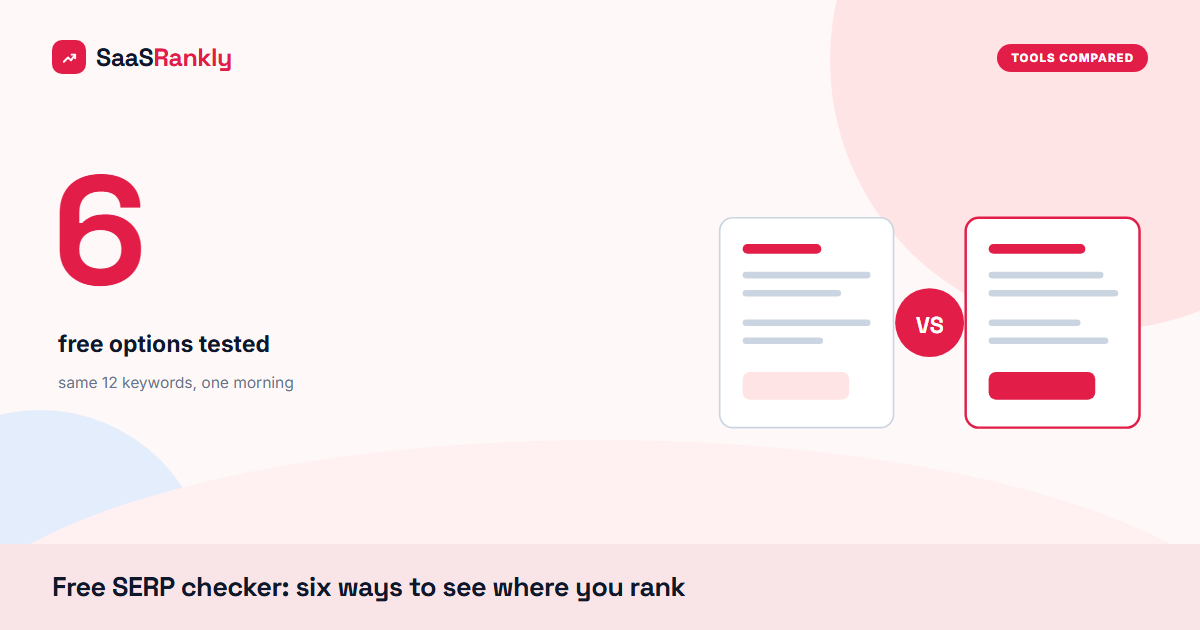
Six free SERP checker options we tested
We ran the same 12 keywords for a client site through each option on one morning, from the same office in a single country, and compared the answers against a careful manual check. The positions are from our test and will shift with your keywords, but the patterns repeat.
1. Google Search Console
Not a checker in the strict sense, but it is free and it is Google’s own data. The Performance report gives you average position per query, filterable by country and device. The catch is that it is an average across every impression over the date range, and it runs about two days behind. For “where do we usually sit” it beats every third-party tool. For “where are we at 10 am today” it cannot help. Our guide to Search Console keyword data shows the filters we use.
2. A manual search, done properly
A private window, signed out, with the country and language set in the URL (for example adding &gl=us&hl=en to the search URL). It is the most accurate free SERP checker you have, because it is the real page. It is also slow, and Google may still lean on your IP address for location.
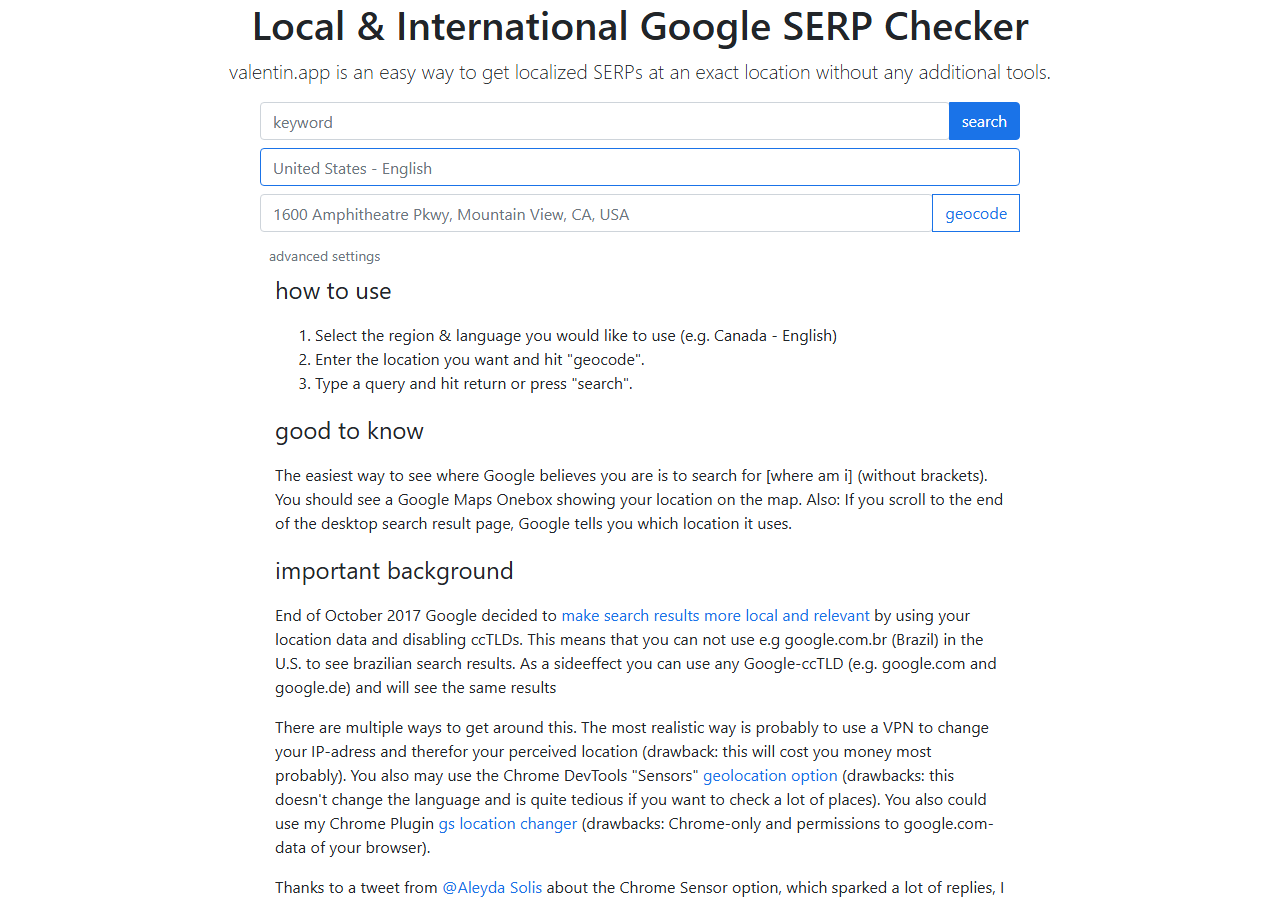
3. Valentin.app
A small free tool that builds a Google search URL for a specific city or country, so you can see a localised results page in your own browser. We use it for local and “near me” checks. It shows you the page, not a position number, so you count by hand.
4. Google Ads Ad preview and diagnosis
Inside any Google Ads account, under Tools, the Ad preview and diagnosis tool shows the results page for a chosen location, language and device without registering an impression. You do not need to run ads, only to have an account. It is underrated for clean location checks.
5. Ahrefs free SERP checker
Shows the top results for a keyword with link metrics for each URL. Good for sizing the competition, but at the time of writing it only lists the top of the page, so it will not tell you that you sit at position 23.
6. Browser-based free rank checkers
Tools such as SERPROBOT, Small SEO Tools and the free checkers from rank tracking vendors let you enter a domain and a few keywords and return positions. Limits on keywords per check change often, and some results come from cached data, so check the date on the result.
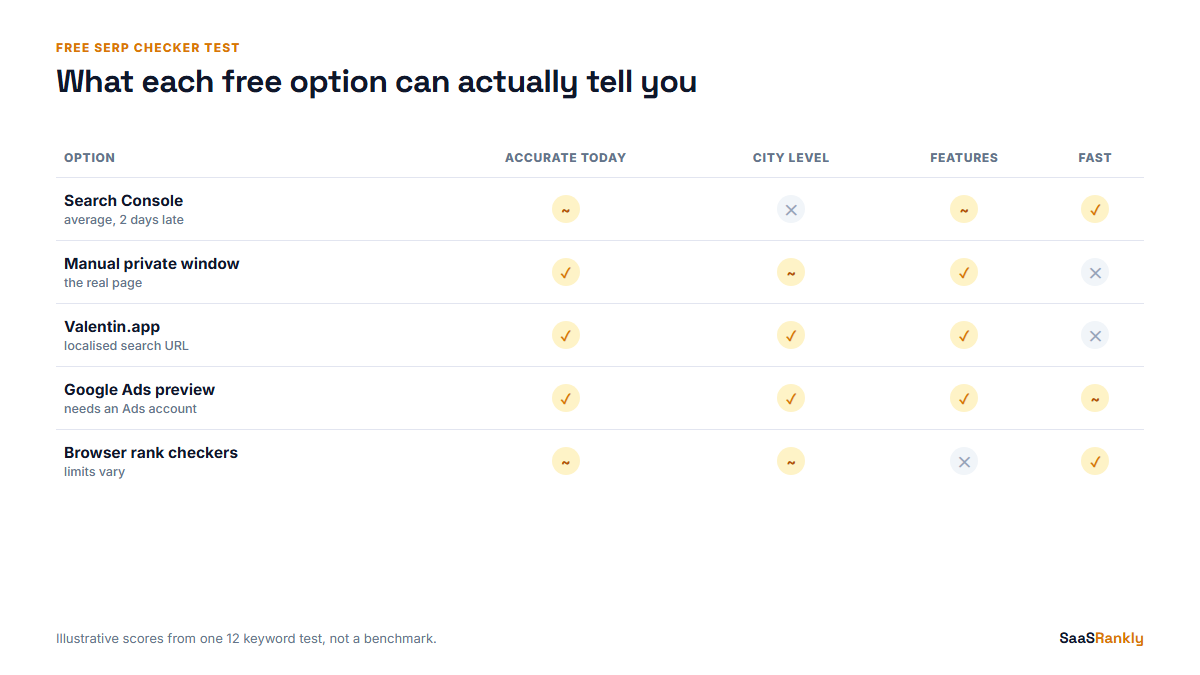
Here is how the six compared in our run. Treat the numbers as illustrative of one test, not as a benchmark you can quote.
| Option | Matched manual check (of 12) | Location control | Shows SERP features | Time for 12 terms |
|---|---|---|---|---|
| Search Console | 9 within 2 positions | Country only | Partly, via Search appearance | 3 minutes |
| Manual private window | 12 (baseline) | Country, rough city | Yes | 20 minutes |
| Valentin.app | 12, counted by hand | City level | Yes | 18 minutes |
| Ads preview tool | 11 | City, device, language | Yes | 15 minutes |
| Ahrefs free checker | 4 (only terms in the top results) | Country | No | 5 minutes |
| Browser rank checkers | 7 to 9, varied by tool | Country, some city | Rarely | 4 minutes |
Why free SERP checker results disagree
When two tools give you positions 4 and 9 for the same term, both can be right. The page they looked at was different. The usual causes, in the order we check them:
- Location. City matters more than people expect, even for software terms with no local intent.
- Device. Mobile results add more features above the first blue link, so the counted position moves.
- Counting method. Some tools count only classic organic links. Others count the snippet, video results and People Also Ask as positions.
- Timing and cache. A result checked last Tuesday is not today’s page.
- Google’s limits on automated checks. Since Google started requiring JavaScript for search and dropped the option to load 100 results on one page, many free tools see fewer results per request. We covered that in our post on Google blocking rank trackers.
A ten-minute free SERP checker routine
This is the checklist we hand to junior team members. It gives a position you can put in a client email without a caveat paragraph.
- Write down the setup first. Keyword, country, city, device, date and time. Without this a position means nothing.
- Pull the Search Console average. Last 7 days, same country and device. This is your sanity line.
- Run one location-aware check. Ads preview or Valentin.app for the city that matters to sales.
- Count the way your report counts. Decide once whether a snippet counts as position 1 or position 0, and stick with it.
- Note every feature above you. AI Overview, snippet, videos, PAA. A drop in clicks at a steady position is usually one of these, and our guide on how to track SERP features shows the log we keep.
- Check your own listing. If the title is cut off or the description is rewritten, run it through our SERP snippet preview before you blame the ranking.
- Save a screenshot with the date. It ends the “it was on page one yesterday” conversation.
Worked example: one keyword, four answers
An illustrative case from a fictional HR software site, “Teamwise”, checking the term “employee onboarding checklist” on a Monday. The numbers are invented but typical.
| Source | Position reported | What it was really measuring |
|---|---|---|
| Search Console, last 7 days, US | 6.4 | Average across all US impressions, all cities |
| Browser rank checker | 9 | Counted PAA and video results as positions |
| Ads preview, New York, desktop | 5 | Organic links only, one city |
| Manual check, mobile, signed out | 7 | A snippet and a video block above the first link |
Nothing here is wrong. The report to the client said “about position 6 in the US, behind a snippet we do not own yet”, which is accurate and gives the next action. The free SERP checker numbers were useful exactly because we knew what each one counted.
When to stop using a free SERP checker
Our rule of thumb: once you check more than 25 keywords a week, or you need to show a trend to anyone, the manual time costs more than a basic tracker. At the time of writing entry-level trackers start somewhere around 20 to 50 dollars a month, and our rank tracker comparison lists what each plan includes. Keep the free SERP checker routine anyway. Even with a paid tracker, a careful manual check is how you catch a tracker that has started counting differently.
Quick recap: free serp checker
- A free SERP checker gives one snapshot; a rank tracker stores history. Pick by the question you are asking.
- Search Console is the best free source for average position, but it is about two days behind.
- For location checks, the Google Ads preview tool and Valentin.app are the most reliable free options we use.
- Tools disagree because of location, device, counting method and cached data, not because one is lying.
- Always record keyword, place, device and time with any position you report.
- Past about 25 keywords a week, a paid tracker costs less than your time.
FAQ
What is the best free SERP checker?
For your own site, Google Search Console, because it is Google’s data. For a snapshot from a specific city, the Google Ads Ad preview and diagnosis tool. Browser-based checkers are fine for a quick look at a handful of terms.
How do I check my Google ranking for free?
Open a private window, sign out, set the country in the search URL and search the term. Count the organic results to find your page. Then compare with the Search Console average for the last seven days.
Why is my position different in every tool?
Each tool sees a different results page. Location, device, timing and whether features count as positions all change the number. Fix your settings and counting method, and the gaps shrink.
Can a free SERP checker show local rankings?
Some can. Valentin.app and the Google Ads preview tool let you choose a city. Most browser rank checkers only set the country, so they miss local differences.
Is checking rankings manually against Google’s rules?
Searching by hand is normal use. Automated scraping of Google results is against its terms, which is one reason free tools limit how many checks you can run.
How often should I check rankings?
Weekly is enough for most SaaS keywords. Check sooner only after a big page change or a confirmed Google update, and look at the Search Console trend before reacting to a single snapshot.