Using Google Keyword Planner for SEO feels like borrowing a tool built for someone else, because it was. Keyword Planner lives inside Google Ads and exists to sell clicks. Still, it is free, the data comes from Google itself, and with a few workarounds it does three SEO jobs better than most paid tools. It also does two jobs badly, and those are the ones people tend to rely on it for.
We use Keyword Planner for SEO on almost every new SaaS project, usually in the first week, before anyone has paid for Ahrefs or Semrush. Here is the exact setup, what the numbers really mean, and where we stop trusting it.
Step 1: Get into Keyword Planner without spending on ads
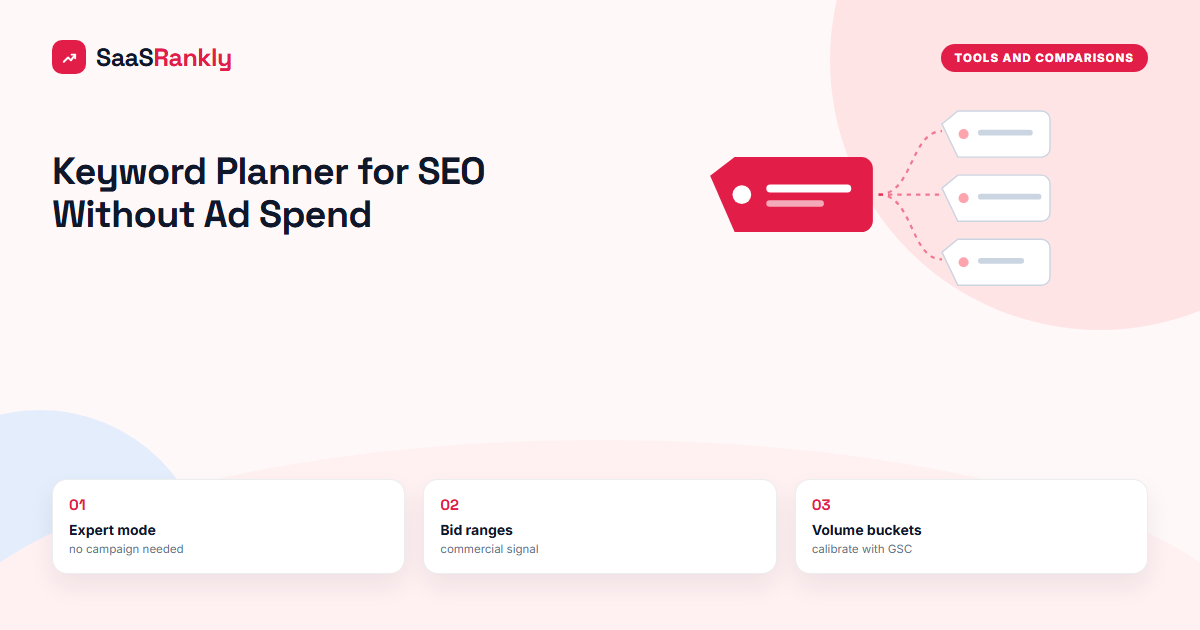
You need a Google Ads account, but you do not need a running campaign. The trick is the expert mode switch during sign-up.
- Go to ads.google.com and sign in with the Google account you use for Search Console.
- When Google pushes you into creating a campaign, look for “Switch to Expert Mode” at the bottom of the screen.
- On the next screen choose “Create an account without a campaign.”
- Confirm billing country, time zone and currency. You will not be charged without an active campaign.
- Open Tools, then Planning, then Keyword Planner.
The whole thing takes about five minutes. Pick the time zone carefully, because it cannot be changed later.
Step 2: Know what you are looking at
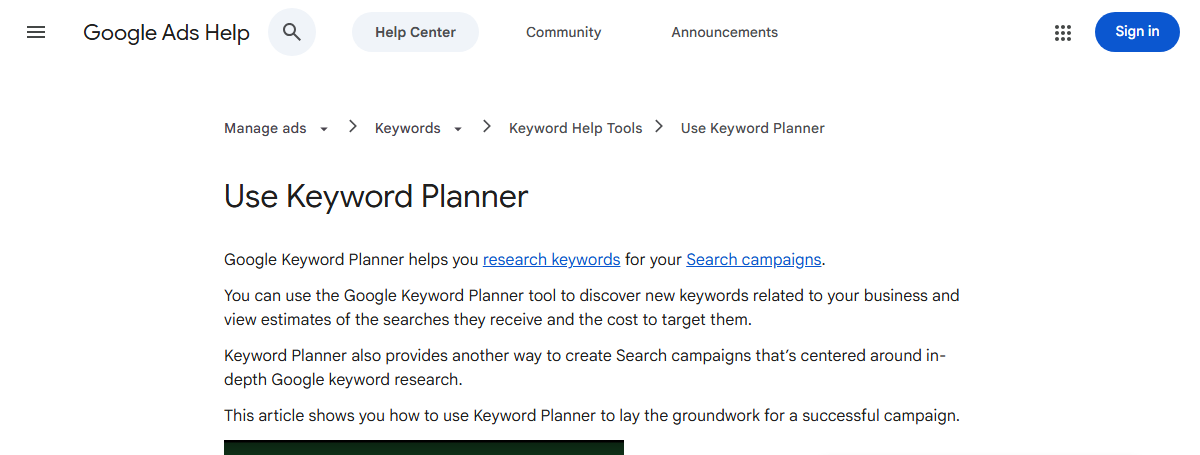
Keyword Planner has two entry points. “Discover new keywords” takes seed words or a URL and returns ideas. “Get search volume and forecasts” takes a list you already have and returns numbers. For SEO we use the first for exploration and the second for sanity checks.
Each row shows average monthly searches, three-month change, year-on-year change, competition and top of page bid ranges. Two of those columns mislead SEO people every week:
- Competition is about advertisers bidding, not about how hard it is to rank organically. “High” competition often marks a commercial keyword worth chasing, not one to avoid.
- Average monthly searches on an account with no spend shows wide ranges such as “1K to 10K” instead of exact figures. Accounts with steady spend see precise numbers, still rounded.
Keyword Planner also merges close variants. “Project management tool” and “project management tools” often share a single volume line. That is fine for ads and slightly annoying for SEO, because the two can return different results pages.
Where Keyword Planner for SEO beats paid tools
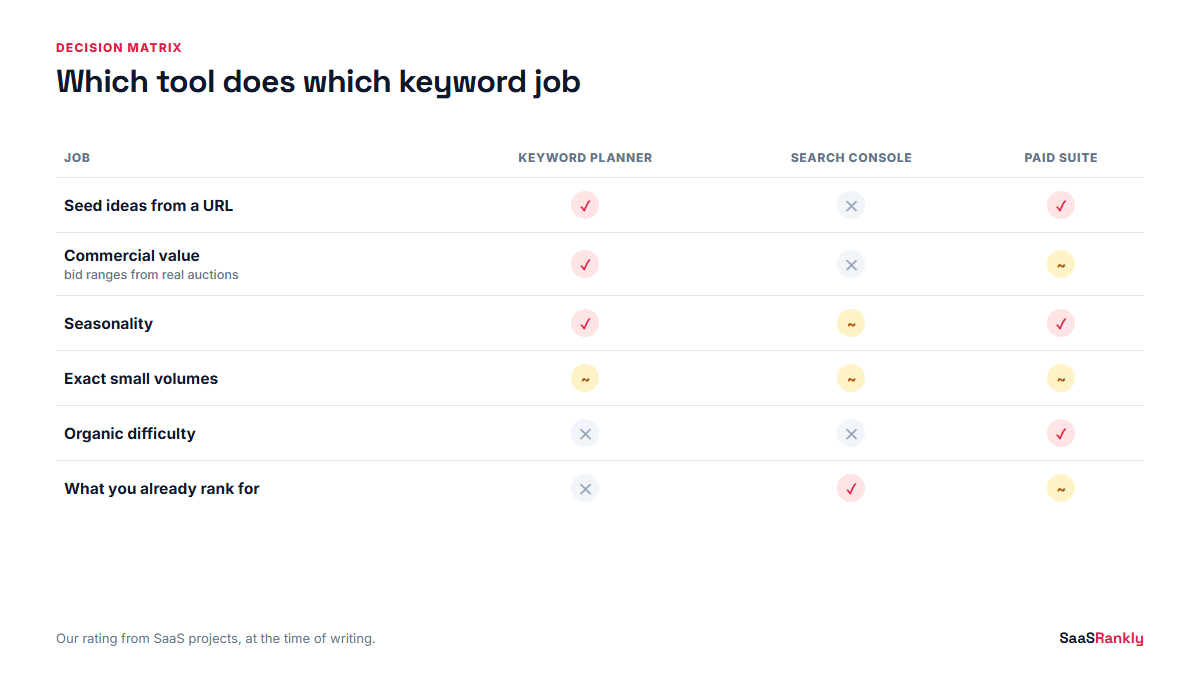
We would not use it as our only tool, but in three areas it holds its own. The decision matrix below is how we split work between Keyword Planner, Search Console and a paid suite on a typical SaaS project.
| Job | Keyword Planner | Search Console | Paid suite (Ahrefs, Semrush) |
|---|---|---|---|
| Finding seed ideas from a competitor URL | Good, and free | Not possible | Best |
| Commercial value of a term | Best (bid ranges come from real auctions) | Not shown | Estimated CPC, often borrowed from Google |
| Seasonality and trend | Good, 12 months plus change columns | Only for terms you already rank for | Good |
| Exact volume for small terms | Weak without spend | Impressions are real but only for your site | Modelled, sometimes off by 2x |
| Organic difficulty | Not available | Not available | Available, scores disagree |
| What you already rank for | Not available | Best | Good estimate |
The bid column is the underrated one. If advertisers pay $18 a click for a term, someone is making money from that searcher. For a SaaS site deciding which of two similar keywords to write for first, that signal is worth more than a 200-search difference in volume. Our post on high intent keywords uses the same logic.
Step 3: Run discovery the SEO way
Here is the routine we follow when using Keyword Planner for SEO on a new site.
- Start with a competitor URL, not a word. Paste a competitor’s category or feature page into “Start with a website” and choose “Use only this page.” The ideas reflect what Google thinks that page is about, which is often more useful than what you think.
- Set location and language deliberately. The default is your account country. For a US-focused SaaS, set United States and English, or the numbers mean nothing.
- Remove your brand and competitor brands with the refine keywords panel so the list shows category demand only.
- Download to a sheet. The export includes monthly searches for each of the last 12 months, which the interface hides.
- Tag intent before you cluster. Run the list through our keyword intent classifier for a first pass, then fix the obvious mistakes by hand.
- Group into page-sized clusters. Our keyword clustering guide covers how we decide what shares a page.
Step 4: Calibrate the ranges against your own data
The volume ranges are the biggest complaint about Keyword Planner for SEO, and there is a practical fix. Once a page ranks on page one, Search Console impressions tell you what the real demand is for your position. Compare that against the bucket Keyword Planner gave you and you learn how to read the buckets for your niche.
Here is an illustrative example from a fictional HR software site, “Rostera.” The numbers are invented to show the method.
| Keyword | Keyword Planner bucket | Paid tool estimate | GSC impressions per month (position 1 to 3) |
|---|---|---|---|
| shift scheduling software | 1K to 10K | 2,400 | 3,100 |
| employee rota template | 1K to 10K | 1,300 | 5,800 |
| rota app for restaurants | 100 to 1K | 260 | 410 |
| shift swap policy | 100 to 1K | 90 | 640 |
| staff scheduling free | 1K to 10K | 1,900 | 1,200 |
The paid tool undercounted the template and policy terms by a wide margin, which we see often with informational terms that have many long variants. Keyword Planner’s buckets were vague but never wrong. Search Console was the only honest number, and only after ranking. If you want to pull these impression numbers cleanly, see getting keyword data out of Search Console.
Where we stop using Keyword Planner for SEO
Three jobs it simply cannot do:
- Ranking difficulty. It knows nothing about the organic results page. You still need to look at who ranks, or use a tool covered in our post on keyword difficulty tools.
- Long-tail discovery under about 50 searches. Tiny terms are often hidden or lumped together. For SaaS, where some alternatives queries have 30 searches and convert at 8 percent, that gap matters.
- Competitor rankings. It can tell you what a page is about, not what it ranks for or how much traffic it gets.
That is why our standard stack for a new SaaS site is Keyword Planner plus Search Console for free, then one paid suite once there is budget. The full ranking of free options is in our post on free SEO tools for keyword research, and the paid side is covered in keyword research tools ranked by job.
Checklist before you trust a Keyword Planner number
- Location and language match the market you sell to.
- You are reading the 12-month export, not just the average.
- You checked whether the term was merged with a close variant.
- You looked at the bid range as a commercial signal.
- You opened the live results page before deciding the term is worth a page.
- You set a reminder to compare the bucket with Search Console impressions 90 days after publishing.
Quick recap: keyword planner for SEO
- Keyword Planner is free inside Google Ads; use expert mode to create an account without a campaign.
- The competition column measures advertisers, not organic difficulty.
- Without ad spend, volumes show as ranges; calibrate them against Search Console impressions.
- Bid ranges are the best free signal of commercial value for a term.
- Start discovery from a competitor URL and export the 12-month data.
- Pair it with Search Console and, later, one paid tool for difficulty and long-tail terms.
FAQ
Is Google Keyword Planner good for SEO?
Yes for seed ideas, seasonality and commercial value, no for organic difficulty or exact small volumes. Using Keyword Planner for SEO works best as one part of a stack with Search Console.
Is Keyword Planner free?
Yes. You need a Google Ads account, but you can create one without a campaign and use Keyword Planner without paying for ads.
Why does Keyword Planner show ranges instead of exact volumes?
Google shows exact (still rounded) averages only to accounts with meaningful ad spend. Accounts with no active campaigns see ranges such as 100 to 1K or 1K to 10K.
Does the competition column mean SEO difficulty?
No. It measures how many advertisers bid on the keyword in Google Ads. A high value usually means the term has commercial value, which is useful, but it says nothing about organic rankings.
How accurate is Keyword Planner compared to Ahrefs or Semrush?
The source data is Google’s own, so the buckets are rarely wrong, just vague. Paid tools give exact-looking numbers that are modelled and can be off by half or double for long-tail terms.
Can I use a keyword planner for SEO without a Google account?
Not Google’s. You need a Google account and an Ads account. Free alternatives exist, but their volume data often originates from Google’s anyway, so it is worth the five-minute setup.