A SaaS startup does not need a 249-dollar SEO subscription before it has traffic to analyse. It needs to know what to build, whether Google can see it, and whether it is working. The stack below does all three for free, and it is the stack behind the first year of most SaaS sites that later grew into paid tools.
This guide covers free seo tools for saas for SaaS teams: what it means, why it matters, and the practical steps to get it right.
The stack at a glance
| Job | Tool | Cost | Limit |
|---|---|---|---|
| See what Google sees | Google Search Console | Free | Your sites only |
| Backlinks and keywords for your site | Ahrefs Webmaster Tools | Free | Verified sites only |
| Crawl and audit | Screaming Frog SEO Spider | Free | 500 URLs |
| Speed and Core Web Vitals | PageSpeed Insights | Free | None |
| Keyword intent and page mapping | SaaS Rankly Keyword Intent Classifier | Free, no signup | 500 keywords per run |
| Title and meta preview | SaaS Rankly SERP Snippet Preview | Free, no signup | None |
| Structured data | SaaS Rankly Schema Generator plus Rich Results Test | Free | None |
| Trends and seasonality | Google Trends | Free | Relative data only |
| Reporting | Looker Studio | Free | None |
| Image optimisation | SaaS Rankly Image Compressor and Resizer | Free, no signup | Runs in browser |
1. Google Search Console
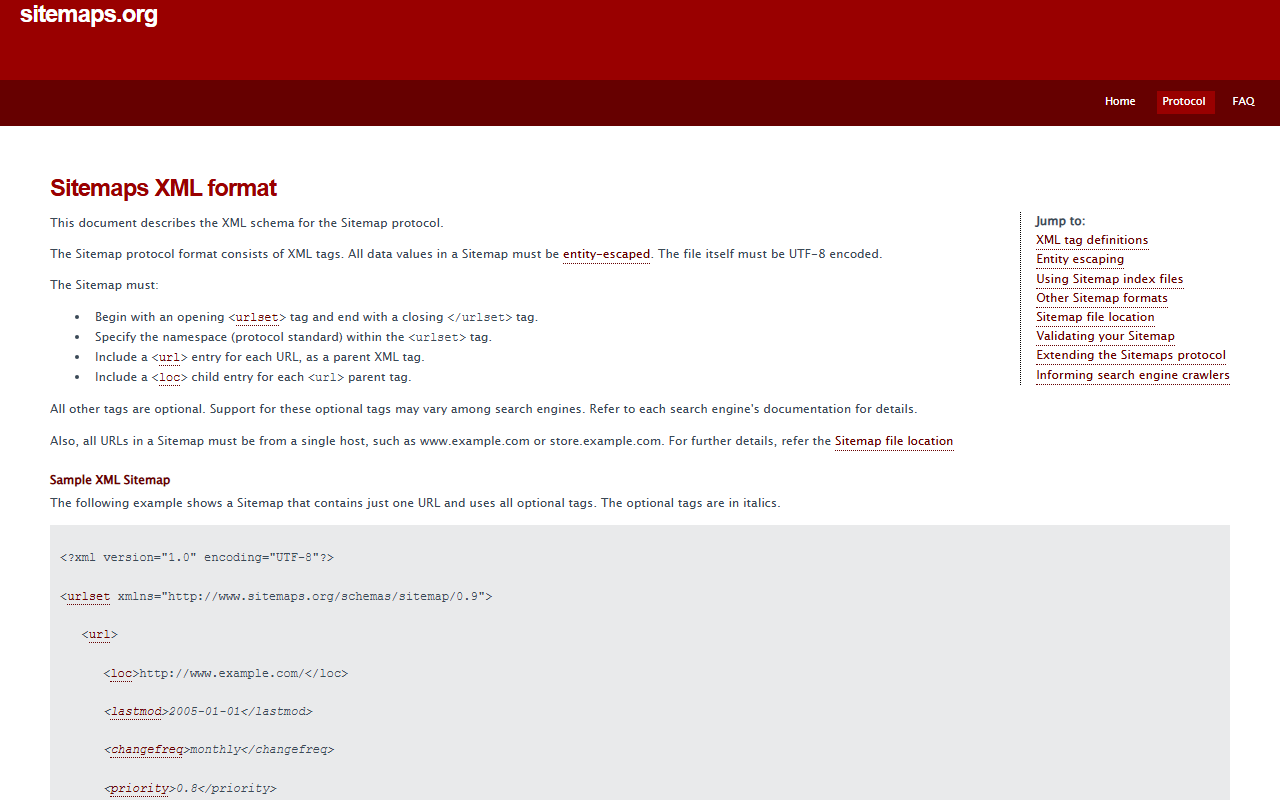
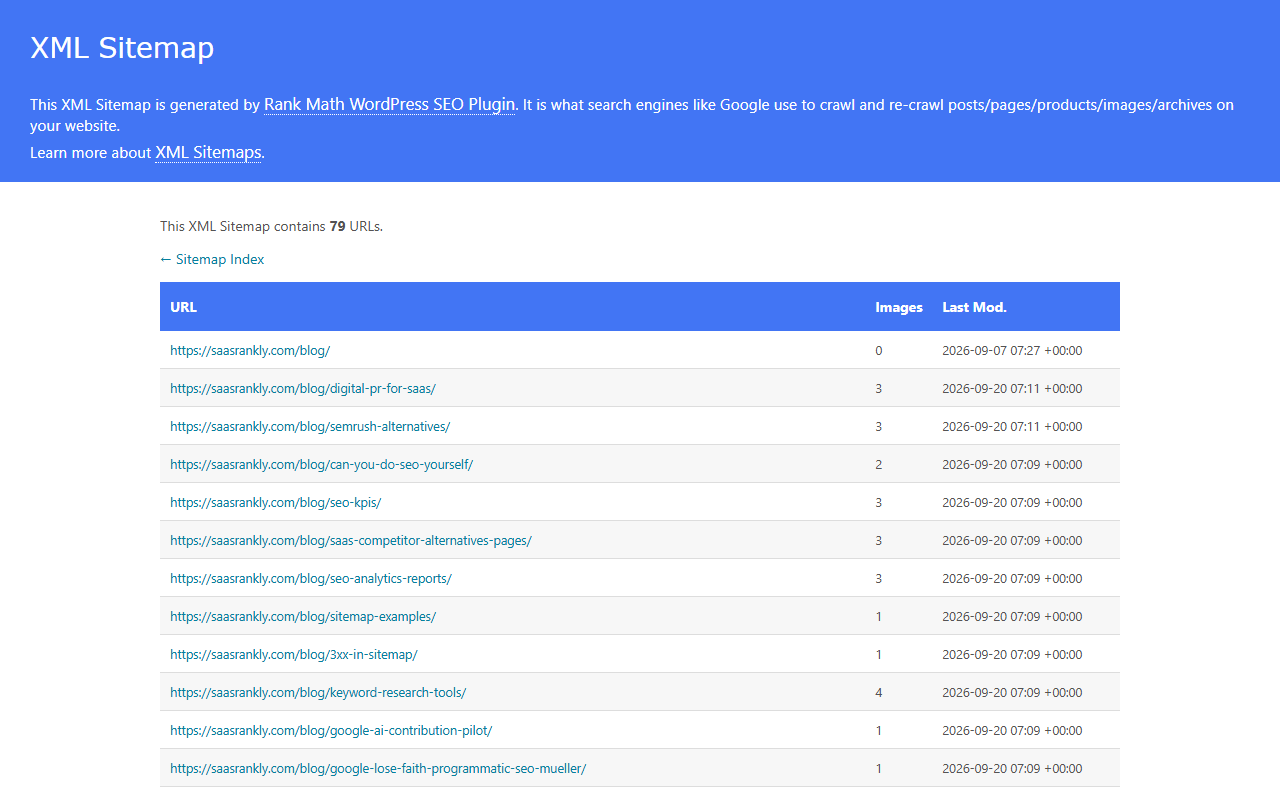
The only source of truth for impressions, clicks, indexing and Core Web Vitals status. Verify the domain property (not just the URL prefix), submit the sitemap, and check the page indexing report weekly. Everything in the indexing troubleshooting guide and the measurement guide starts here.
2. Ahrefs Webmaster Tools
Verify your site and Ahrefs gives you its Site Explorer and Site Audit for that domain free: referring domains, backlinks, organic keywords by page, and a technical audit. It does not show competitor data, which is the main reason to upgrade later. When the free stack stops being enough, our guide to SEO platforms covers which paid option fits a small team.
3. Screaming Frog SEO Spider
Desktop crawler, free up to 500 URLs, which covers most SaaS marketing sites. Run it monthly and after every release. Fix broken links, redirect chains, missing titles and duplicate pages. The technical SEO checklist lists what to look at in the export.
4. PageSpeed Insights
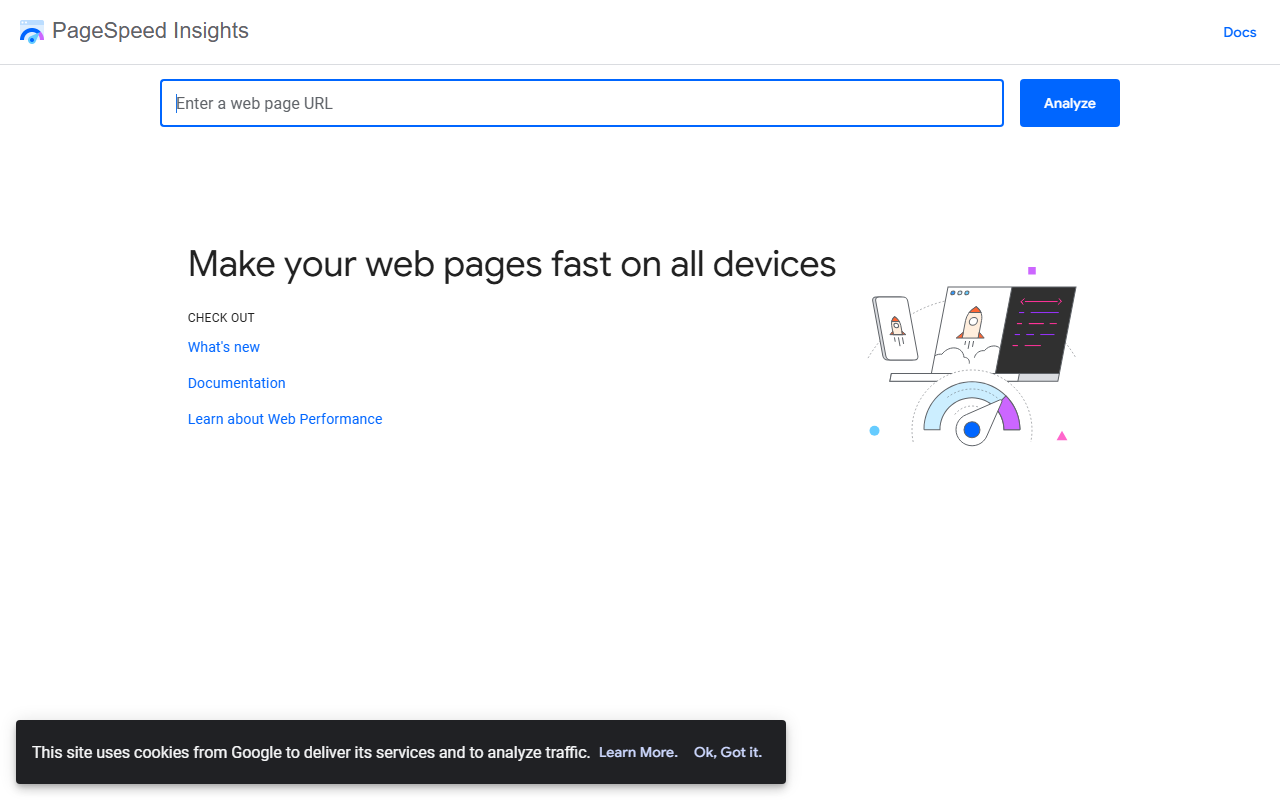
Enter a URL, get lab scores and, once you have traffic, real-user Core Web Vitals. Test the homepage, pricing page and one blog post on mobile. Under 50 needs fixing before content work; above 90 is fine.
5. Keyword Intent Classifier
Paste up to 500 keywords from Search Console, Ahrefs Webmaster Tools or autocomplete and the classifier tags each as transactional, commercial, informational or navigational with a funnel stage and page type. It replaces the manual intent pass in SaaS keyword research and runs entirely in your browser.
6. SERP Snippet Preview
Titles that truncate lose the year, the verdict or the brand. The preview tool measures pixel width for desktop and mobile so you can fix a title before it is live. Use it on every comparison and alternatives page, where the title is doing most of the work.
7. Schema Markup Generator and Rich Results Test
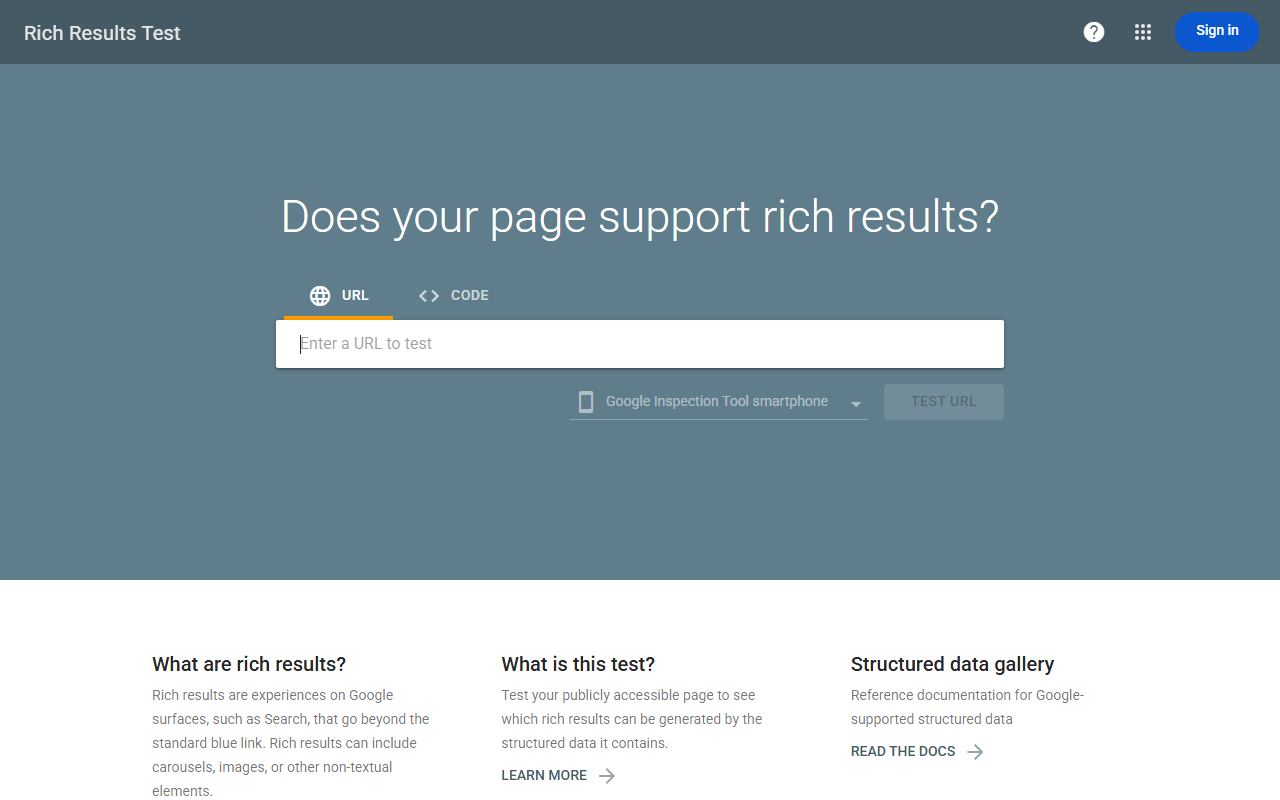
Generate FAQPage, Article, SoftwareApplication, Organization and Breadcrumb JSON-LD with the generator, paste it in, then validate in the Rich Results Test. Structured data on SaaS pages earns FAQ and software rich results that increase click-through without changing rank.
8. Google Trends
Relative interest over time for any term, free. Use it to check whether a category is growing before committing a quarter of content to it, and to compare two competitors’ brand searches.
9. Looker Studio
Connect Search Console and GA4 and build the five-row report from the SEO reporting guide. Schedule it to email every Monday. Free, and it removes the weekly screenshot ritual.
10. Image Compressor and Social Image Resizer
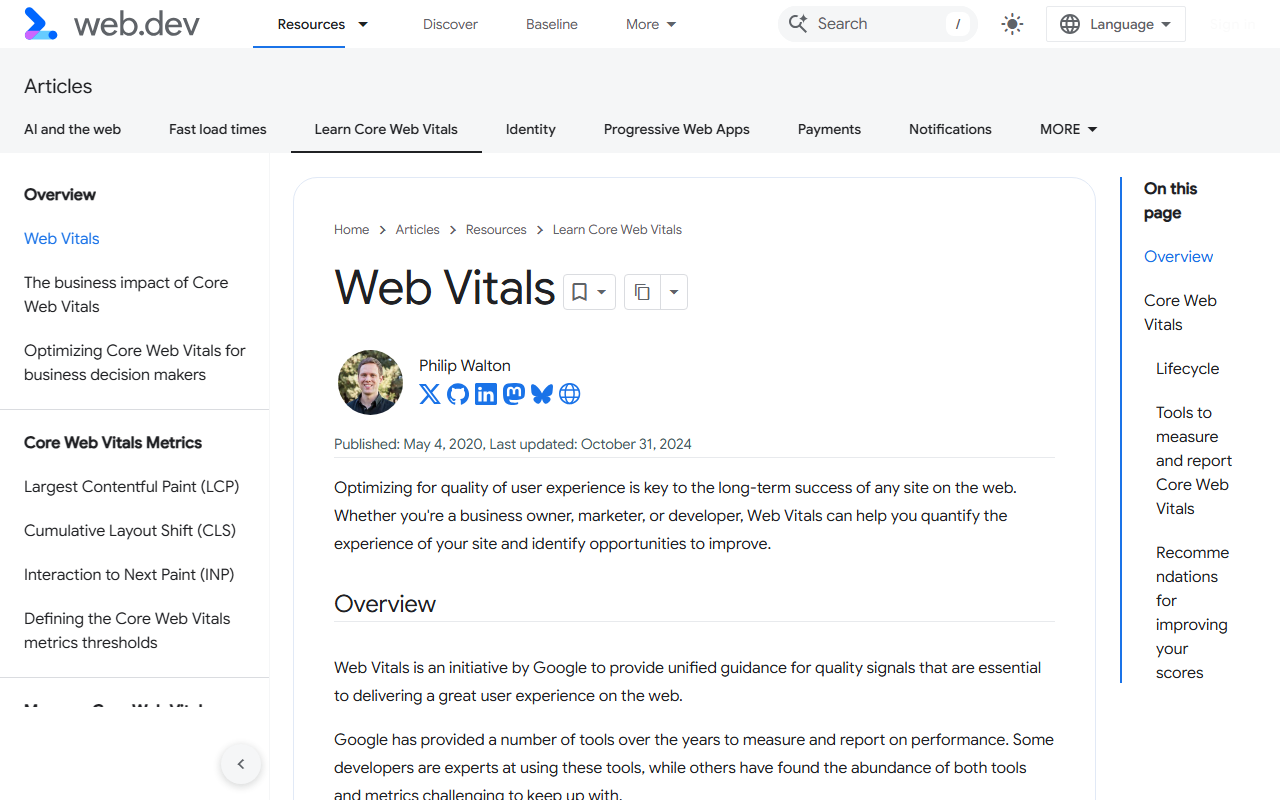
Large images are the most common cause of a failed Largest Contentful Paint on SaaS blogs. The compressor shrinks screenshots before upload and the resizer produces correctly sized Open Graph images so shares look right. Both run in the browser and nothing is uploaded.
When to start paying
Three triggers, any one of which justifies an Ahrefs or Semrush subscription:
- You need competitor keyword and backlink data to plan the next quarter, and Search Console only shows your own.
- You are building links deliberately and need fresh backlink data for prospecting and for tracking wins.
- You track more than 50 keywords and checking them by hand takes an hour a week.
The Ahrefs vs Semrush comparison covers which one to pick when you get there.
Frequently asked questions about free SEO tools for SaaS
Is the free stack enough to rank?
Yes for the first six to twelve months. Ranking is decided by pages and links, not by tools. The tools tell you what to build and whether it worked.
What about free trials of paid tools?
Useful for a one-off competitor export at the start of a quarter. Do the research in the trial window, export everything, and cancel.
Are browser-based tools safe for confidential keyword lists?
The SaaS Rankly tools process everything in your browser and send nothing to a server. Check the privacy note on any other tool before pasting internal data.
Do I need a rank tracker?
Not until you have more than 50 keywords to watch. Search Console performance data, filtered by page, covers the early stage.
Quick recap: Free seo tools for saas
Free seo tools for saas usually comes down to a short, repeatable checklist. Use this whenever free seo tools for saas comes up again:
- Diagnose free seo tools for saas by checking the relevant report first, not assumptions.
- Confirm the current setup is actually causing free seo tools for saas before you change anything.
- Re-check free seo tools for saas again after the fix ships, not before.
Treat free seo tools for saas as an ongoing signal rather than a one-time fix. For background on the platform rules behind this, see Google Search Central.