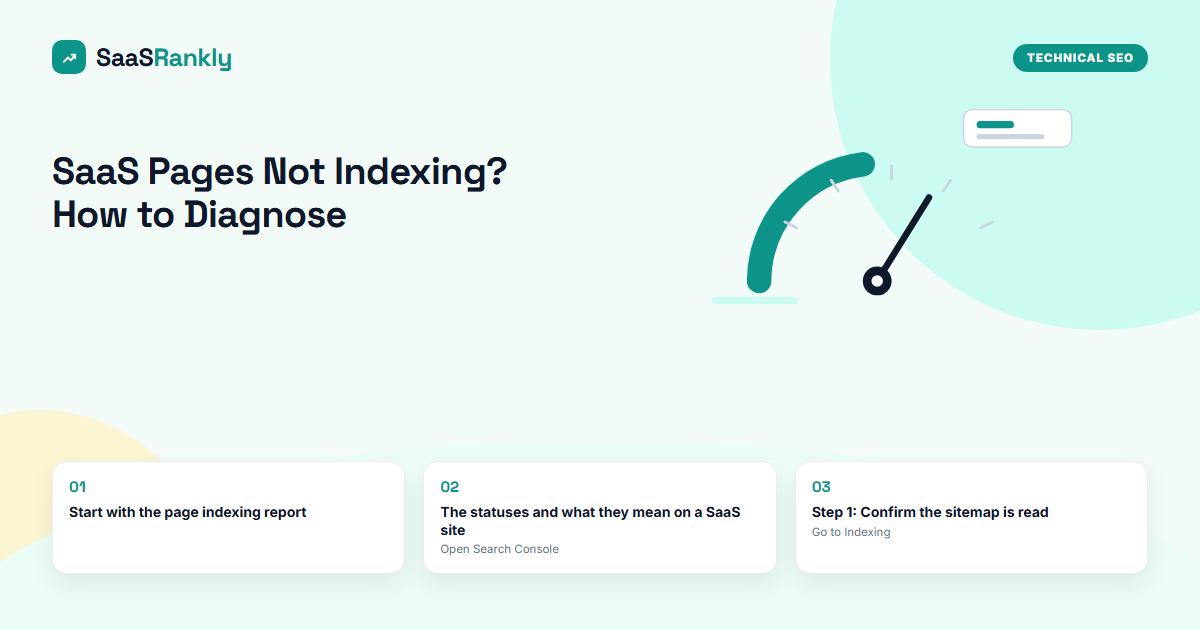
You published 40 integration pages six weeks ago and Search Console says 9 are indexed. Nothing is broken in the browser, so what is wrong? Indexing problems on SaaS sites have a short list of causes. This guide maps each Search Console status to its usual cause and fix.
This guide covers saas pages not indexing for SaaS teams: what it means, why it matters, and the practical steps to get it right.
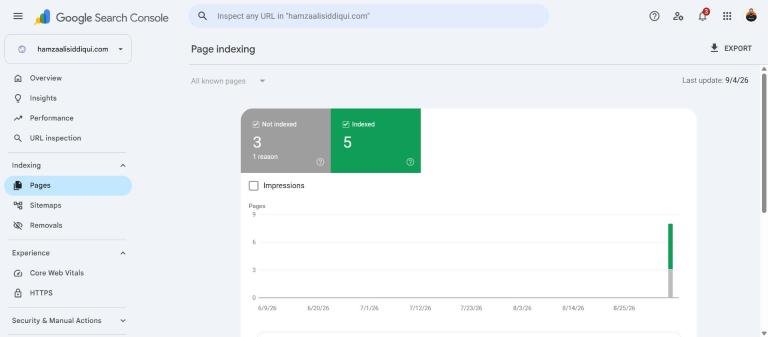
Start with the page indexing report
Open Search Console, then Indexing, then Pages. The top shows indexed versus not indexed. The table below lists reasons. Read the reasons, not the totals: 100 not-indexed pages that are all redirects is fine; 10 that are “Crawled, currently not indexed” on your money pages is not.
The statuses and what they mean on a SaaS site
| Status | What Google is saying | Usual SaaS cause | Fix |
|---|---|---|---|
| Discovered, currently not indexed | We know the URL but have not crawled it | Too many new pages at once, weak internal links, low site authority | Link the pages from the hub and nav, publish in smaller batches, earn a few links to the hub |
| Crawled, currently not indexed | We crawled it and decided not to index | Thin or templated content, near-duplicates | Add unique data per page, merge duplicates, improve the template |
| Excluded by noindex tag | You told us not to | SEO plugin default, staging config shipped to production | Remove the tag, re-check after the next deploy |
| Alternate page with proper canonical | Another URL is the canonical | Parameter URLs, trailing slash variants | Usually correct. Confirm the canonical points to the page you want |
| Duplicate without user-selected canonical | We picked a canonical for you | Missing canonical tags on similar pages | Add self-referencing canonicals everywhere |
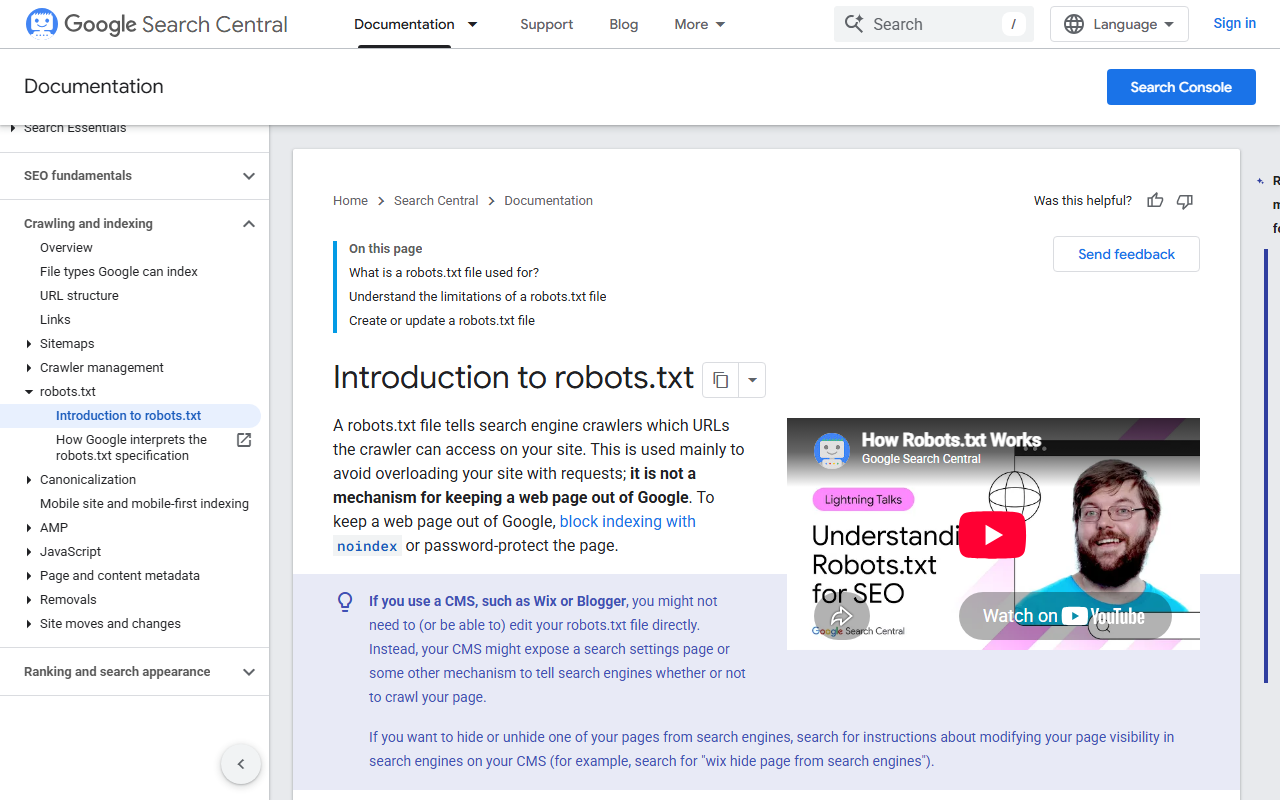
| Blocked by robots.txt | Robots blocks crawling | Leftover Disallow rule, blocked assets folder | Edit robots.txt, test in Search Console |
| Not found (404) | The URL returns 404 | Old URLs after a migration still linked internally | 301 to the new page or remove the links |
| Soft 404 | 200 status but looks empty | JS-rendered pages Google cannot render, empty template pages | Server-side render, remove pages with no data |
Step 1: Confirm the sitemap is read
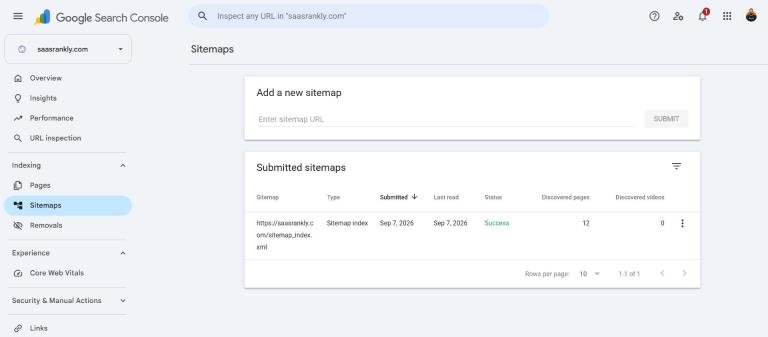
Go to Indexing, then Sitemaps. The status must read Success with a recent read date and a discovered page count that matches what you published. Pending after a week or Could not fetch means the sitemap URL is wrong, blocked or returns an error.
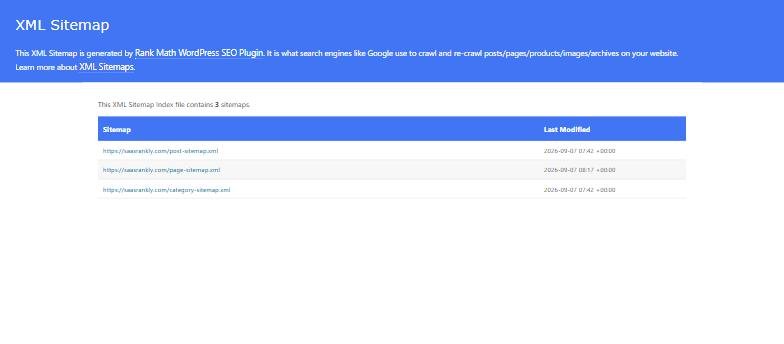
Open the sitemap in a browser too. It should list only indexable canonical URLs with 200 status. If it lists redirects, noindexed pages or app URLs, fix the sitemap generator settings. On hosted builders the generator settings sit somewhere else entirely, which is the first thing we check in our Webflow SEO guide.
Step 2: Inspect one URL from each status
Paste a URL into the search bar at the top of Search Console. The inspection shows whether the URL is on Google, the canonical Google chose, when it was last crawled, and whether the page was fetched successfully. “View crawled page” shows the HTML Google rendered. If the main content is missing there, you have a rendering problem, not a quality problem.
Step 3: Crawl the site yourself
Run Screaming Frog on the affected section. Compare its list of indexable URLs with the sitemap and with Search Console. Three lists that do not match point to the cause: pages in the crawl but not the sitemap have no sitemap entry; pages in the sitemap but not the crawl have no internal links; pages in both but not indexed have a quality or rendering issue.
Step 4: Fix by cause, not by symptom
- Batch too large: unpublish or noindex the weakest half, get the rest indexed, then release more. Covered in programmatic SEO for SaaS.
- No internal links: add the pages to a hub, a navigation dropdown and two related pages each. Orphan pages do not get indexed on a young domain.
- Thin template: add real per-page data and a unique image. If the page has no unique data, delete it.
- Rendering: move to server-side rendering or pre-render. Test again with URL inspection.
- Noindex shipped by mistake: fix, deploy, and add an automated check to the release pipeline that fails if the homepage returns noindex.
Step 5: Request indexing after the fix, not before
Request indexing from the URL inspection tool once the fix is live. Requests are limited per day and a request for a page that still has the problem does nothing. For large batches, resubmit the sitemap and wait; requests are for individual important pages.
Step 6: Track the trend weekly
Indexing on a new SaaS domain moves slowly. Check the report weekly for a month and look at the trend line, not the daily number. If indexed pages rise steadily, the fix worked. If crawled-not-indexed keeps growing, the template still needs work. The technical SEO checklist covers the preventive checks. For a brand-new site, our step-by-step on getting your website to show up on Google covers the first two weeks.
Frequently asked questions about SaaS indexing problems
How long does indexing take for a new SaaS site?
Days for the homepage and pages linked from it; two to eight weeks for deeper pages. Programmatic sets can take months and index in waves.
Does requesting indexing speed things up?
For a single fixed page, often yes within a day or two. It does not help pages Google has already judged as thin.
Should I delete pages that will not index?
If they have no unique value, yes, or noindex them. Fewer strong pages index faster than many weak ones.
Why are my app pages indexed but my landing pages are not?
Because the app leaked into the index while the landing pages are thin or orphaned. Noindex the app and link the landing pages from the navigation.
If the site runs to tens of thousands of pages, the triage order changes; see how we handle it in enterprise SaaS SEO.
Quick recap: Saas pages not indexing
Saas pages not indexing usually comes down to a short, repeatable checklist. Use this whenever saas pages not indexing comes up again:
- Diagnose saas pages not indexing by checking the relevant report first, not assumptions.
- Confirm the current setup is actually causing saas pages not indexing before you change anything.
- Re-check saas pages not indexing again after the fix ships, not before.
Treat saas pages not indexing as an ongoing signal rather than a one-time fix. For background on the platform rules behind this, see Google Search Central.