Most SaaS keyword research starts with a seed term, exports 5,000 ideas and sorts by volume. The result is a content calendar full of “what is” articles that rank, get traffic, and produce almost no signups. This guide flips the order: find the keywords that convert first, then work backwards to the ones that inform.
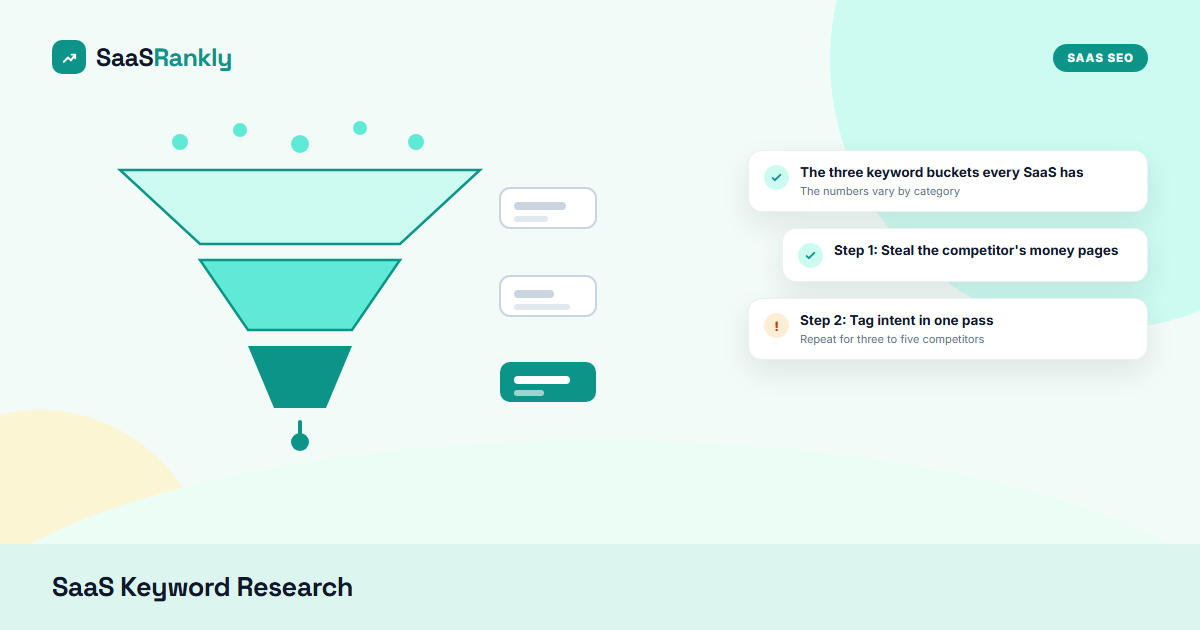
The three keyword buckets every SaaS has
| Bucket | Examples | Typical volume | Signup rate |
|---|---|---|---|
| Transactional (BoFu) | [tool] pricing, [category] software free trial, buy [category] tool | 10-500 | 3-10 pct |
| Commercial (MoFu) | best [category] for startups, [competitor] alternatives, X vs Y | 100-5,000 | 1-3 pct |
| Informational (ToFu) | what is churn, how to run a retro, [category] examples | 500-50,000 | 0.1-0.5 pct |
The numbers vary by category, but the ratio does not: a commercial keyword is worth roughly ten informational ones at the same volume. That is why the SaaS SEO strategy we recommend is bottom-of-funnel first.
Step 1: Steal the competitor’s money pages
Open a competitor’s domain in Ahrefs Site Explorer or Semrush Organic Research and sort their top pages by traffic value, not traffic. Traffic value weights each keyword by its CPC, which is a proxy for commercial intent. The pages at the top are their money pages. Export the keywords those pages rank for.
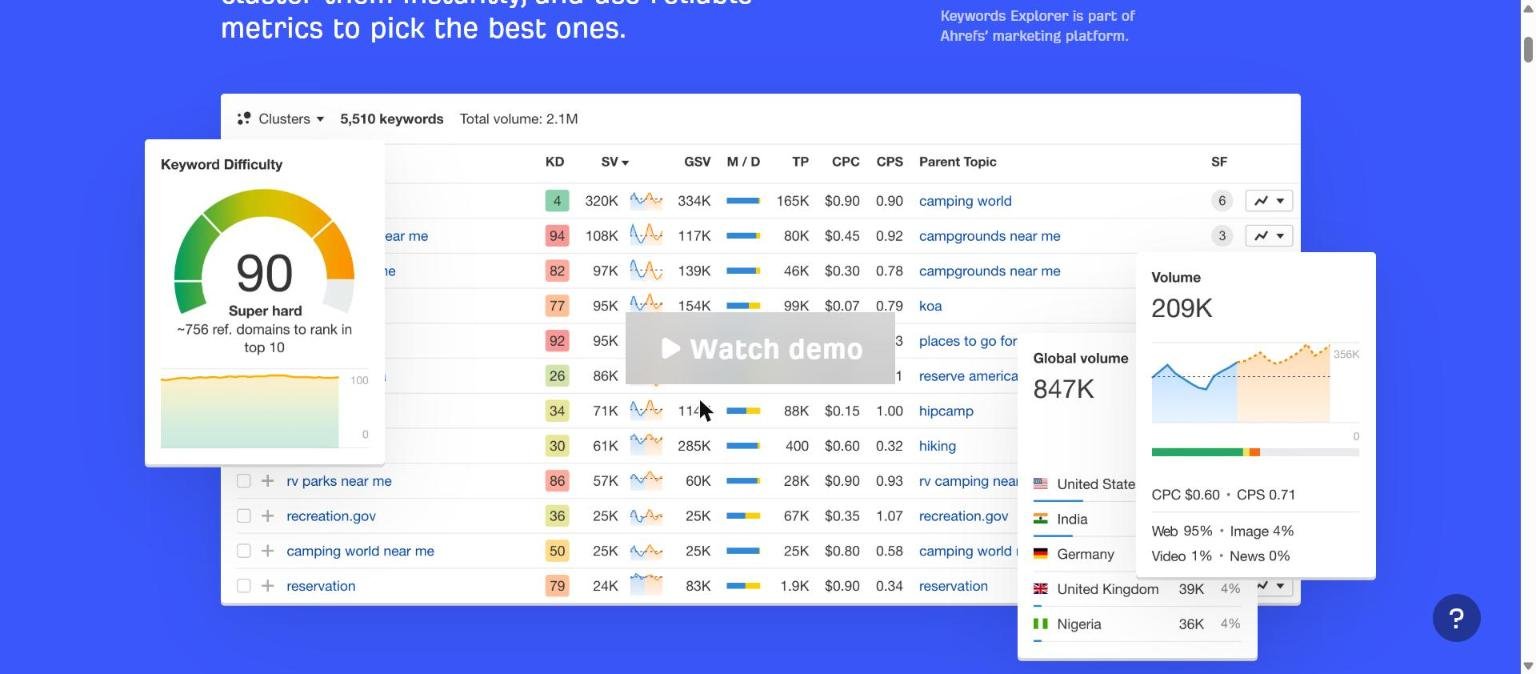
Repeat for three to five competitors. You will end up with 500-2,000 keywords, most of them commercial or transactional, already validated by someone else’s ranking.
Step 2: Tag intent in one pass
Paste the whole list into the free Keyword Intent Classifier. It labels each keyword as transactional, commercial, informational or navigational and assigns a funnel stage and the page type that should target it. Copy the CSV back into your sheet.
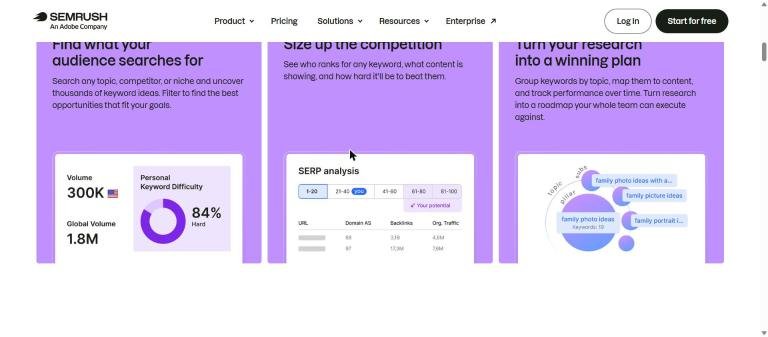
Semrush’s Keyword Magic Tool has an intent column too, and it is good for broad categories. It tends to mislabel B2B terms like “[category] platform” as informational, so spot-check anything with a category word in it. If you are still choosing which tool to run this step in, our keyword research tools guide ranks each one by the job it does best.
Step 3: Read the SERP before trusting the volume
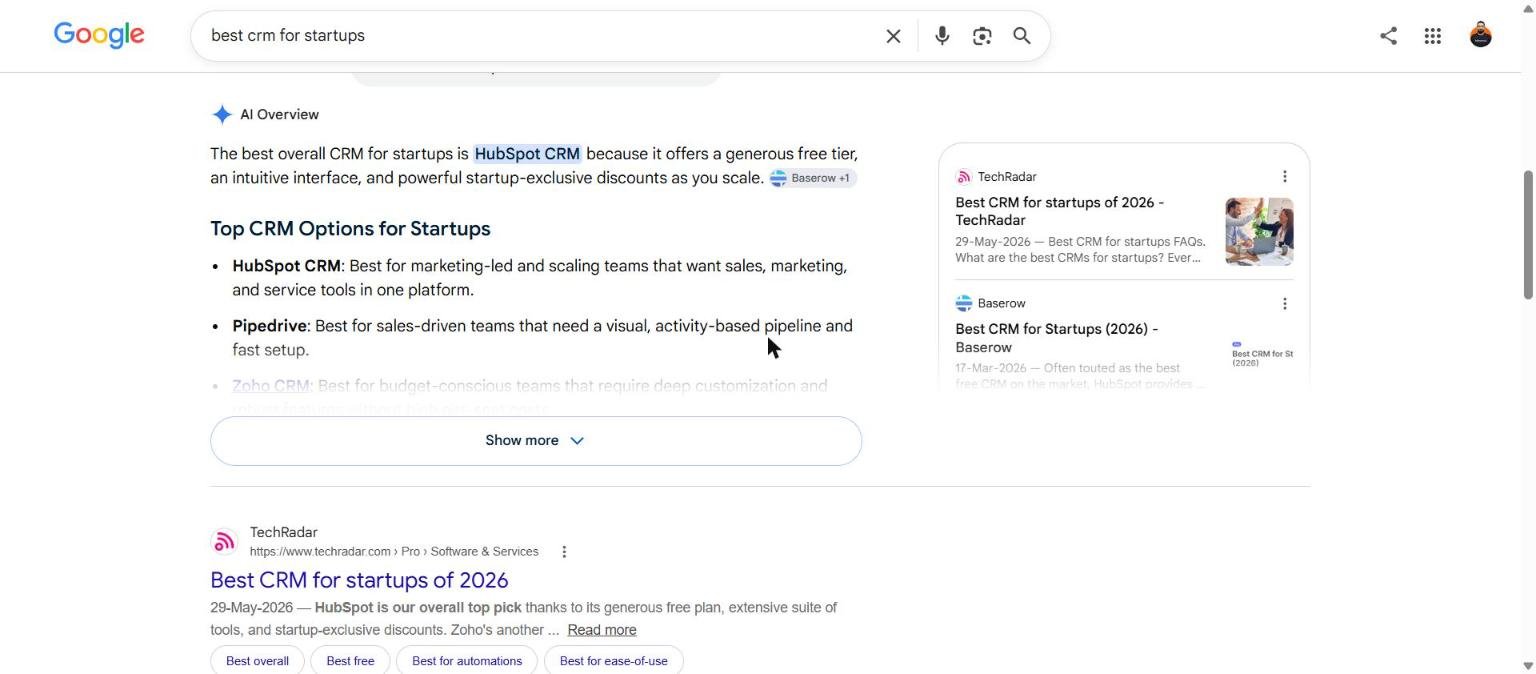
Volume tells you how many people search. The SERP tells you who Google thinks they are. Search the keyword and look at the top five results:
- Vendor pricing or signup pages ranking: transactional. Build a pricing or landing page.
- Listicles from review sites: commercial. Build a “best for” or alternatives page.
- Blog explainers and Wikipedia: informational. Build a guide, and link it to a money page.
- Mixed: Google is unsure. These are the easiest to win with a page that does both jobs.
Step 4: Score and prioritise
Add four columns to the sheet and score each keyword 1-5:
- Intent value: transactional 5, commercial 4, informational 2, navigational 0 unless it is your brand.
- Fit: does your product actually solve it? A CRM should not chase “best project management software” even if the volume is tempting.
- Winnability: KD under 20 is 5, 20-40 is 3, above 40 is 1 for a new domain.
- Volume: log scale. 10-100 is 2, 100-1,000 is 3, 1,000-10,000 is 4, above is 5.
Multiply intent by fit, add winnability and volume. Sort descending. The top 30 rows are your first quarter.
Step 5: Check seasonality and trend
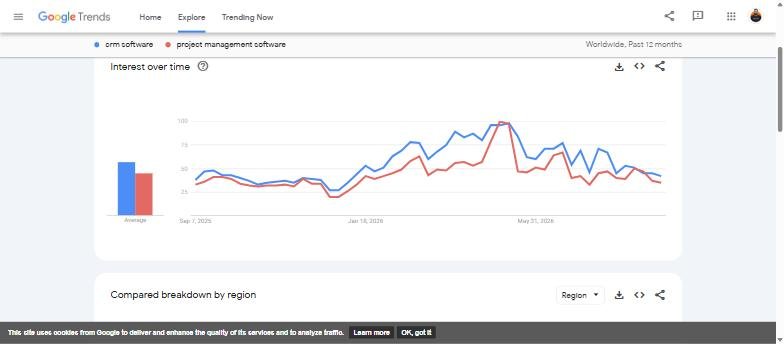
SaaS categories move. Before committing a quarter to a cluster, check the trend line. Google Trends is free and good enough to spot a category that is fading or a competitor that is surging.
Step 6: Turn keywords into pages, not posts
Group the scored list by the page type from the classifier. You will typically get:
- 5-10 alternatives pages
- 5-15 X vs Y comparison pages
- 3-8 “best [category] for [audience]” pages
- 10-30 integration pages
- A long tail of informational guides that link up into those pages
Publish the pages before the guides. The guides will rank faster once the money pages exist to link to.
Frequently asked questions about SaaS keyword research
Is 10 searches a month worth a page?
For a transactional keyword, yes. Ten searches with a 10 percent signup rate is one customer a month from a single page that took a day to build. In small categories where tools show almost no volume, our niche keyword research method works from customer language instead.
Do I need Ahrefs or Semrush to do this?
No. Google Search Console, Ahrefs Webmaster Tools, the free intent classifier and manual SERP checks cover the first six months. See the free SEO tools guide.
How often should I redo keyword research?
Quarterly for prioritisation, monthly to add new competitor pages you notice ranking.
What about AI search and zero-click results?
Commercial and transactional queries still send clicks because the searcher needs to see the product. Informational queries lose the most clicks to AI answers, which is another reason to start at the bottom of the funnel.
Keyword research is only one of the SEO components, and it is the third one to build, not the first.
Quick recap: Saas keyword research
Saas keyword research usually comes down to a short, repeatable checklist. Use this whenever saas keyword research comes up again:
- Diagnose saas keyword research by checking the relevant report first, not assumptions.
- Confirm the current setup is actually causing saas keyword research before you change anything.
- Re-check saas keyword research again after the fix ships, not before.
Treat saas keyword research as an ongoing signal rather than a one-time fix. For background on the platform rules behind this, see Google Search Central.