Sessions went up 40 percent and signups stayed flat. That sentence is why SaaS SEO gets its budget cut. Measurement that stops at traffic cannot tell the difference between a blog post that ranks for a trivia question and a comparison page that closes deals. This guide sets up measurement that can.
This guide covers measure saas seo for SaaS teams: what it means, why it matters, and the practical steps to get it right.
The five metrics that matter
| Metric | Source | Why | Cadence |
|---|---|---|---|
| Organic signups (or trials, demos) | GA4 key event, organic channel | The number the business cares about | Weekly |
| Organic signups by landing page group | GA4 exploration with page path regex | Shows which page types convert | Weekly |
| Clicks to money pages | Search Console, page filter | Leading indicator for signups | Weekly |
| Indexed pages and impressions by section | Search Console page indexing and performance | Shows content is being seen at all | Weekly |
| Organic pipeline or revenue | CRM with first-touch source | Proves ROI to finance | Monthly |
Metrics to stop reporting: total sessions, average position across all keywords, domain authority, bounce rate. None of them predict revenue and all of them can move for reasons unrelated to your work. Those are the same tiles we strip out when we build an enterprise SEO dashboard, for exactly the same reason.
Step 1: Define one key event in GA4
Pick the action that starts a customer relationship: account created, trial started or demo booked. Fire it as a GA4 event from the app on completion (not on form submit) and mark it as a key event. If the app is on a subdomain, set up cross-domain measurement so the session and its source survive the jump from marketing site to app.
Step 2: Group landing pages
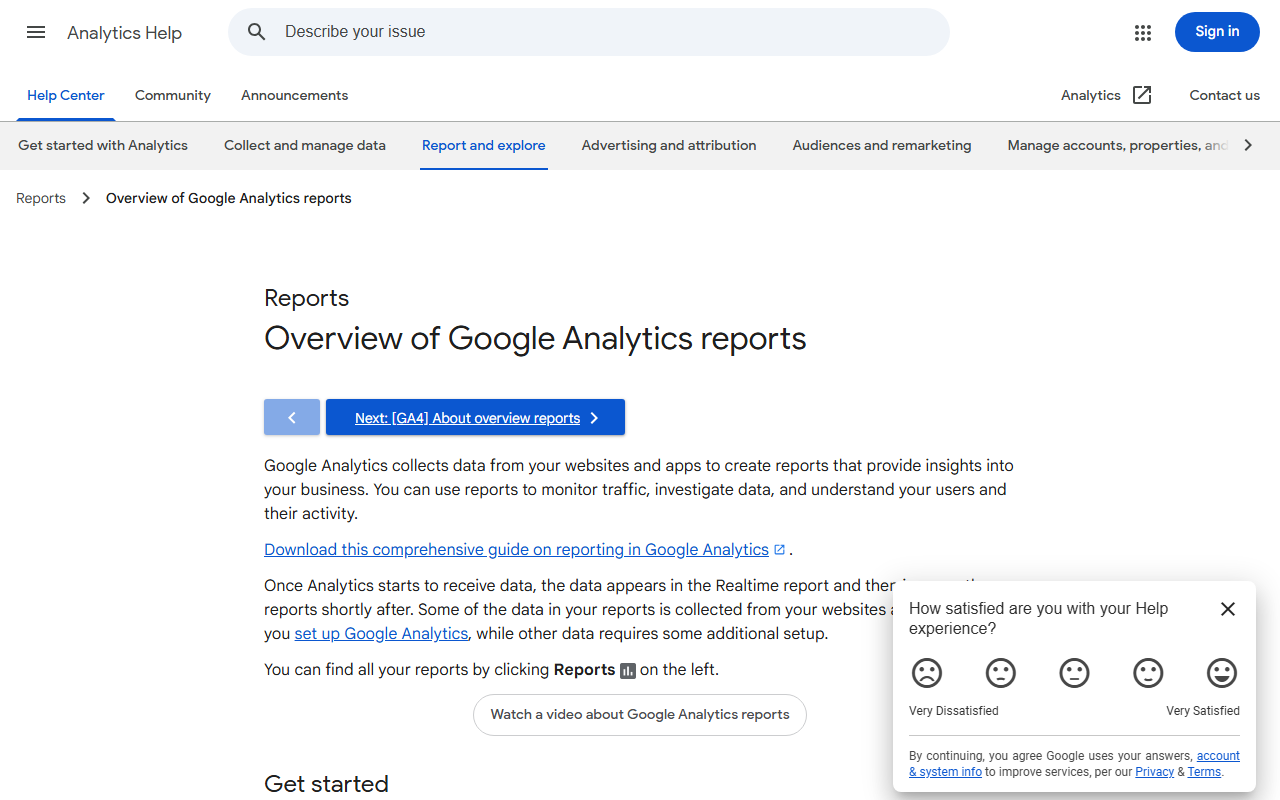
In GA4 Explorations, build a free-form report with landing page as the dimension and the key event as the metric, filtered to the organic search channel. Then add regex filters for each page group: ^/compare/, ^/alternatives/, ^/integrations/, ^/blog/, ^/pricing. Save it. This one report tells you which page types produce customers, which is the basis of the bottom-of-funnel-first strategy. Our walkthrough of organic search in Google Analytics shows where GA4 keeps that channel and how it decides what counts as organic.
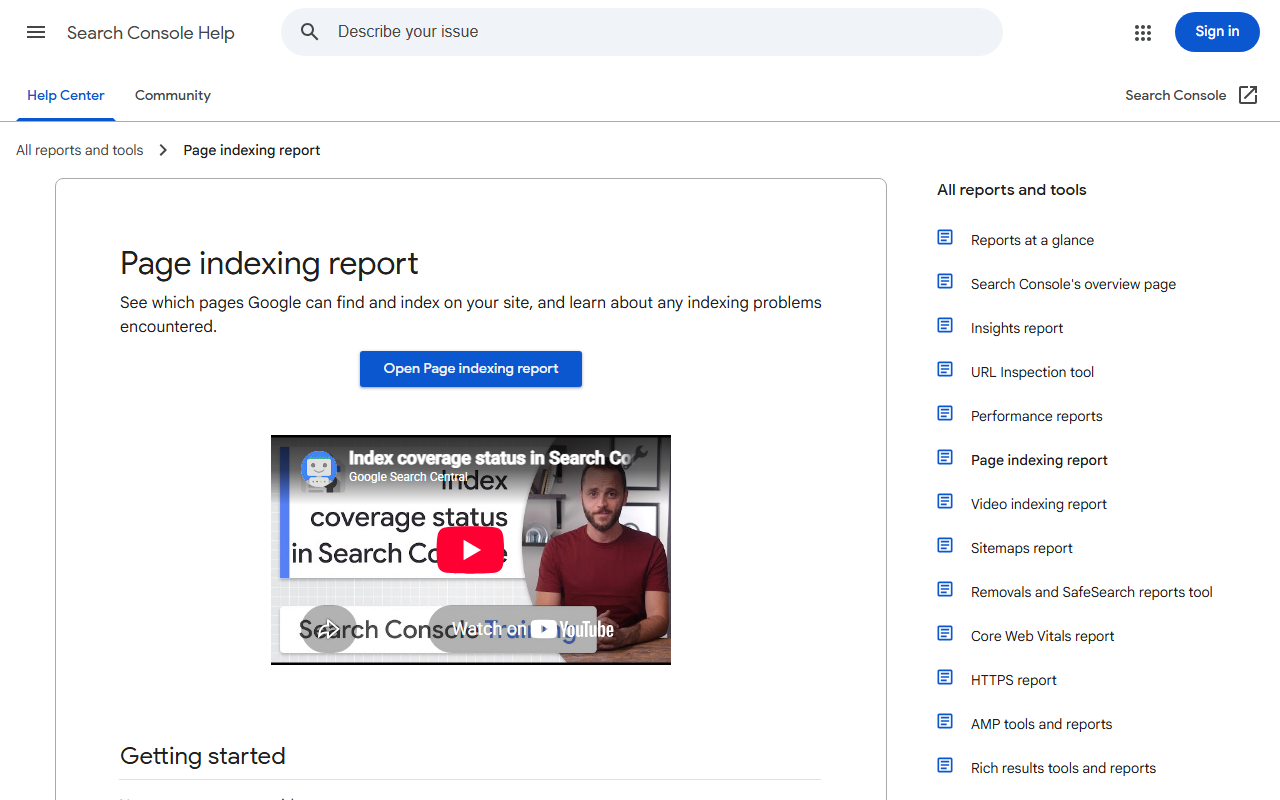
Step 3: Use Search Console for the leading indicators
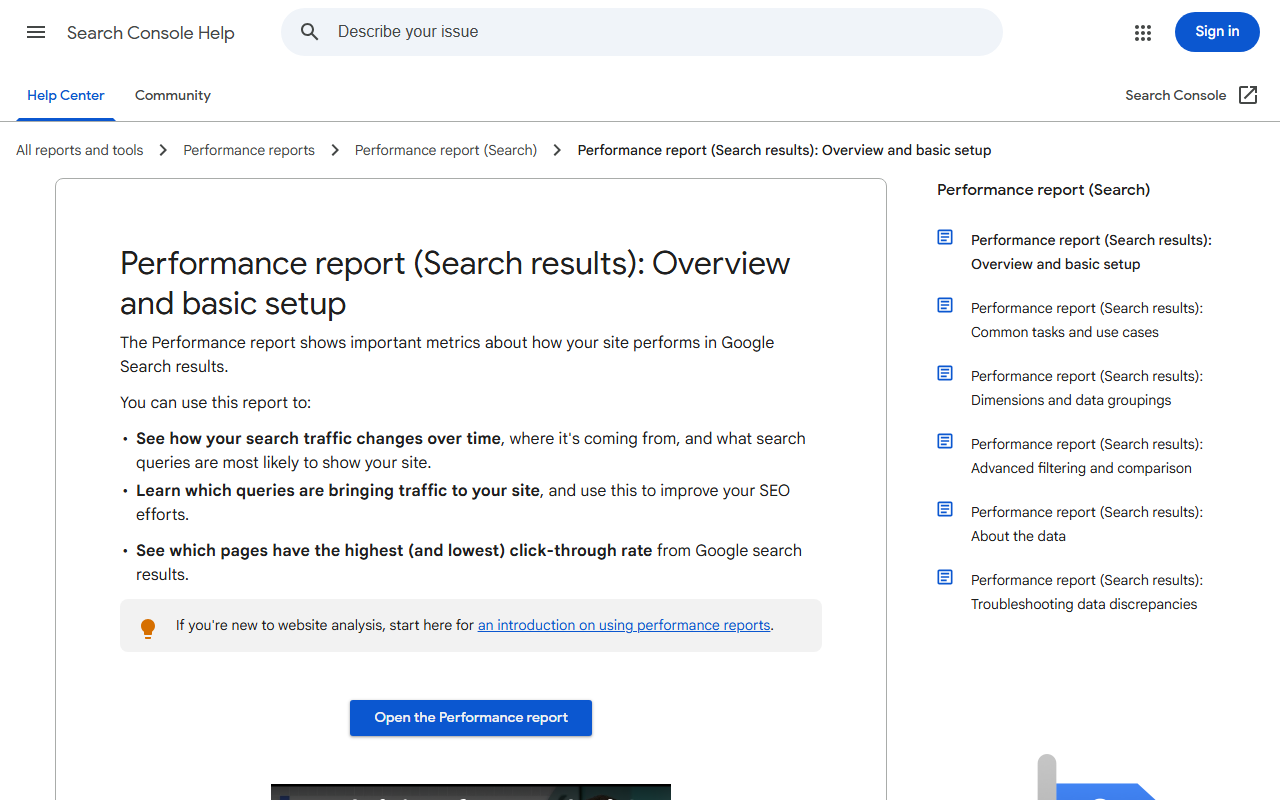
Search Console reports clicks and impressions 16 months back with no sampling. In Performance, filter by page containing a folder to see each section. Compare the last 28 days with the previous period. Rising impressions on money pages come three to eight weeks before rising signups; falling impressions on them are the earliest warning you will get.
Step 4: Watch site health as a guardrail
Two health metrics belong in the weekly review even though they are not outcomes: Core Web Vitals status in Search Console and a PageSpeed Insights mobile score for the pricing page. A deploy that drops performance from 90 to 40 will show up in rankings two weeks later; catching it in the weekly review saves the quarter.
Step 5: Add backlink and ranking data from a free source
Ahrefs Webmaster Tools is free for verified sites and gives you referring domains, backlinks gained and lost, and organic keywords by page. Track two numbers monthly: referring domains to money pages and the count of keywords in positions 4-10 for money pages (the ones that will move with a small push).
Step 6: Connect to revenue in the CRM
Pass the GA4 client ID or a first-touch source field into the signup form and store it on the contact. When the deal closes, the CRM knows it came from organic search and which landing page. Report organic-sourced pipeline and closed revenue monthly. This is the number that survives a budget review.
Step 7: Report in a fixed format
Same five rows every week, same order, with the change versus last period and one sentence on why. The SaaS SEO reporting guide has the template. Consistency is what lets non-SEO stakeholders read it.
Common measurement mistakes on SaaS sites
- Counting form submits instead of completed signups. Bot submissions and abandoned verifications inflate the number by 20-50 percent.
- Losing attribution at the app subdomain because cross-domain tracking was never configured.
- Reporting “organic” from GA4 default channel groups that include Bing and DuckDuckGo but also sometimes misclassify referrals; check the source dimension.
- Comparing week over week without accounting for weekends and holidays. B2B search traffic drops 30-40 percent on weekends; compare 28-day windows.
- Ignoring branded versus non-branded. Filter brand terms out of Search Console to see whether SEO, rather than word of mouth, is growing.
Frequently asked questions about measuring SaaS SEO
Do I need a paid analytics tool?
No. GA4, Search Console and Ahrefs Webmaster Tools cover everything above for free. Paid tools add rank tracking convenience and competitor data.
How do I attribute a signup that read three blog posts first?
Use first-touch for channel credit and a simple assisted count for content. GA4 attribution paths show the sequence; do not over-engineer it at small volumes.
What is a good organic signup conversion rate for SaaS?
Two to five percent on bottom-of-funnel pages, under half a percent on informational blog content. Blended rates are meaningless without the split.
How soon should SEO show up in these metrics?
Impressions in weeks, clicks in one to three months, signups in three to six months on a new domain. Report leading indicators until the lagging ones arrive.
GSC clicks and GA4 sessions will never match exactly. Our guide to what is a click covers why, and what size of gap is normal.
To pull the actual query list behind these numbers, follow the steps in Google Search Console keywords, including the regex filters that surface hidden queries.
Quick recap: Measure saas seo
Measure saas seo usually comes down to a short, repeatable checklist. Use this whenever measure saas seo comes up again:
- Diagnose measure saas seo by checking the relevant report first, not assumptions.
- Confirm the current setup is actually causing measure saas seo before you change anything.
- Re-check measure saas seo again after the fix ships, not before.
Treat measure saas seo as an ongoing signal rather than a one-time fix. For background on the platform rules behind this, see Google Search Central.