SaaS sites have technical problems other sites do not: an app on a subdomain that leaks into the index, a marketing site built in a JavaScript framework, pricing pages with a dozen URL parameters, and a docs site nobody owns. Fix these twelve things before investing in content, because content on a broken site does not rank.
This guide covers technical seo for saas for SaaS teams: what it means, why it matters, and the practical steps to get it right.
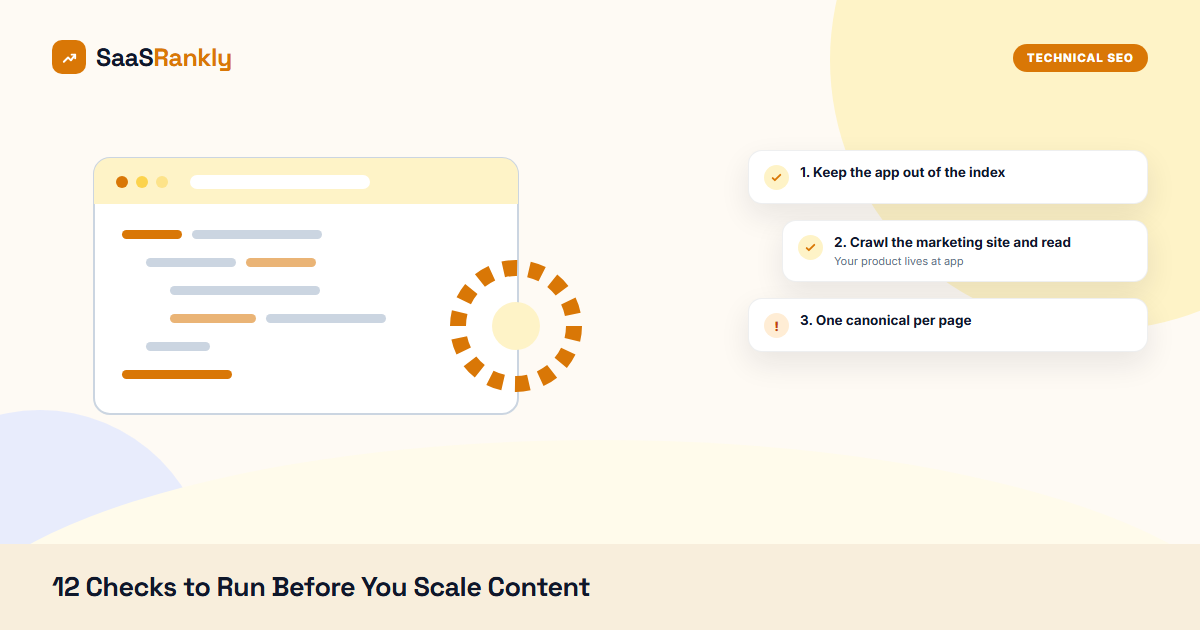
1. Keep the app out of the index
Your product lives at app.yourtool.com. It should return noindex on every page and be blocked in robots.txt as a backup. Search Google for site:app.yourtool.com. If anything appears, fix it first. Indexed app pages waste crawl budget and occasionally expose customer data in snippets.
2. Crawl the marketing site and read the report
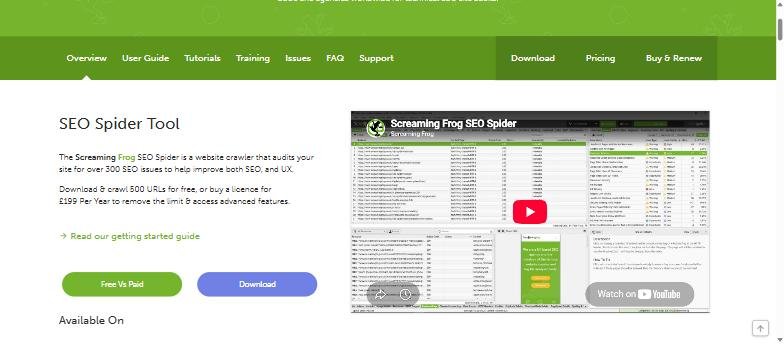
Screaming Frog crawls up to 500 URLs free. Run it against the marketing site and look at four tabs: response codes (fix every 4xx and 5xx that has internal links), redirect chains, duplicate titles and pages with no H1. That single crawl finds most of what is wrong on a typical SaaS site. While the titles export is open, check the case too: our title capitalization post explains why all-caps titles get rewritten.
3. One canonical per page
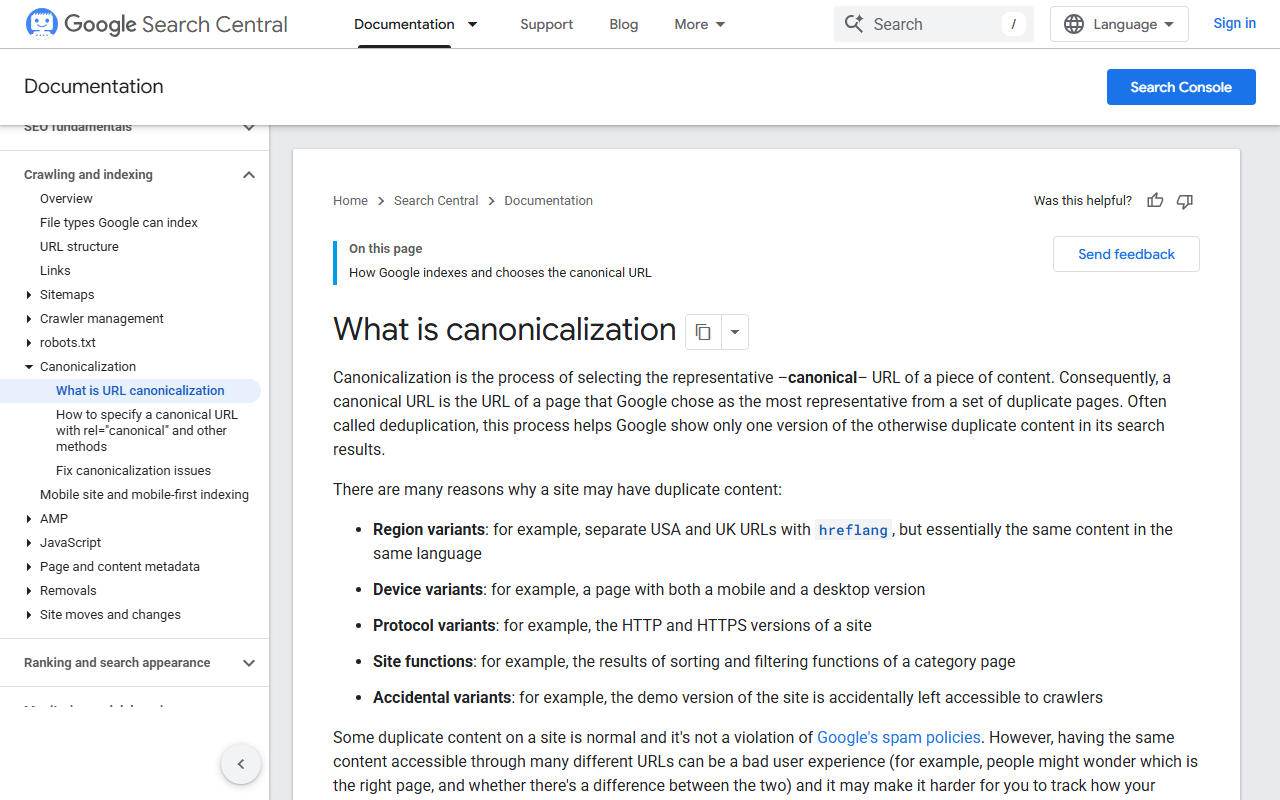
Pricing pages with ?plan=annual, UTM-tagged landing pages, and trailing-slash variants all create duplicates. Every page needs a self-referencing canonical to the clean URL, and parameter URLs should canonical to the base page. Check a sample by viewing source; then verify Google agrees in the Search Console URL inspection tool. That comparison is the fastest way to catch the template bugs listed in our post on canonical tags.
4. Pass Core Web Vitals on mobile
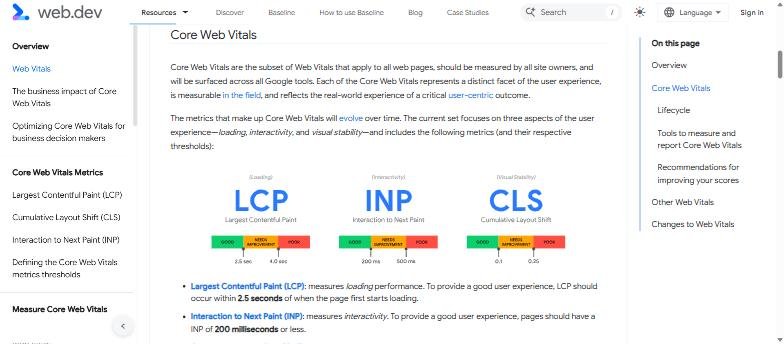
Run PageSpeed Insights on the homepage, the pricing page and one blog post. You want green on the three Core Web Vitals: Largest Contentful Paint under 2.5 seconds, Interaction to Next Paint under 200 milliseconds, Cumulative Layout Shift under 0.1.
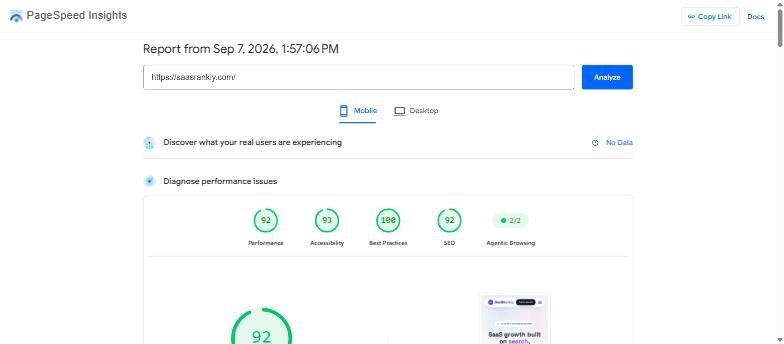
The usual SaaS culprits: a hero video autoplaying, a chat widget loading synchronously, six analytics scripts, and unoptimised images. Compress images with the free image compressor before upload, and load chat and analytics after the page is interactive.
5. Make sure JavaScript content renders
If the marketing site is Next.js, Nuxt or Gatsby it is probably fine. If it is a client-rendered React app, Google may see empty pages. Test with the URL inspection tool in Search Console: “View crawled page” shows the rendered HTML. If the main content is missing, move to server-side rendering or static generation.
6. Submit a clean sitemap
The sitemap should contain only indexable, canonical, 200-status URLs. No noindexed pages, no redirects, no app URLs. Split by type (posts, pages, integrations) so you can see indexing per section. Submit it in Search Console and confirm the status reads Success.
7. Fix the robots.txt
Minimum: allow everything on the marketing site, disallow /wp-admin/ or your admin path, list the sitemap. Common SaaS mistakes: blocking /assets/ or /static/ so CSS and JS cannot be fetched (which breaks rendering), and a leftover Disallow: / from staging.
8. Separate staging from production
Staging sites get indexed constantly. Password-protect staging or serve noindex from the environment config. Search site:staging.yourtool.com to check.
9. Redirect old URLs, one hop
Every rebrand, migration or URL cleanup leaves redirects. Keep them to one hop (A to C, not A to B to C), keep them 301, and keep the old URL out of the sitemap. Screaming Frog’s redirect chains report lists every chain.
10. Internal links to money pages
Crawl the site and sort by inlinks. Pricing, signup, comparison and integration pages should be in the top 20. If the blog has more internal links than the pricing page, the link structure is upside down. See the SaaS SEO strategy for which pages deserve the links.
11. Structured data that validates
Organization on the homepage, SoftwareApplication on product pages, FAQPage where there is an FAQ, Article on blog posts. Generate with the Schema Markup Generator and test in the Rich Results Test. Remove any schema that describes content not visible on the page.
12. Hreflang if you have localised sites
If you run yourtool.com/de/ or de.yourtool.com, every page needs reciprocal hreflang tags including x-default. Missing reciprocity is the most common error and it makes Google ignore the whole set.
How often to repeat this
Run the crawl monthly and the full list quarterly, plus after every site release. Put it on the engineering release checklist: a single deploy that ships noindex to production has undone more SEO than any algorithm update.
Frequently asked questions about technical SEO for SaaS
Does my docs site need SEO?
Yes. Docs rank for feature and integration searches and are often the highest-authority pages on the domain. Keep them on the main domain or a subfolder, indexable, with a sitemap.
Should the marketing site and app share a domain?
Marketing on yourtool.com, app on app.yourtool.com is the standard. Keeping the app noindexed is more important than which subdomain it uses.
Which tool do I need to pay for?
None for these twelve checks. Screaming Frog free, Search Console, PageSpeed Insights and the Rich Results Test cover everything. See the free SEO tools guide.
What is the single most common SaaS technical SEO problem?
Duplicate URLs from parameters and trailing slashes without canonicals. It is invisible in the browser and halves the ranking signal of the affected pages.
If you want to see where technical work sits next to everything else, we lay out all eight SEO components in build order.
Larger companies hit these same problems at a different scale; our guide to enterprise SaaS SEO covers how the work changes once you have multiple teams and thousands of URLs.
Quick recap: Technical seo for saas
Technical seo for saas usually comes down to a short, repeatable checklist. Use this whenever technical seo for saas comes up again:
- Diagnose technical seo for saas by checking the relevant report first, not assumptions.
- Confirm the current setup is actually causing technical seo for saas before you change anything.
- Re-check technical seo for saas again after the fix ships, not before.
Treat technical seo for saas as an ongoing signal rather than a one-time fix. For background on the platform rules behind this, see Google Search Central.