Title capitalization is one of those SEO questions that gets argued about in Slack for twenty minutes and then never tested. Should a title tag be in Title Case, Sentence case, or ALL CAPS for the one word you want to shout? Does Google care? Does the click-through rate move? We have run this on enough SaaS sites to have an opinion, and the short version is: Google does not rank you differently for title capitalization, but readers click differently, and Google rewrites titles it thinks are shouting. That second part is where most teams lose.
This post covers what title capitalization means in practice, the actual rules of title case since people search for those too, what we have measured on click-through rate, and a checklist you can apply to a SaaS site in an afternoon.
Title capitalization: myths and facts first
| Claim | Verdict | What we actually see |
|---|---|---|
| Title Case ranks better than sentence case | Myth | Google matches words, not letter case. We have never seen a ranking move from a case change alone. |
| ALL CAPS titles get more clicks | Mostly myth | One capitalized word can lift CTR a little. A fully capitalized title is often rewritten by Google and looks like spam next to normal results. |
| Google rewrites titles it does not like | Fact | Google’s own documentation lists all caps and keyword stuffing among the reasons it generates a different title link. |
| Title capitalization must match the H1 | Not required | They can differ. We keep them consistent because mismatches are one of the signals that trigger a rewrite. |
| Sentence case looks more human and gets more clicks | Depends on the SERP | On informational queries sentence case often wins. On tool and comparison queries Title Case tends to match the competition and holds its own. |
The rules of title capitalization, in one table
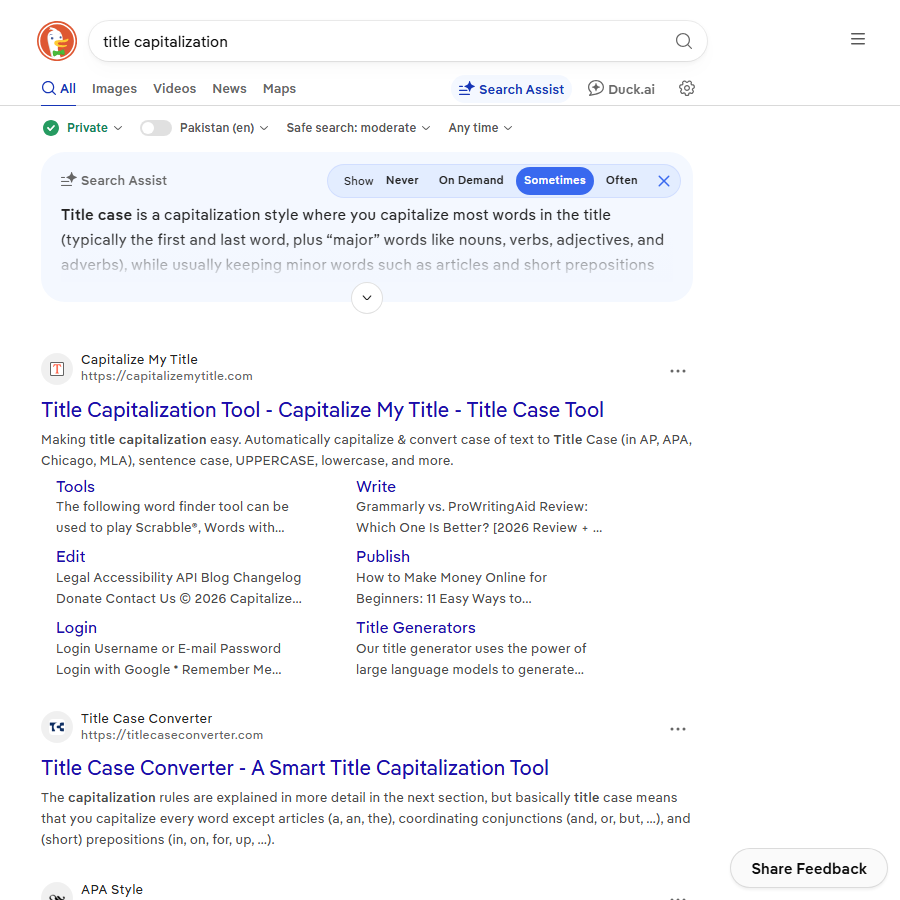
People search for title capitalization because they want the rules, so here they are. The three main style guides agree on most of it and differ on small words. For a website you do not need to follow any one guide perfectly, you need to be consistent across the site.
| Word type | Title Case (AP and Chicago) | APA title case | Sentence case |
|---|---|---|---|
| First and last word | Always capitalized | Always capitalized | First word only |
| Nouns, verbs, adjectives, adverbs | Capitalized | Capitalized | Lowercase unless a proper noun |
| Articles (a, an, the) | Lowercase | Lowercase | Lowercase |
| Short prepositions (in, on, to, for, of) | Lowercase | Lowercase if 3 letters or fewer | Lowercase |
| Long prepositions (between, through) | AP: capitalize 4 letters or more. Chicago: lowercase | Capitalize 4 letters or more | Lowercase |
| Conjunctions (and, but, or) | Lowercase | Lowercase | Lowercase |
| Word after a colon | Capitalized | Capitalized | Capitalized |
| Hyphenated words | Capitalize both parts (Self-Serve) | Capitalize both parts | Lowercase second part |
| Brand names (iPhone, HubSpot) | Keep the brand’s own casing | Keep the brand’s own casing | Keep the brand’s own casing |
Three examples of the same SaaS title under each style:
- Title Case:
How to Set Up Recurring Billing in Ledgerly (Step-by-Step Guide) - Sentence case:
How to set up recurring billing in Ledgerly (step-by-step guide) - APA:
How to Set Up Recurring Billing in Ledgerly (Step-by-Step Guide), identical here because no long preposition is involved
What Google does with title capitalization
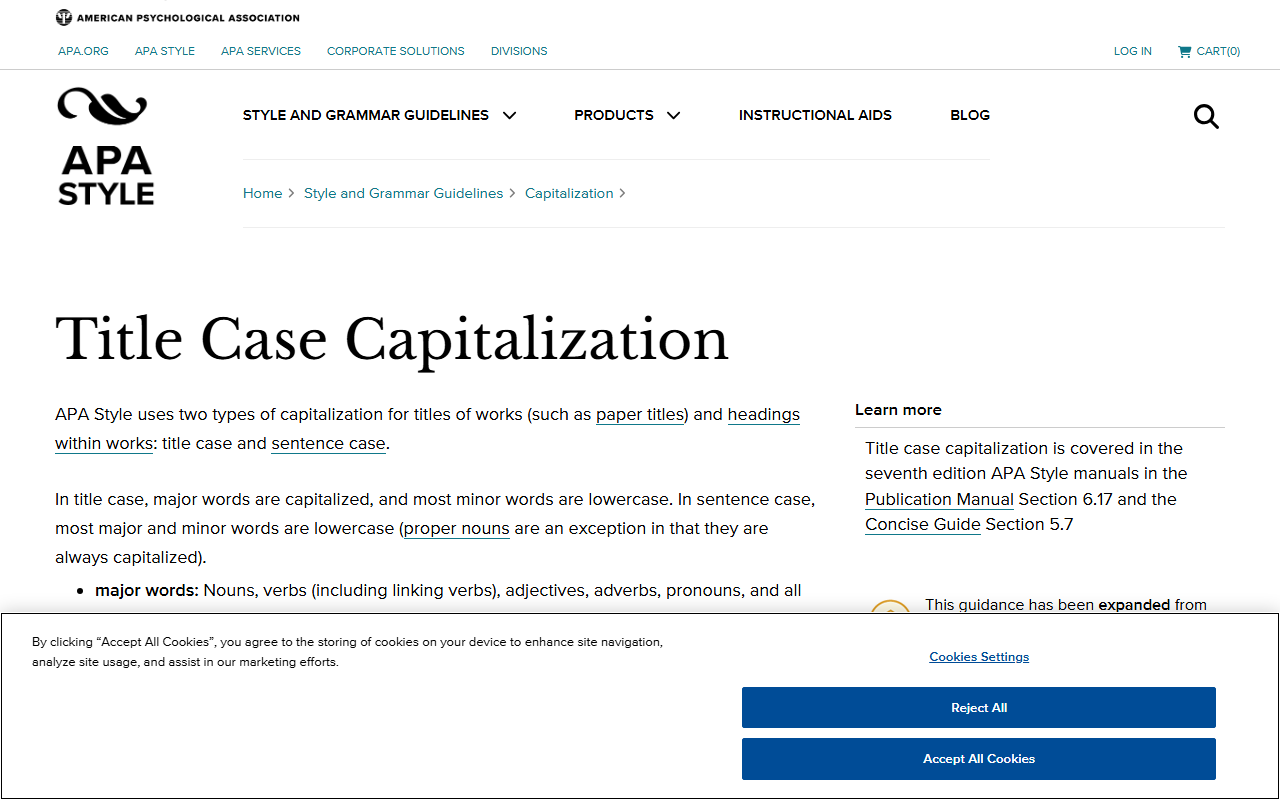
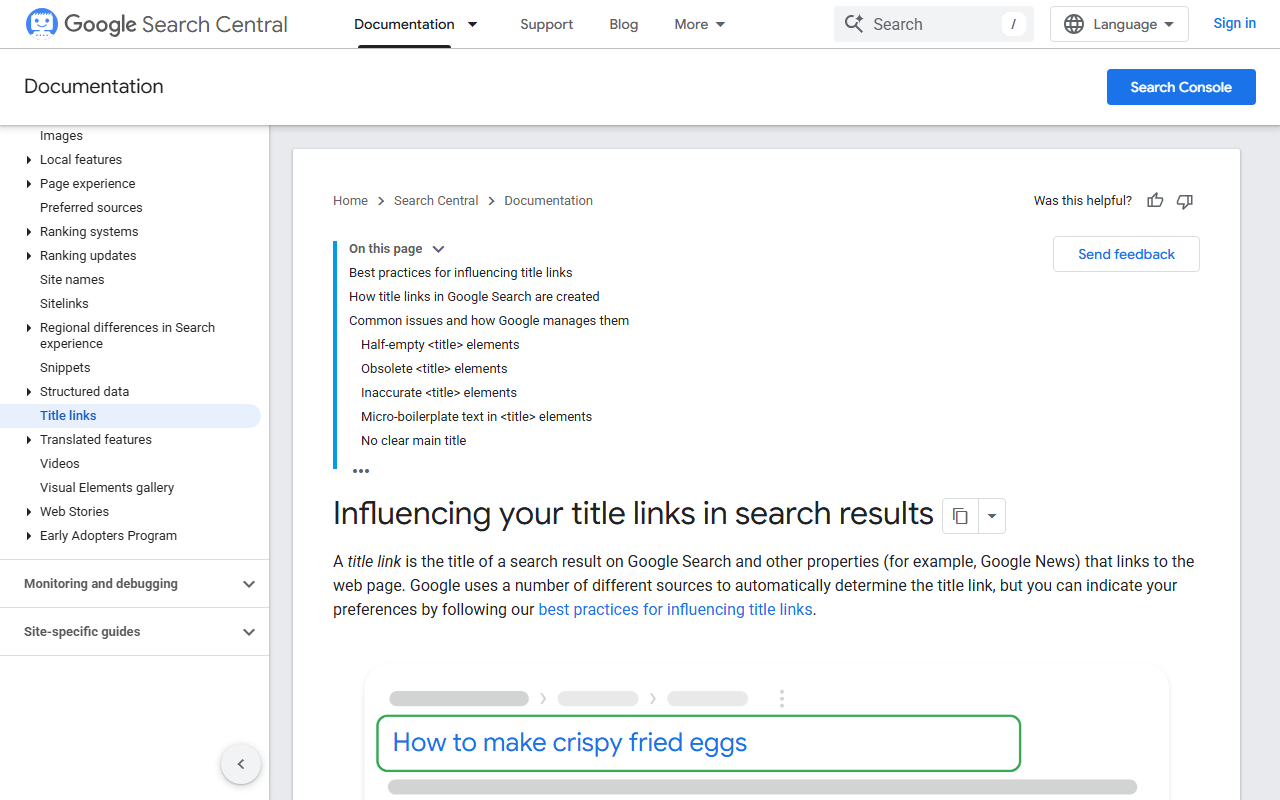
Google’s title link documentation is clear that it may generate a different title from your title element, and it lists the triggers. The ones tied to title capitalization are easy to avoid: text that is entirely uppercase, and repeated or boilerplate phrasing. We have watched a client’s pricing page title go from “PRICING | BEST INVOICE SOFTWARE 2026 | LEDGERLY” to a Google-generated “Pricing – Ledgerly” in the results, which dropped the keyword entirely. Fixing the case and cutting the repetition brought the original title back within two crawls.
Two related points from Google’s guidance that get tangled up with capitalization:
- Google matches queries case-insensitively. “Invoice Software” and “invoice software” are the same query and the same match.
- Title rewrites are more common when the title element and the H1 disagree, so if you change the case of one, change the other.
For the mechanics of where the title tag sits alongside the rest of the page signals, our on-page SEO guide covers the full checklist. The wider drafting side of that, from the opening answer to the phrases we cut, is covered in our SEO writing rules.
Does title capitalization change CTR? What we measured
We ran a simple 8-week test on a B2B SaaS blog with about 120 posts: 40 informational posts switched from Title Case to sentence case, 40 comparison and tool posts stayed in Title Case as control, and 40 informational posts stayed in Title Case as a second control. Positions were checked weekly so we could compare CTR at the same position band. The numbers below are rounded and from one site, so treat them as a pattern to test on your own, not a law.
| Group | Change | Avg position before / after | CTR before | CTR after | Relative change |
|---|---|---|---|---|---|
| Informational, switched to sentence case | Case only | 7.9 / 7.7 | 3.1 pct | 3.5 pct | plus 13 pct |
| Informational, kept Title Case | None | 8.1 / 8.0 | 3.0 pct | 3.0 pct | flat |
| Comparison and tools, kept Title Case | None | 6.4 / 6.5 | 4.8 pct | 4.7 pct | flat |
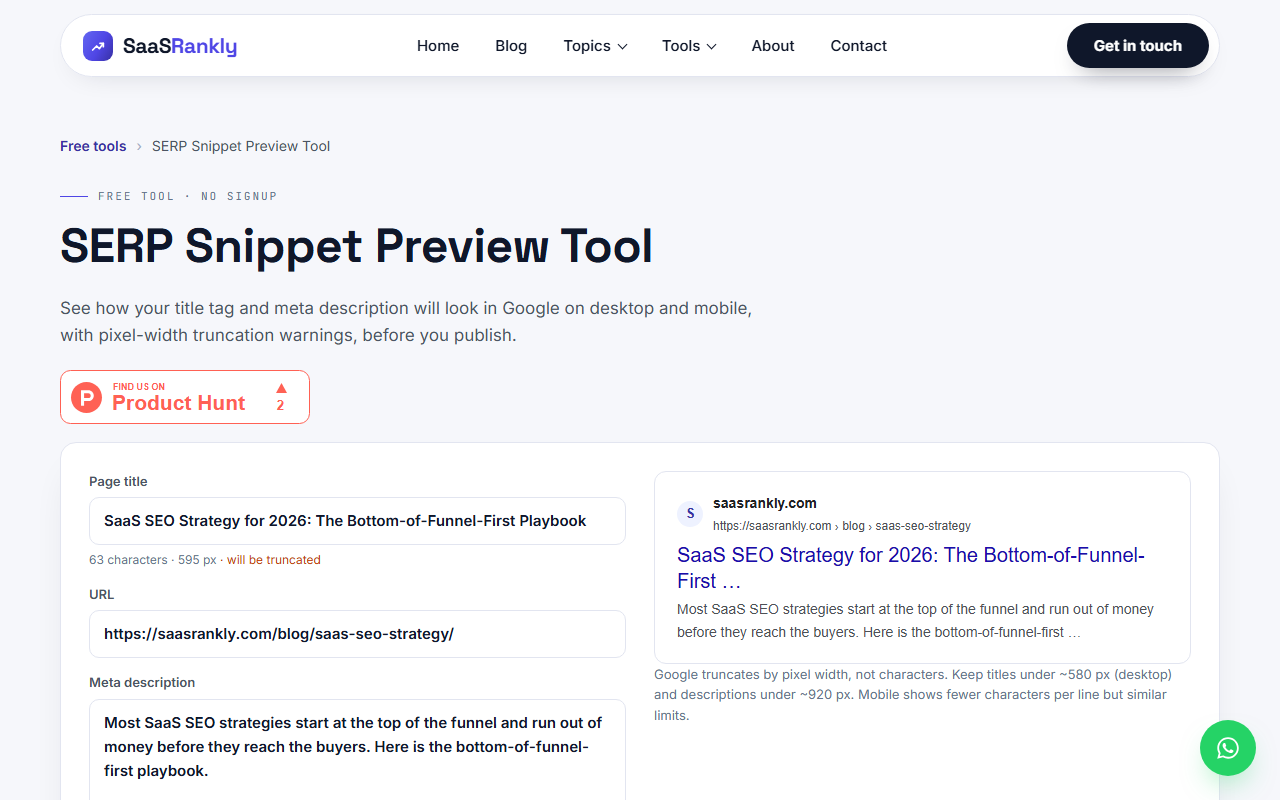
Our reading: on how-to and question queries, sentence case reads like an answer rather than an ad, and it stands out because most competing titles are in Title Case. On comparison queries, where every result is a listicle in Title Case, matching the pattern is fine and the number in the title matters far more than the letter case. If you want to check what your own title looks like next to competitors before you commit, paste it into the SERP snippet preview tool, it shows the pixel width and truncation too.
Where title capitalization interacts with other title decisions
Case is the smallest lever on a title. Before you spend an afternoon on it, make sure the bigger levers are set:
- Keyword position. The main phrase in the first 40 characters. This matters more than any case choice. See high intent keywords for which phrases deserve the front of the title.
- Length. Under about 60 characters or 580 pixels, or Google truncates it and your careful capitalization is cut off anyway.
- A number or a year. “7 Ways” and “(2026)” lift CTR on list and comparison queries in almost every test we have run.
- Brand at the end. Separated by a pipe or a hyphen, and not shouted.
- Then case. Sentence case for how-to and question titles, Title Case for lists, comparisons, and tool pages, consistent site-wide within each type.
SERP features change what a title competes against. When an AI Overview sits above your result the title has to earn a click from someone who already read a summary, and a plain, specific title does that better than a shouted one. Our SERP features for SaaS post goes through which features still pass clicks. And if you want to see how a title change shows up in Search Console, what is a click explains what the CTR column is actually counting.
A title capitalization checklist for a SaaS site
This is the pass we run on a new client site. It takes an afternoon on a 200-page site with a crawler export.
- Export every title tag and H1. Screaming Frog or the crawler in your SEO platform both do this.
- Flag any title in ALL CAPS, or with more than one fully uppercase word that is not an acronym. Rewrite them today, these are the rewrite risks.
- Pick the convention per template: sentence case for blog how-to posts, Title Case for comparison posts, feature pages, and tool pages. Write it down.
- Check that the title element and the H1 use the same case and roughly the same words on each page.
- Keep brand names in their own casing everywhere: HubSpot, iPhone, GitHub, YouTube. A crawler regex for common mis-casings catches most of them.
- Capitalize the word after a colon in both styles. “Pricing: what changes in 2026” is wrong in every guide.
- After the change, watch Search Console for the affected pages for four weeks and compare CTR at the same position, not raw clicks.
Template-driven sites have one extra trap: the title pattern in the CMS. A pattern like “%title% | %sitename%” will inherit whatever case the editor typed, so the convention has to live in the editorial checklist, not the template. Our technical SEO for SaaS guide covers the template audit in more detail.
Quick recap: title capitalization
- Title capitalization does not affect rankings; Google matches words case-insensitively.
- ALL CAPS titles are a documented trigger for Google to rewrite your title link, so never ship one.
- Title Case rules: capitalize first, last, and main words; lowercase articles, short prepositions, and conjunctions; capitalize after a colon.
- Sentence case tends to lift CTR on how-to and question queries; Title Case holds on comparison and tool queries.
- Fix keyword position, length, and numbers before you touch title capitalization; case is the smallest lever.
- Pick one title capitalization convention per template, keep the H1 consistent, and measure CTR at the same position for four weeks.
FAQ
Does title capitalization affect SEO rankings?
No. Google treats “Invoice Software” and “invoice software” as the same match. What changes is click-through rate, and whether Google keeps your title or rewrites it. All-caps titles get rewritten more often, which can remove your keyword from the result entirely.
Should title tags be in Title Case or sentence case?
Match the query type. In our tests sentence case lifted CTR by around 13 percent on how-to and question posts, while Title Case performed the same as sentence case on comparison and tool pages. Whatever you choose, apply it consistently per template and keep the H1 in the same case.
What are the basic title capitalization rules?
Capitalize the first word, the last word, and every noun, verb, adjective, and adverb. Lowercase articles (a, an, the), conjunctions (and, but, or), and short prepositions (of, in, to, for). Capitalize the first word after a colon, and both halves of a hyphenated word. Keep brand names in their own casing.
Can Google change my title if the capitalization is wrong?
Yes. Google’s documentation lists all-caps text and repetitive or boilerplate titles as reasons it may generate a different title link. Fixing the case and removing repetition usually restores your original title within a couple of crawls.
Does the H1 need the same capitalization as the title tag?
It is not required, but mismatched title and H1 text is one of the signals that make a rewrite more likely, so we keep them consistent in both words and case.
Is there a tool to check title capitalization and length together?
Our free SERP snippet preview shows your title as it would appear in results, with pixel width and truncation, so you can check the case and the cut-off point at once. For bulk checks, export titles with a crawler and flag any with more than one all-caps word that is not an acronym.