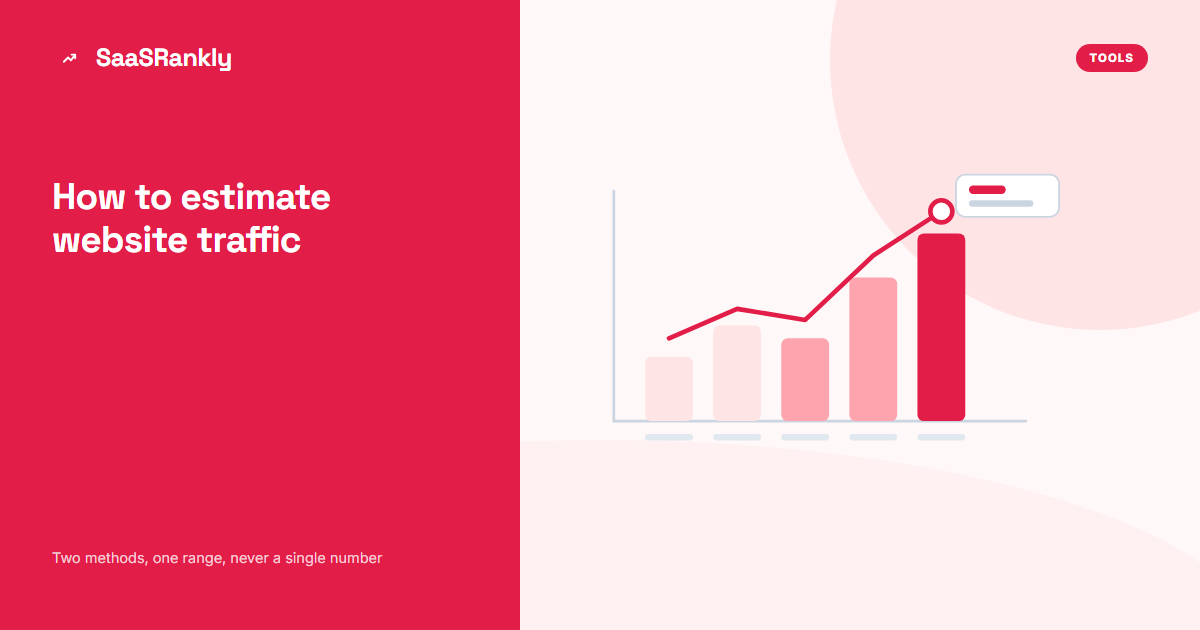
Every tool that claims to estimate website traffic for a domain you do not own is guessing. Some guesses are useful and some are wildly off, and the difference matters when you are sizing a competitor, pricing a guest post or writing a slide that says “they get 400,000 visits a month”. This guide covers how to estimate website traffic honestly: which methods exist, how far off each one tends to be, and how to triangulate so you end up with a range you can defend.
Short version: never quote a single number from a single tool. Get two independent estimates, sanity check them against something public, and present a range.
Where the numbers come from when you estimate website traffic
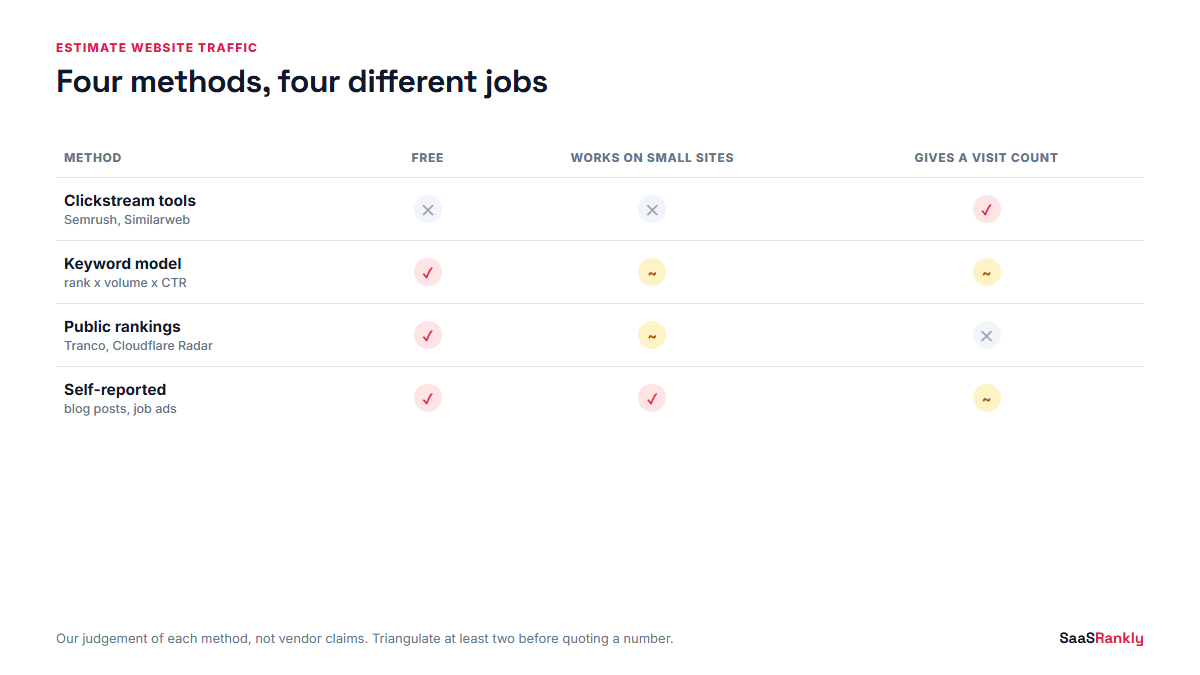
There are only four underlying sources of data, and every tool is some mix of them.
| Source | How it works | Where it breaks |
|---|---|---|
| Clickstream panels | Anonymised browsing data bought from extensions, apps and ISPs, scaled up to the whole web | Panels skew by country and device, and small sites have almost no panel data |
| Keyword models | Rank positions multiplied by search volume and an assumed click-through rate | Ignores direct, email, social and paid, and CTR curves are guesses |
| Public rankings | Resolver and browser data, such as Cloudflare Radar or the Chrome User Experience Report | Gives you a rank, not a visit count |
| Self-reported numbers | Company blog posts, funding decks, podcast interviews, job ads | Marketing numbers, usually the best month ever |
Most paid tools blend the first two. That is why their numbers disagree with each other, sometimes by a factor of five on the same domain in the same week.
How to estimate website traffic with the keyword method
This is the one you can do yourself, with free data, and it is the one we trust most for a competitor in a narrow category. The maths is simple.
- Pull the competitor’s top ranking pages and the terms they rank for.
- For each term, take the monthly search volume and their position.
- Multiply volume by a click-through rate for that position.
- Add it up. That is their organic search traffic, and only that.
Use a conservative CTR curve. At the time of writing, with AI Overviews taking the top of many results pages, older curves that gave position one 30% or more are too generous for informational terms.
| Position | CTR we use for commercial terms | CTR we use for informational terms |
|---|---|---|
| 1 | 25% | 18% |
| 2 to 3 | 12% | 8% |
| 4 to 6 | 6% | 4% |
| 7 to 10 | 2.5% | 1.5% |
These are working assumptions, not published figures. Swap in your own if you have Search Console data for a comparable site, which is the single best calibration you can get. Our post on what counts as a click in Search Console explains why your own data and a tool’s data will never line up exactly.
A worked example
Here is an illustrative estimate for “Northlane”, a made-up competitor. The numbers are invented to show the method.
| Page | Main term | Volume | Position | Estimated clicks |
|---|---|---|---|---|
| /pricing/ | northlane pricing | 2,400 | 1 | 600 |
| /blog/expense-policy-template/ | expense policy template | 8,100 | 3 | 648 |
| /compare/northlane-vs-rivet/ | northlane vs rivet | 900 | 2 | 108 |
| /blog/per-diem-rates/ | per diem rates 2026 | 14,000 | 6 | 560 |
| Long tail, 340 other terms | mixed | n/a | mixed | ~1,900 |
That totals roughly 3,800 organic clicks a month. Now double it to allow for branded, direct and email traffic on a product with paying customers, and you have a defensible range of 6,000 to 9,000 visits a month. Notice how much wider that is than the precise-looking “7,412” a tool would show you.
Free ways to sanity check an estimate
Before you trust any number you use to estimate website traffic, check it against something that does not come from an SEO tool.
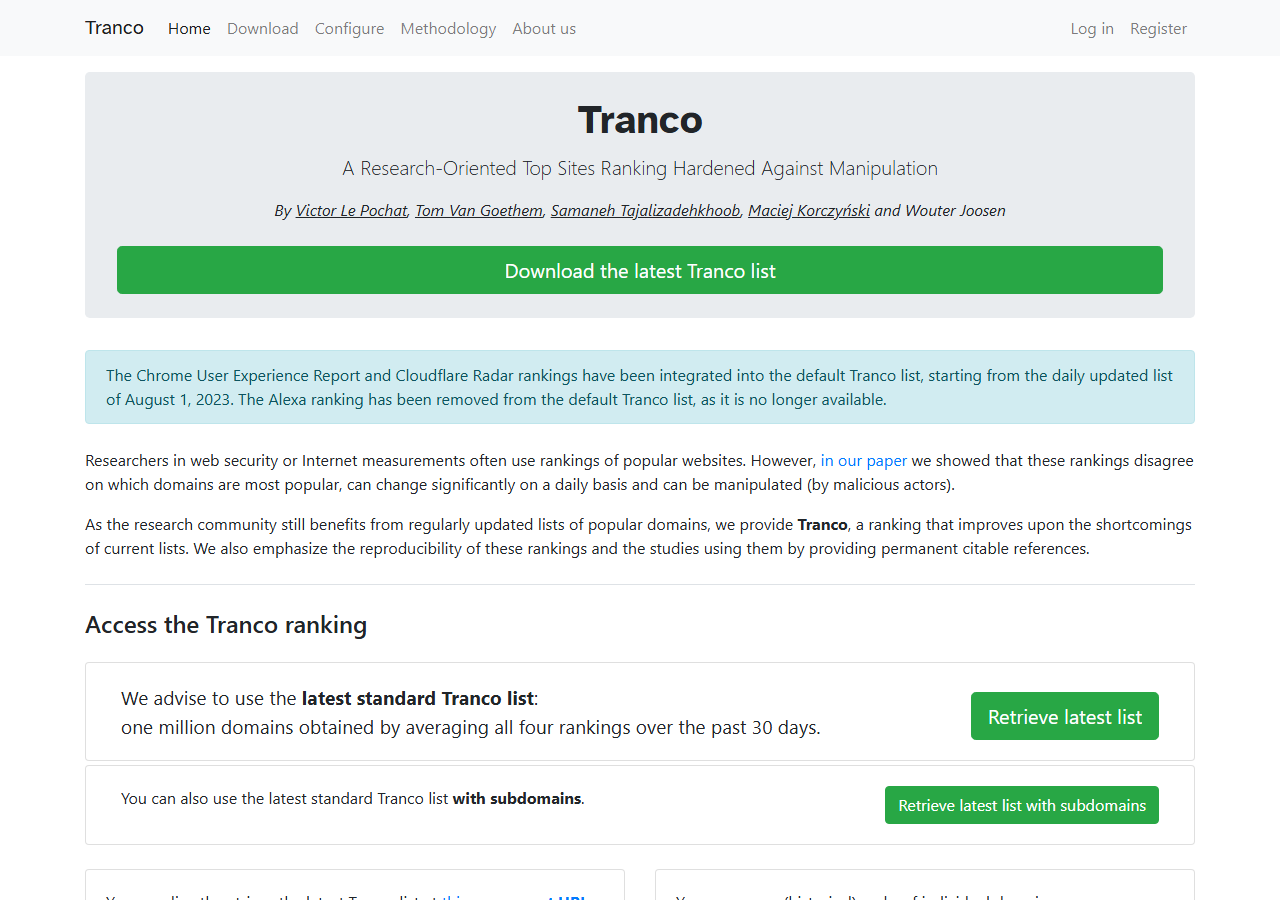
Tranco is a research-grade ranking built from several sources, and its own front page says plainly that popularity rankings disagree with each other and can be manipulated. If a domain does not appear in the top million there at all, a tool claiming 500,000 monthly visits deserves a second look.
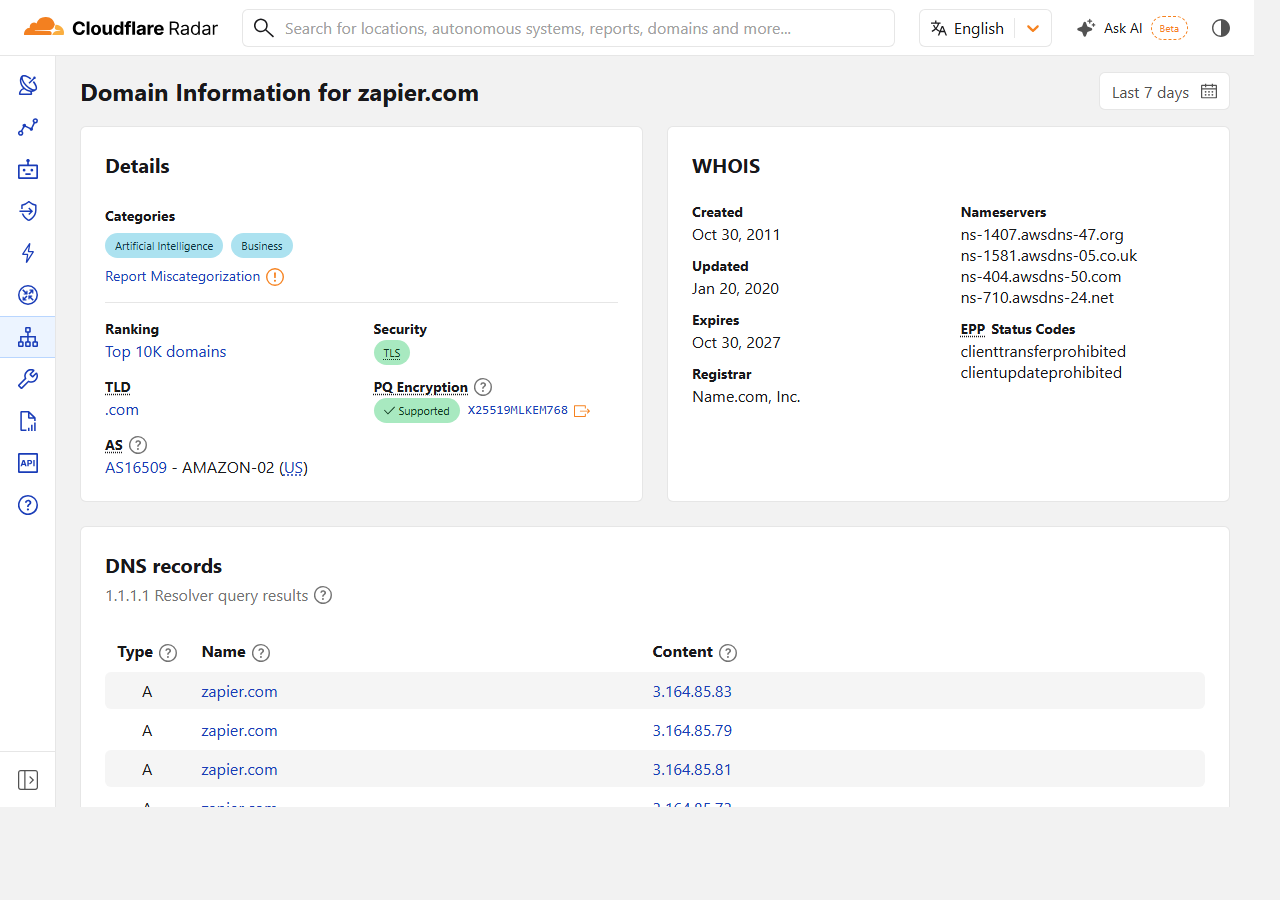
Cloudflare Radar gives you a domain’s ranking band and its categories from real resolver data. Again, it is a rank rather than a visit count, but it is an independent reality check that costs nothing.
Other free checks worth two minutes each:
- Their sitemap. A site with 80 URLs is not pulling six figures of organic traffic. Our sitemap checker counts them for you.
- Job ads. A company hiring three SEO people is investing, one hiring none probably is not.
- Public claims. Funding announcements and conference talks often contain a real number with a date attached.
- Review counts. G2 and Capterra review volume correlates loosely with customer base, which correlates with branded search.
How far off are the tools that estimate website traffic?
In our experience the pattern is consistent, even if the exact gap is not.
- Large, US-heavy sites: estimates are usually in the right order of magnitude, often within 30% of reality.
- Small sites under about 5,000 visits a month: estimates are close to noise. We have seen tools report zero for sites with real traffic.
- Non-US traffic: consistently underestimated, because panel coverage is thinner.
- Product-led sites with heavy direct traffic: underestimated, because keyword models cannot see logged-in usage.
None of that makes the tools useless. It makes them a relative measure. Comparing five competitors inside one tool is reliable. Quoting one competitor’s absolute number from that tool is not. If you are choosing between tools for this, our Semrush alternatives comparison covers how each one sources its data.
How to estimate website traffic for a link building shortlist
This is the most common reason SaaS teams ask the question, so here is the shortcut we use. You do not need a precise figure, you need to know whether a site is alive.
- Check the domain appears in a public ranking list at all.
- Look at whether their recent posts have comments, shares or citations anywhere.
- Check publishing frequency over the last six months, not the last six years.
- Estimate organic traffic with the keyword method on their top ten pages only.
- Reject anything where the estimate comes mostly from irrelevant terms, no matter how big the number looks.
A site with 2,000 relevant visits a month beats one with 40,000 visits from unrelated topics. That distinction is the whole reason to estimate traffic rather than buy on a domain score. Our guide to why backlinks matter covers what actually moves the needle from a placement.
How to present an estimate website traffic figure honestly
When you present the figure, write it as a range with the method attached. “Between 6,000 and 9,000 monthly visits, based on a keyword model of their top 50 pages, cross-checked against their Tranco rank” is a sentence you can defend in a meeting. “7,412 monthly visits” is a sentence someone will eventually ask you to prove.
Put the date on it too. Traffic estimates go stale faster than almost any other number in an SEO report, which is why our template for SEO analytics reports keeps competitor figures in an appendix rather than the summary.
Quick recap: estimate website traffic
- To estimate website traffic, use at least two methods and present a range, not a single figure.
- Tools blend clickstream panels and keyword models, and both break on small or non-US sites.
- The keyword method is rank times volume times a conservative CTR, and you can run it yourself.
- Sanity check against free public rankings such as Tranco or Cloudflare Radar.
- Relative comparisons inside one tool are reliable, absolute numbers are not.
- Always attach the method and the date to any estimate you publish.
FAQ
How can I estimate website traffic for free?
Use the keyword method with free volume data, then sanity check it against a public ranking list such as Tranco or Cloudflare Radar. Both are free and neither needs an account.
How accurate are tools that estimate website traffic?
They are usually within the right order of magnitude for large sites and close to noise for small ones. Treat them as a way to rank competitors against each other, not as a source of absolute numbers.
Can I see another site’s Google Analytics data?
No. Analytics data is private unless the owner publishes it. Anything a tool shows you for someone else’s site is modelled, not measured.
Why do two tools give completely different traffic numbers?
Because they use different panels, different keyword databases and different click-through assumptions. A gap of two to five times on the same domain is common.
Does a traffic estimate tell me if a site is worth a backlink?
Only partly. Relevance matters more than volume. A small site in your exact category is usually a better placement than a large one in an unrelated field.
How often should I refresh a competitor traffic estimate?
Once a quarter is enough for planning. Anything more often measures tool noise rather than real change.