A year ago “search visibility” meant one thing: where your pages rank in Google. Now a SaaS buyer asks ChatGPT for “the best CRM for a 10-person agency”, Perplexity for “Notion alternatives with better permissions”, and gets an AI Overview or AI Mode answer on Google before seeing a single blue link. An AI search visibility tool tells you whether your product shows up in those answers, which competitors show up instead, and which pages the models cite. This guide explains what the tools measure, which ones fit a SaaS team, and how to set one up properly. For a head-to-head on one prompt set, see our test of the best software for AI visibility in search.
This guide covers ai visibility tool for SaaS teams: what it means, why it matters, and the practical steps to get it right.
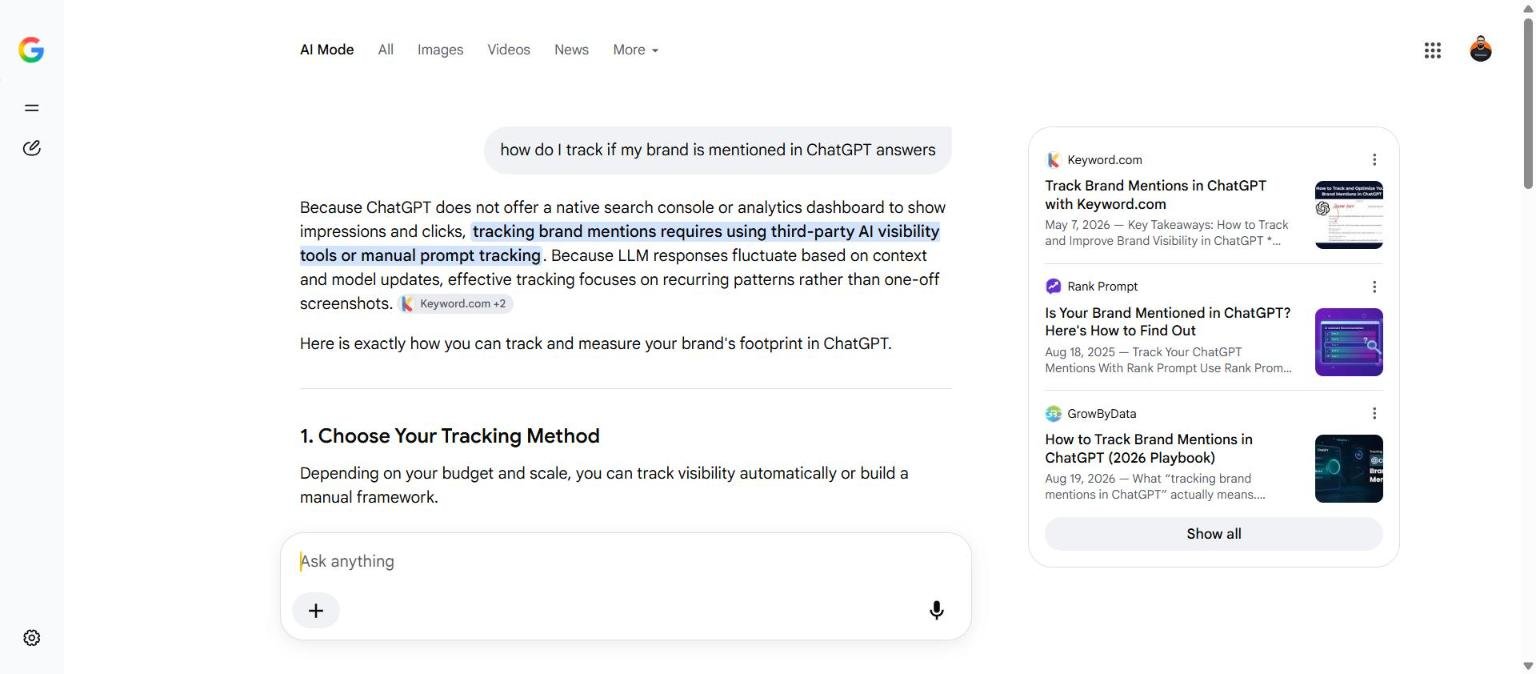
What “AI search visibility” means in practice
Every AI answer has two layers you can measure:
- Mentions. Your brand or product is named in the answer text. “For small agencies, HubSpot, Pipedrive and Close are the usual picks.” This is what buyers see.
- Citations. One of your URLs is linked as a source, inline or in a sources panel. This is what sends traffic, and it is the layer you can influence most directly with content.
A good tool reports both, per prompt, per engine, over time, and against named competitors. That last part matters: the useful number is not “we were mentioned in 23 percent of answers”, it is “we were mentioned in 23 percent, Competitor A in 61 percent, and here are the 40 prompts where they appear and we do not.”
How the tools work (and why the numbers move)
All of these tools do the same thing under the hood: run a list of prompts against each engine on a schedule, parse the answer, and record which brands and URLs appear. Three consequences follow.
- Results vary between identical runs. Models are non-deterministic and engines personalise by location. A single run is a sample, not a measurement. Track weekly and read monthly trends. Daily charts are noise.
- Your prompt list is your keyword list. The tool cannot tell you which prompts buyers use; you have to choose them. The setup section below covers that.
- Engines differ in what they read. ChatGPT search retrieves from Bing’s index, Google’s AI features from Google’s index, Perplexity from its own crawl plus partners. Being invisible in one and visible in another is normal, and it points to which index has a problem.
The tools, compared for a SaaS team
| Tool | Engines covered | Best for | Starting price |
|---|---|---|---|
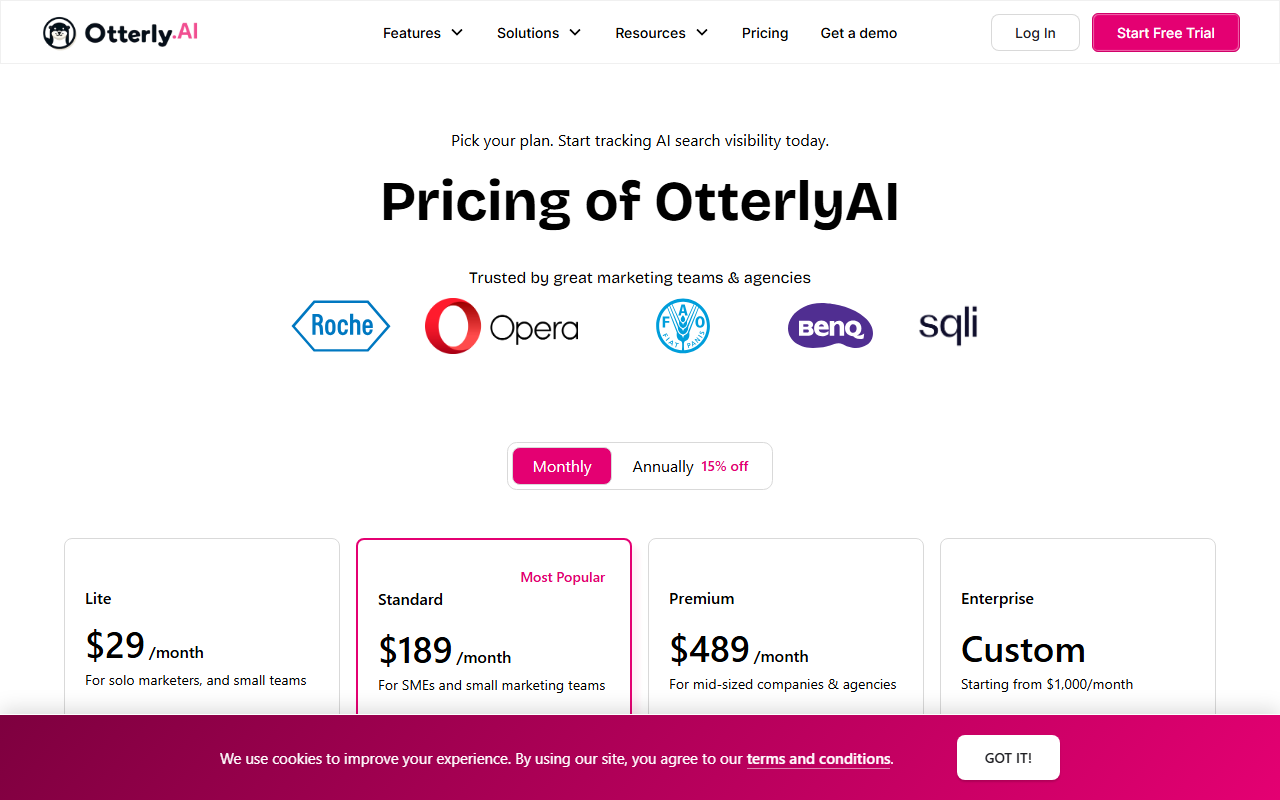
| Otterly.ai | ChatGPT, Perplexity, AI Overviews, AI Mode, Gemini, Copilot | First AI visibility baseline, small budgets | About 29 USD a month |
| Peec.ai | ChatGPT, Perplexity, Gemini, AI Overviews | Marketing teams that want a visibility score and sentiment for leadership | About 89 EUR a month |
| Profound | 9 or more engines, enterprise reporting | Series B and beyond, multiple products or regions | Enterprise pricing |
| Semrush (AI toolkit + Position Tracking) | ChatGPT, Gemini, AI Mode, AI Overviews | Teams already on Semrush who want AI and Google in one report | Starter about 139 USD plus AI toolkit |
| Ahrefs Brand Radar | AI Overviews, ChatGPT, Perplexity, Gemini, Copilot | Ahrefs customers, brand mention share at category level | Included with Ahrefs plans, limits vary |
| SE Ranking | ChatGPT, Perplexity, AI Overviews | Startups: rank tracking and AI visibility on one cheap plan | About 65 USD a month |
| Nightwatch | ChatGPT, Perplexity, Gemini, Claude, Copilot, Grok | Multi-country SaaS, agencies | About 32 USD a month |
| AccuRanker AccuLLM | ChatGPT, Perplexity, AI Overviews, AI Mode | Large keyword sets that already live in AccuRanker | Add-on to AccuRanker plans |
Prices are list prices at the time of writing and change often. For the Google-first trackers that added AI engines, see our rank tracker comparison; for the wider stack, best AI SEO tools.
Which one to pick
- Under 20,000 monthly sessions, no AI tool yet: Otterly Lite, or the AI tracking already inside SE Ranking or Nightwatch if you use them. Spend 30 to 65 USD, not 300.
- Already paying for Ahrefs or Semrush: turn on Brand Radar or the AI toolkit first. Add Otterly only when you need prompt-level detail those do not give you.
- Leadership wants one AI number every month: Peec, which is built around a visibility score and competitor benchmark.
- Enterprise, several products, several countries: Profound or Semrush enterprise. Budget four figures a month.
Setting up AI visibility tracking in one afternoon
1. Build the prompt list (30 to 50 prompts)
Prompts are questions, not keywords. Take your bottom-of-funnel keyword list and rewrite each as something a buyer would type into a chat box. Four patterns cover most SaaS demand:
| Pattern | Example | What it tests |
|---|---|---|
| Best X for Y | “best project management tool for a remote agency of 15” | Category mentions |
| X alternatives | “alternatives to Asana with better client access” | Whether you appear when a competitor is named |
| X vs Y | “ClickUp vs Monday for a marketing team” | Comparison framing and sentiment |
| How do I solve Z | “how do I track billable hours across Slack and Jira” | Whether your guides get cited |
Tag each prompt with funnel stage and product line so you can report by group later.
2. Add competitors
Five named competitors is enough. Include the one everyone compares you to, even if you do not consider them a competitor; the models do.
3. Pick engines and country
ChatGPT, Perplexity and Google AI Overviews are the minimum. Add AI Mode if your buyers are in the US, Gemini if they are on Google Workspace. Set the country to where your revenue is; results differ a lot between US and UK.
4. Set the cadence
Weekly runs. Monthly reporting. Compare this month’s mention rate and citation rate to last month’s, per prompt group, per engine.
5. Report two numbers
AI share of voice (your mentions divided by mentions of everyone in your competitor set) and citation count (URLs of yours cited, last 30 days). Everything else is diagnosis. The AI visibility metrics guide shows the reporting layout.
What to do with the data
The report will show three kinds of gap. Prompts where a competitor is mentioned and you are not: check whether you have a page that answers that prompt at all. Prompts where you are mentioned but never cited: your page exists but is not structured for extraction; see how to get cited by ChatGPT and AI Overviews visibility. Prompts where you are cited on one engine and absent on another: an indexing problem on the missing engine, usually Bing.
Frequently asked questions about AI search visibility tools
Do I need a dedicated AI visibility tool or is Search Console enough?
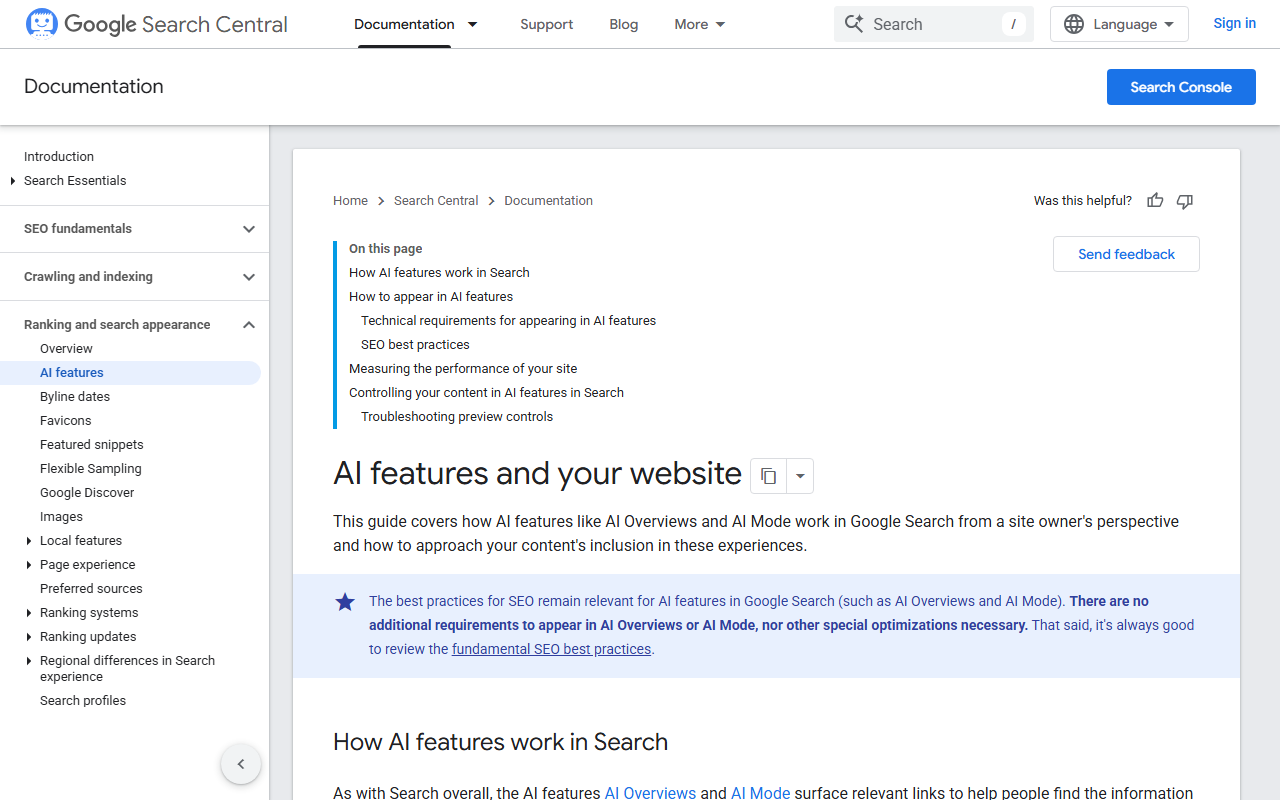
Search Console’s generative AI performance report shows impressions and clicks from AI Overviews and AI Mode for your own site, which is essential and free. It does not cover ChatGPT or Perplexity, and it does not show competitors. A tool adds those two things.
How many prompts should I track?
30 to 50 to start. More prompts do not make the number more accurate; more runs of the same prompts do.
Why do results change every time I run the same prompt?
Models sample their outputs and engines personalise. Treat every run as one sample and report the monthly average.
Can I track AI visibility for free?
Manually, yes: run 20 prompts in each engine once a month, in a private window, and log mentions and citations in a sheet. It takes an hour and is how most teams should start before paying for a tool.
Quick recap: Ai visibility tool
Ai visibility tool usually comes down to a short, repeatable checklist. Use this whenever ai visibility tool comes up again:
- Diagnose ai visibility tool by checking the relevant report first, not assumptions.
- Confirm the current setup is actually causing ai visibility tool before you change anything.
- Re-check ai visibility tool again after the fix ships, not before.
Treat ai visibility tool as an ongoing signal rather than a one-time fix. For background on the platform rules behind this, see Google Search Central.