Most lists of SEO fundamentals are correct and still useless, because they hand you twenty items with equal weight. A SaaS team with one marketer and a part-time developer cannot do twenty things. This guide puts the SEO fundamentals in the order we would actually do them on a new or neglected SaaS site, with a rough time cost for each, so you know what to finish before you touch the next one. If you are still deciding who should own this list, our guide to in house SEO vs an agency covers when the hire pays back.
The order of the SEO fundamentals matters because each layer depends on the one below it. Great content on a page Google cannot index earns nothing. Links pointing at a page that targets the wrong query earn very little. Get the base right and the later work pays back faster.
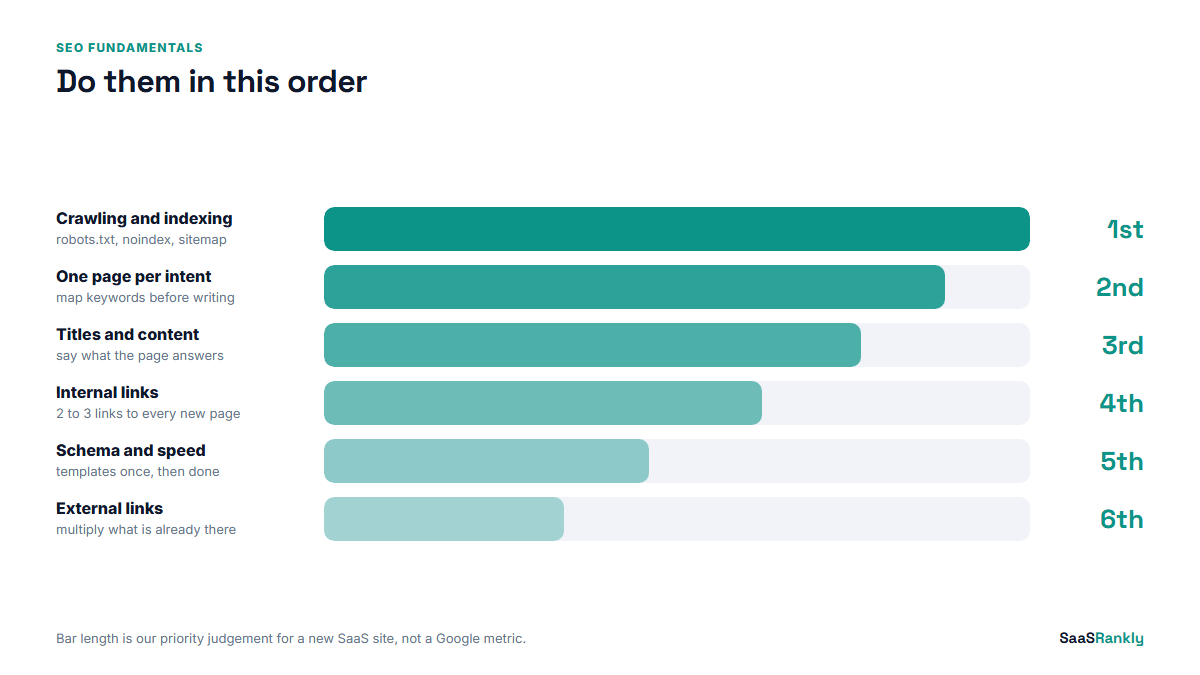
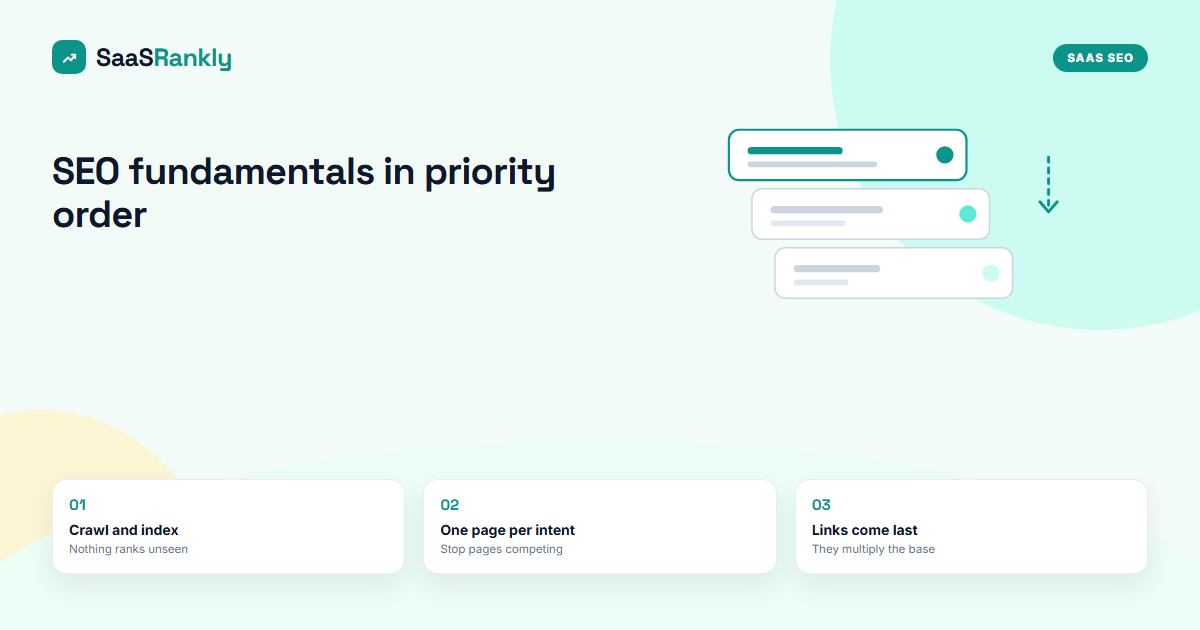
SEO fundamentals in priority order
Here is the whole list first. The rest of the post explains each step and the mistakes we see at each one.
- Crawling and indexing. Google can find, fetch and store your important pages.
- One page per search intent. Each page targets one job a searcher is trying to do.
- Titles, headings and the first paragraph. The page says clearly what it is about.
- Content that answers the query. Better than what currently ranks, not just longer.
- Internal links. Important pages are linked from related pages, with descriptive anchors.
- Structured data and snippets. Search engines can read your product facts and show them well.
- Page speed and mobile. Pages load fast enough and work on a phone.
- External links and mentions. Other sites point at you and talk about you.
If that order looks odd because links sit last, that is deliberate. Links multiply what is already there. On a site with indexing gaps and muddled targeting, they multiply very little. Our longer SaaS SEO strategy guide covers how this base connects to the bigger plan. For a scorecard view of the same base, see our breakdown of the SEO pillars.
1. Crawling and indexing: the fundamental everything sits on
Before anything else, confirm that Google can reach and store your pages. Three checks cover most of it.
- robots.txt does not block pages you want found. Staging rules copied to production are the classic accident.
- No stray noindex tags. Page builders and SEO plugins sometimes set them on templates.
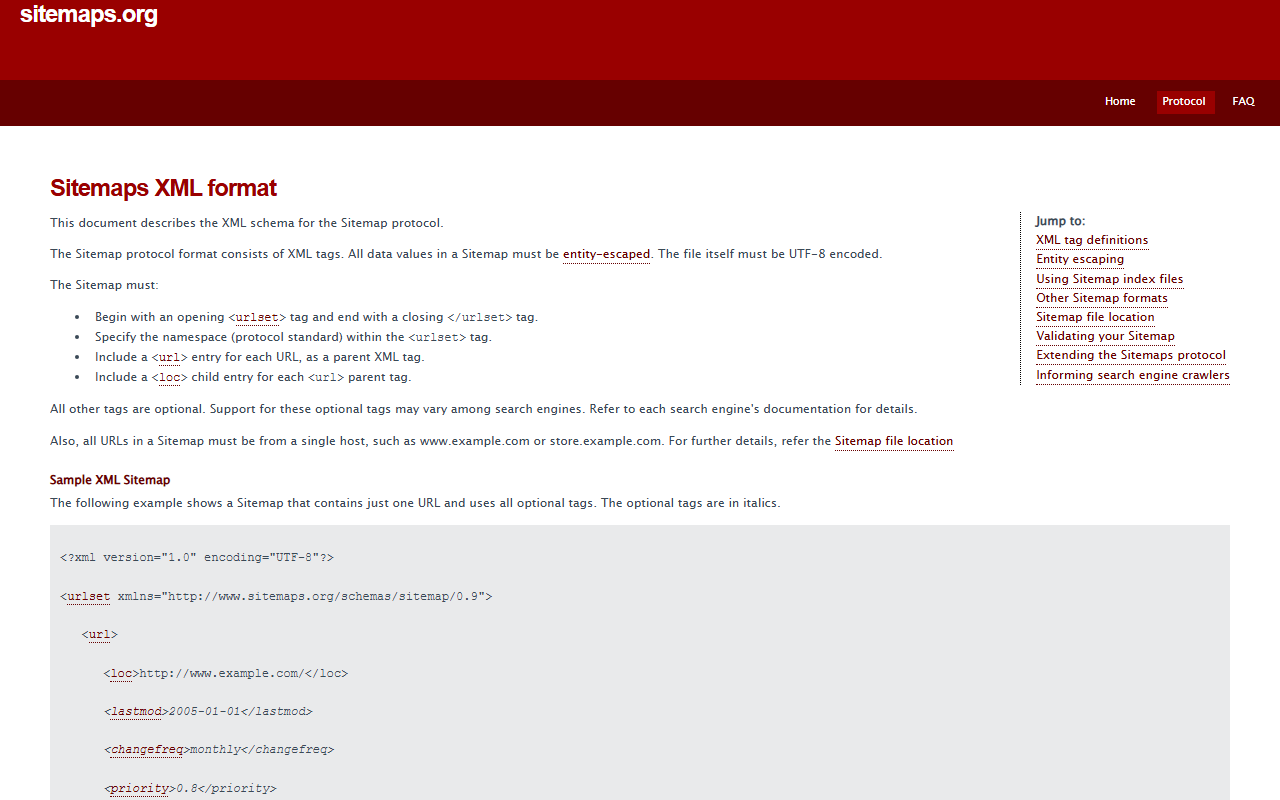
- An XML sitemap lists only canonical, indexable URLs that return 200.
Then open the Pages report in Search Console. On a young SaaS site it is normal to see a large “Discovered, currently not indexed” group. That usually means Google knows the URLs exist but has not decided they are worth crawling yet, which is a quality and internal linking signal more than a technical fault. Our guide to fixing SaaS indexing problems goes through each status and what to do about it.
Time cost: half a day to audit, longer if templates need a developer.
2. One page per search intent
This is the step most SaaS sites get wrong, and it causes more ranking trouble than any technical issue. Two pages chasing the same query split the signals. One page trying to rank for “project management software” and “how to write a project plan” does neither well, because the first is a buyer shopping and the second is someone learning.
Sort your target terms by intent before you assign them to pages. Our free keyword intent classifier tags a list in one pass and suggests the page type for each term.
A simple rule we use: if the top five results for two keywords share three or more URLs, they belong on the same page. If they share none, they need separate pages. For how many related terms one page can carry, see how many keywords per page.
Time cost: one to two days for a 50 to 100 keyword list.
3. Titles, headings and the first paragraph
Once each page has one job, make the page say so. The title tag, the H1 and the opening two sentences should all tell a reader and a crawler what the page answers. This sounds basic and it is, but on audits we still find feature pages titled “Home | Brand” and blog posts whose H1 is a pun. Getting this right matters more now that the results page itself has changed, which we cover in how SERPs changed and what SaaS pages must do.
| Element | What good looks like | The mistake we see most |
|---|---|---|
| Title tag | Keyword near the start, under about 60 characters, a reason to click | Brand name first, keyword truncated |
| H1 | Plain statement of the topic | Clever line with no keyword |
| First paragraph | Answers or frames the query in two sentences | Three sentences of throat clearing |
| URL | Short, readable, stable | Dates or IDs that force redirects later |
Time cost: an hour per 10 pages.
4. Content that answers the query
Search engines rank the page that best satisfies the searcher. For a SaaS site that usually means specific details the generic articles skip: real prices, real limits, screenshots of the actual workflow, and an honest take on when your product is the wrong fit. Length follows from that, not the other way round. A 700-word answer that settles the question beats a 3,000-word guide that circles it.
One test we like: could a competitor copy this page by changing the logo? If yes, it does not have enough of your own knowledge in it yet.
Time cost: the biggest ongoing cost, and the one that compounds.
5. Internal links, the underrated SEO fundamental
Internal links tell Google which pages matter and how topics relate. A new post with no links pointing to it is an orphan and tends to sit in “Discovered, currently not indexed” for weeks. The fix is cheap: every time you publish, add two or three links to it from older related posts, inside real sentences, with anchor text that describes the target.
- Link from pages that already get impressions, because they pass the most value.
- Use descriptive anchors like “SaaS keyword research guide”, not “click here”.
- Keep money pages (pricing, comparisons, integrations) within two clicks of the homepage.
Time cost: 15 minutes per new post, if you make it part of the publishing routine.
6. Structured data and snippets
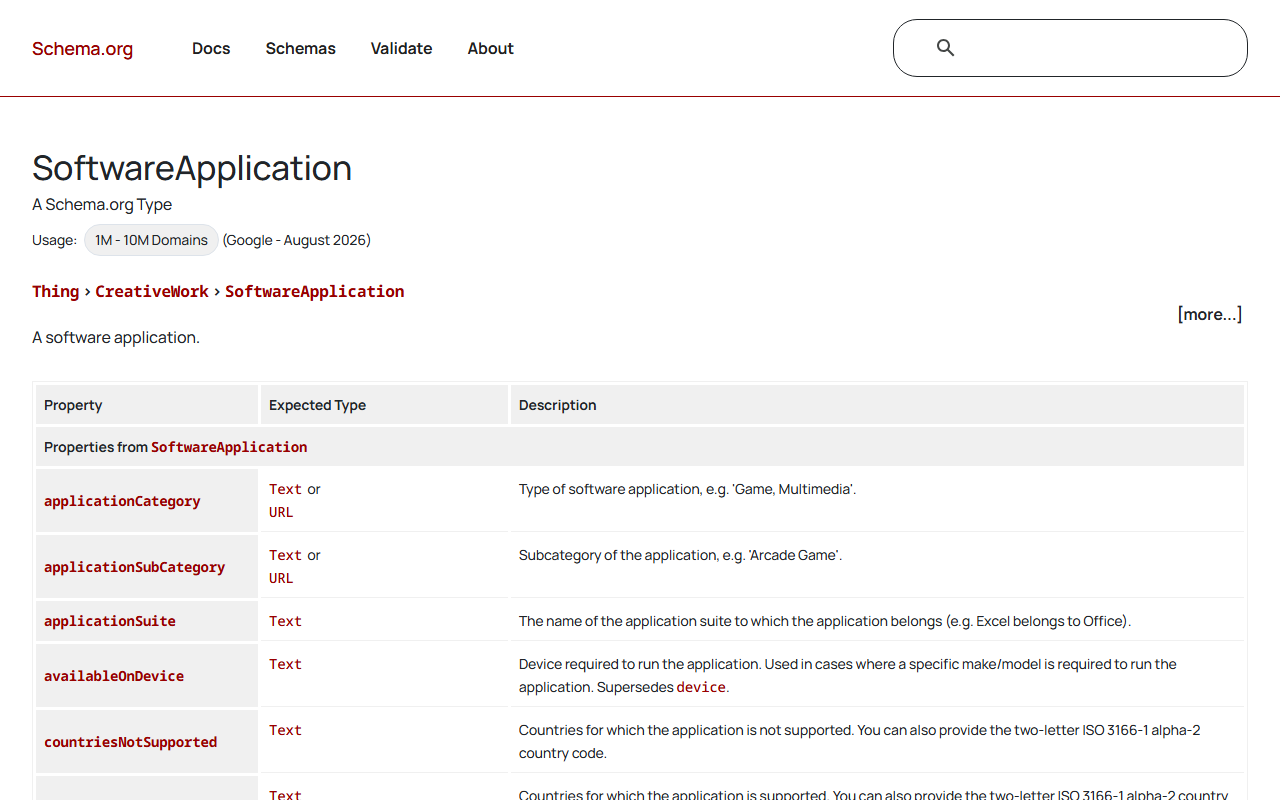
Structured data will not rank a weak page, but it helps a good page show up well and be understood. For SaaS, the useful types are Organization on the homepage, SoftwareApplication on product pages, FAQPage where you genuinely answer questions, and BreadcrumbList site-wide.
Mark up only what the page visibly shows. Review stars you cannot back up, or FAQ markup on a page with no FAQ, is the kind of thing that gets a manual action. Validate before you ship with our schema validator.
Time cost: a day for templates, then zero per page.
7. Page speed and mobile
Speed matters, but it matters less than the steps above for most SaaS marketing sites, which are usually fast enough already. Fix the obvious problems: oversized hero images, a chat widget that blocks rendering, and five tracking scripts nobody reads. Chasing a perfect Lighthouse score after that is rarely the best use of a week.
Time cost: a day for the big wins, then diminishing returns.
8. External links and mentions
Links from other sites are still one of the strongest signals, and mentions on review sites and lists now also feed AI answers. Start with the free and legitimate ones: integration partners, directories you genuinely belong in, founder interviews and data other writers want to cite. Paid link schemes are a fast way to waste money on a young domain.
Time cost: ongoing, best started once the first seven steps are in place.
A worked example: a 40-page SaaS site in four weeks
Here is how the SEO fundamentals translate into a plan for an illustrative site: a scheduling tool with 40 indexed pages, 12 blog posts and no SEO owner. The numbers are made up to show the shape of the plan.
| Week | Focus | Concrete output |
|---|---|---|
| 1 | Crawling and indexing | robots.txt fixed, noindex removed from 3 feature pages, sitemap cleaned to 38 URLs |
| 2 | Intent and targeting | 60 keywords mapped to pages, 2 cannibalising posts merged |
| 3 | Titles, content, internal links | 14 titles rewritten, 3 thin posts expanded, 30 internal links added |
| 4 | Structured data and speed | SoftwareApplication and FAQ markup on templates, hero images compressed |
Nothing on that plan needs a paid tool. That is the point of SEO fundamentals. For the next layer, our list of SEO essentials for SaaS founders turns this into a weekly checklist.
SEO fundamentals you can ignore at the start
- Keyword density targets. Write naturally and use the term where it fits.
- Domain Rating or Domain Authority. They are third-party scores, not Google metrics.
- Meta keywords. Google has ignored them for well over a decade.
- Exact word counts. Match the depth of what ranks, then beat it on specifics.
Quick recap: SEO fundamentals
- Do the SEO fundamentals in order, because each layer depends on the one below.
- Start with crawling and indexing, since an unindexed page cannot rank.
- Give every page one search intent and stop two pages chasing one query.
- Make titles, H1s and first paragraphs state the topic plainly.
- Link every new page from two or three related older pages.
- Leave links and speed tuning until the base is solid.
FAQ
What are the SEO fundamentals?
The core SEO fundamentals are crawlability and indexing, matching pages to search intent, clear titles and headings, useful content, internal linking, structured data, page speed and external links. The order you do them in matters as much as the list.
How long do SEO fundamentals take to show results?
Technical fixes can show up in Search Console within days. Rankings on a new domain usually take three to six months to move meaningfully, and clicks follow impressions.
Can I learn SEO fundamentals without paid tools?
Yes. Search Console, a crawler with a free tier and your own site search cover almost everything in this guide. Paid tools help with competitor research later.
Are SEO fundamentals different for SaaS?
The principles are the same. What changes is the page mix: SaaS sites need comparison, alternatives, integration and pricing pages, and those carry most of the commercial intent.
Do backlinks still count as a fundamental?
They do, but they sit last in the order. Links amplify pages that are already indexed, targeted and useful.
What is the most common SEO fundamentals mistake?
Targeting the same keyword with several pages, or cramming several intents into one page. It is more common than any technical issue we find on SaaS audits.