Bing visual search lets you search with a picture instead of words: upload a photo, paste an image URL or point your phone camera at something, and Bing returns matching images, products, text it reads from the picture, and pages that use the same image. Most marketers have never opened it. That is a mistake, because the same Bing index now sits behind Microsoft Copilot answers, and the way Bing understands your images feeds straight into that.
This guide covers how to use it on desktop and mobile, what it is good and bad at, and what a SaaS or ecommerce site should change so its own images show up.
What is Bing visual search?
It is Bing’s image-as-query feature. Instead of typing “blue mid-century armchair”, you give Bing a photo of the chair and it works out the rest. Under the hood it does three jobs at once: it recognises objects in the picture, finds visually similar images across its index, and pulls out any text it can read.
You reach it in four places at the time of writing: the camera icon in the Bing search box, the dedicated page at bing.com/visualsearch, the Bing mobile app, and inside Microsoft Edge and Copilot where you can drop an image into the prompt.
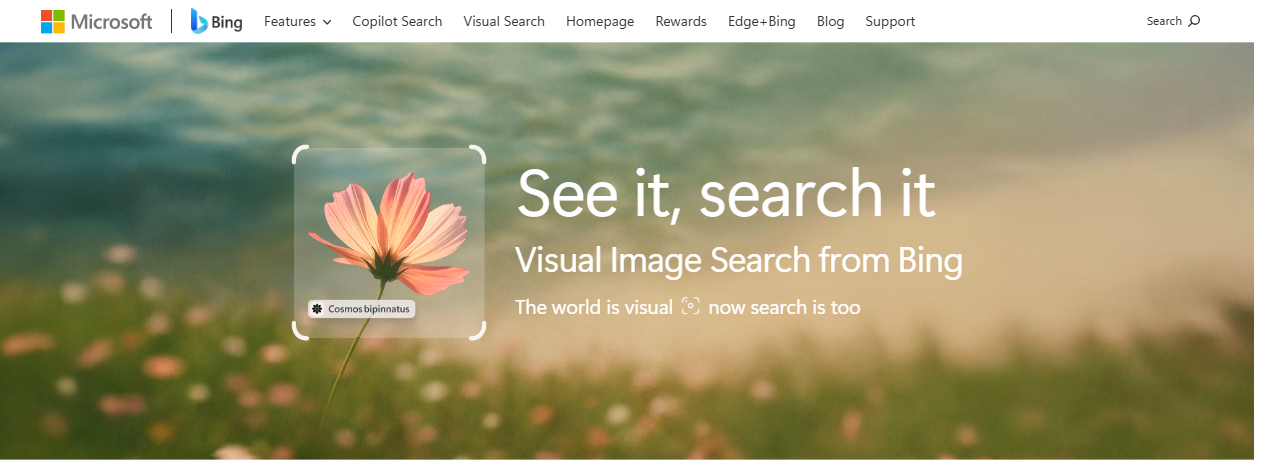
How to use Bing visual search, step by step
On desktop
- Go to bing.com and click the camera icon at the right of the search box.
- Drag an image in, upload one from your computer, or paste an image URL.
- Drag the crop box around the part of the image you care about. This matters more than people expect: a crop around one product beats the whole scene every time.
- Read the result tabs: related content, similar images, shopping, and “pages with this image”.
On mobile
- Open the Bing app (or Edge on mobile) and tap the camera icon.
- Point at the object, or pick a photo from your gallery.
- Tap a detected object to narrow the search to it.
In Edge and Copilot
In Edge you can right-click an image and send it to a Bing image search; the exact menu label has changed a few times, so look for “Bing” in the context menu. In Copilot, paste or upload the image into the chat and ask a question about it. Copilot then uses Bing’s understanding of the picture to ground its answer.
What Bing visual search is good at, and where it falls over
Here is roughly how it performs by image type, from hands-on use. Treat it as a rough guide, not a lab study:
| Image type | How well it did | Notes |
|---|---|---|
| Retail products (furniture, shoes, gadgets) | Strong | Shopping results often matched the exact model |
| Landmarks and buildings | Strong | Named the place almost every time |
| Printed text, signs, receipts | Good | Text extraction is usable; you can copy it out |
| Plants and animals | Good | Species level for common ones |
| Software UI screenshots | Weak | Recognised “a dashboard”, rarely the product |
| Logos | Mixed | Big brands fine, small SaaS logos often missed |
That software screenshots row is the interesting one for SaaS teams. If Bing cannot connect a screenshot of your product to your brand, neither can the AI answers built on top of it. The fix is on your side, and it is mostly boring image hygiene, covered below.
Bing visual search vs Google Lens
People usually ask this next, so here is the short version.
| Bing visual search | Google Lens | |
|---|---|---|
| Where it lives | Bing, Bing app, Edge, Copilot | Google app, Chrome, Google Photos, Android camera |
| Crop and refine | Yes | Yes |
| Text extraction | Yes | Yes, plus translate in place |
| Shopping results | Yes, from Bing’s shopping index | Yes, from Google Merchant Center feeds |
| Feeds an AI assistant | Copilot | Gemini and AI Mode |
| Share of usage | Much smaller | Far larger |
Google Lens has the bigger audience. Bing matters for a different reason: the audience is smaller, but Microsoft is pushing it into Windows, Edge and Copilot by default, and far fewer competitors bother optimising for it.
Why bing visual search matters for AI search
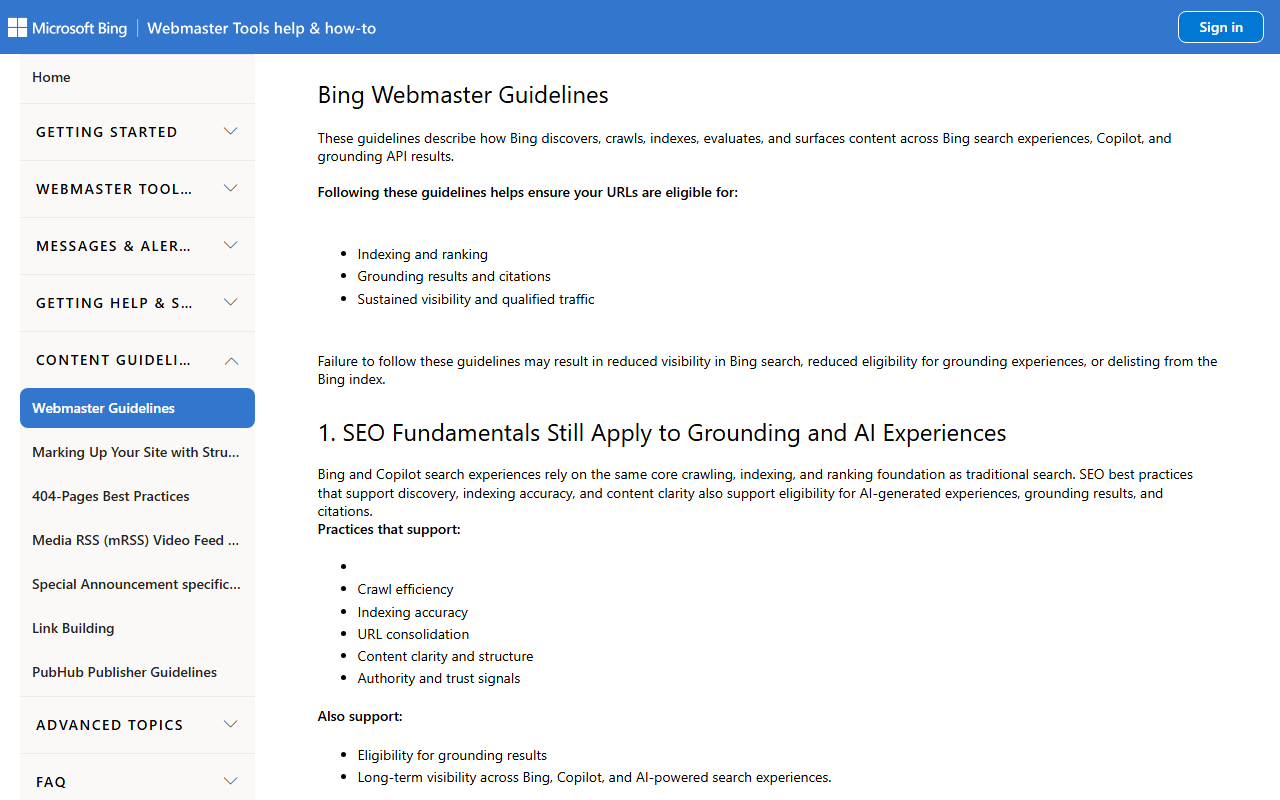
Bing’s own webmaster guidelines now spell out that the same crawling, indexing and content signals decide eligibility for Copilot and AI-grounded answers, not only the ten blue links. In other words, if Bing understands your pages and images, you are a candidate to be cited in Copilot. If it does not, you are not. Tracking whether that is happening needs its own tooling; we compared the options in our roundup of AI search visibility tools.
Several AI assistants have leaned on Bing’s web index for grounding over the past few years, and Microsoft retired its public Bing Search APIs (Visual Search API included) in 2025 in favour of grounding through its own AI products. The practical takeaway is simple: Bing is less a search engine you optimise for separately and more one of the pipes that AI answers pull from. We cover the wider picture in our guide to AI search engines and in LLM visibility.
How to get your images found in bing visual search
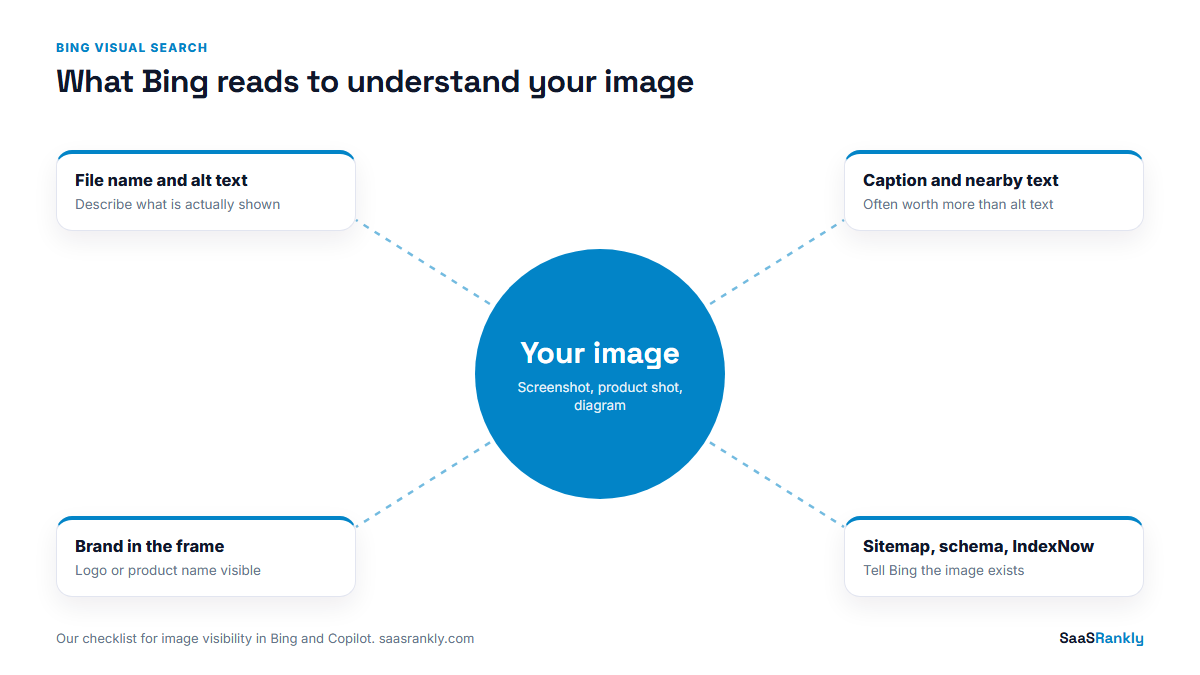
Here is the checklist we apply. None of it is Bing-only; all of it helps Google Images and Lens too.
- Descriptive file names.
invoice-approval-workflow-screen.png, notScreenshot-2026-09-12-at-10.14.png. - Real alt text. Describe what is in the image and name your product where it is actually shown. One sentence, no keyword lists.
- Text next to the image. Bing reads the caption and the paragraph around an image. A figure caption that explains the screenshot is worth more than the alt text on its own.
- Original images. Stock photos match a thousand other pages. Your own product shots and diagrams are the only images that can point back to you.
- Brand in the frame. For UI screenshots, keep your logo or product name visible in the crop. It is the single biggest help for the weak row in the table above.
- Image sitemap entries for key images, plus Product or SoftwareApplication schema with an image property. See our sitemap examples for the format.
- Submit through Bing Webmaster Tools and IndexNow. Bing picks up new URLs faster when you tell it. IndexNow is built into most WordPress SEO plugins now.
- Do not block Bingbot or its image crawler in robots.txt or at the CDN. We still find firewalls that challenge Bing’s crawlers by default. The same goes for AI crawlers; our GPTBot guide covers how to decide which ones to allow.
A worked example: a SaaS screenshot test
Illustrative, but it matches what we see. A small scheduling SaaS took five screenshots from its own feature pages and ran each through bing visual search before and after a cleanup.
| Check | Before | After 6 weeks |
|---|---|---|
| Screenshots where Bing showed “pages with this image” from the brand’s own site | 1 of 5 | 4 of 5 |
| Screenshots where the brand name appeared anywhere in results | 0 of 5 | 3 of 5 |
| Images reported as indexed in Bing Webmaster Tools | 38 | 112 |
| Copilot answer to “what does [brand] look like” cited the site | No | Yes |
What changed: file names and alt text on 60 images, captions on every feature screenshot, logo kept in the crop, an image sitemap, and a CDN rule that had been challenging Bing’s crawler. No new content at all.
Quick recap: bing visual search
- Bing visual search is Bing’s search-by-image feature, reached through the camera icon, bing.com/visualsearch, the Bing app, Edge and Copilot.
- Crop to the object you care about; it changes the results more than anything else.
- Strong on products, landmarks and text; weak on software screenshots unless the site helps.
- Bing’s guidelines tie the same signals to Copilot and AI answers, so image hygiene is now AI visibility work.
- Use descriptive file names, real alt text, captions and original images with your brand in frame.
- Submit via Bing Webmaster Tools and IndexNow, and make sure nothing blocks Bing’s crawlers.
FAQ
How do I use bing visual search?
Click the camera icon in the Bing search box, then upload an image, paste an image URL, or use your phone camera in the Bing app. Crop to the part you care about and read the results tabs.
Is Bing visual search free?
Yes. It is free to use on bing.com, in the Bing app and in Edge. The old paid Bing Visual Search API for developers was retired along with the other Bing Search APIs.
Is Bing visual search better than Google Lens?
For everyday use, Lens is slightly more accurate and far more widely used. Bing is close on products and text, and it matters for marketers because it feeds Copilot.
Can I find where my image is used with Bing?
Yes. Run the image through bing visual search and open the “pages with this image” results. It is a quick way to find sites using your screenshots or diagrams without credit, which is also a link-building lead.
Does Bing visual search work on mobile?
Yes, through the Bing app and Edge for mobile. Both let you use the camera directly or pick a photo from your gallery.
How do I get my images to show up in Bing?
Use descriptive file names and alt text, add captions, include key images in your sitemap, submit URLs through Bing Webmaster Tools or IndexNow, and check that your firewall is not blocking Bing’s crawlers.