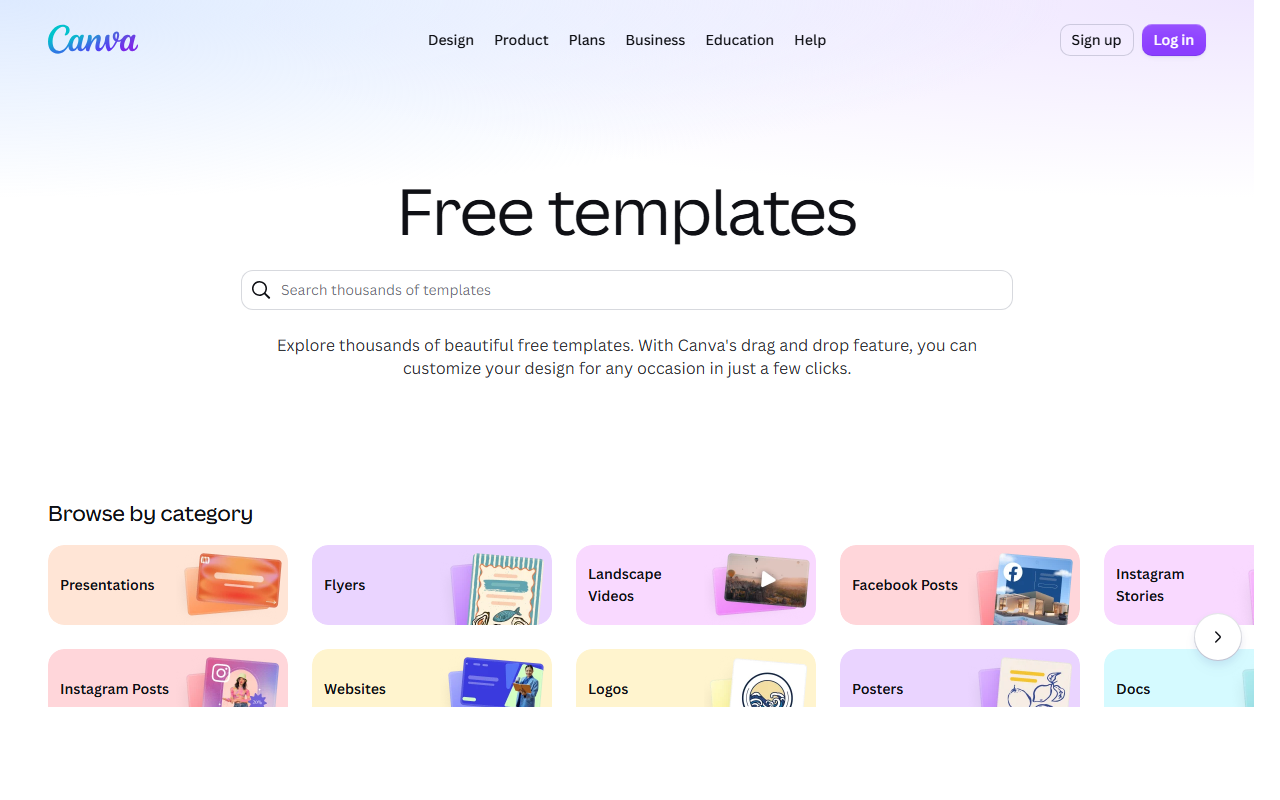
Programmatic SEO is publishing hundreds or thousands of pages from one template and one data source. Zapier’s integration pages, Notion’s template gallery and Canva’s design-size pages are the famous examples. It works for SaaS because your product already contains structured data: integrations, templates, use cases, customers, glossary terms. This guide covers what to build, how to keep it from being thin, and how to roll it out without tanking your crawl budget.
This guide covers programmatic seo for saas for SaaS teams: what it means, why it matters, and the practical steps to get it right.
The four programmatic page types that work for SaaS
| Page type | Data source | Example URL | Search pattern |
|---|---|---|---|
| Integrations | Your integration catalog | /integrations/slack/ | [your tool] + [app] integration |
| Templates | User or team-made templates | /templates/sprint-retro/ | [use case] template |
| Glossary | Category terms | /glossary/net-revenue-retention/ | what is [term] |
| Use case by audience | Feature x persona matrix | /for/agencies/time-tracking/ | [feature] for [audience] |
Step 1: Pick a page type with real per-page data
The test for every programmatic idea is simple: what changes between two pages besides the keyword? If the answer is “the name in the H1”, the pages are thin and will be crawled but not indexed. If the answer is “the triggers, actions, setup steps, screenshots and customer count”, you have a real page.
Good per-page data for a SaaS:
- Integration pages: the specific triggers and actions, a setup walkthrough with screenshots, three example workflows, the number of teams using it.
- Template pages: a preview image, the template’s structure, who made it, how many times it was duplicated, related templates.
- Glossary pages: a definition, a formula where relevant, a worked example from your product, related terms, and a link to the feature that measures it.
Step 2: Design one template that reads like a page, not a database row
Write the template as a human page first: an intro that varies by a few data fields, an H2 structure that answers the query, a section that only appears when the data exists (do not render empty “Reviews” headings), and a hand-written FAQ per category rather than per page.
Rules that keep programmatic pages out of trouble:
- Minimum 300 words of unique data-driven content per page, or do not publish it.
- No page without at least one unique image or code sample.
- Internal links to 3-5 sibling pages chosen by relevance, not random.
- Title and meta description templates that still make sense when read aloud. Check a sample in the SERP Snippet Preview.
- Schema per page type:
SoftwareApplicationfor integrations,DefinedTermfor glossary,HowTofor setup guides. Generate it with the Schema Markup Generator.
Step 3: Roll out in batches and watch indexing
Do not publish 2,000 pages on day one. Publish 50, submit the sitemap, and wait two weeks. Check the Search Console page indexing report: if most are “Crawled, currently not indexed”, the template is thin and you fix it before scaling. If they index, publish the next 200. See how to fix SaaS indexing problems for the diagnosis steps.
Put programmatic pages in their own sitemap file so you can see their indexing rate separately from the blog. Rank Math and Yoast both let you split sitemaps by post type.
Step 4: Build a hub and a directory listing
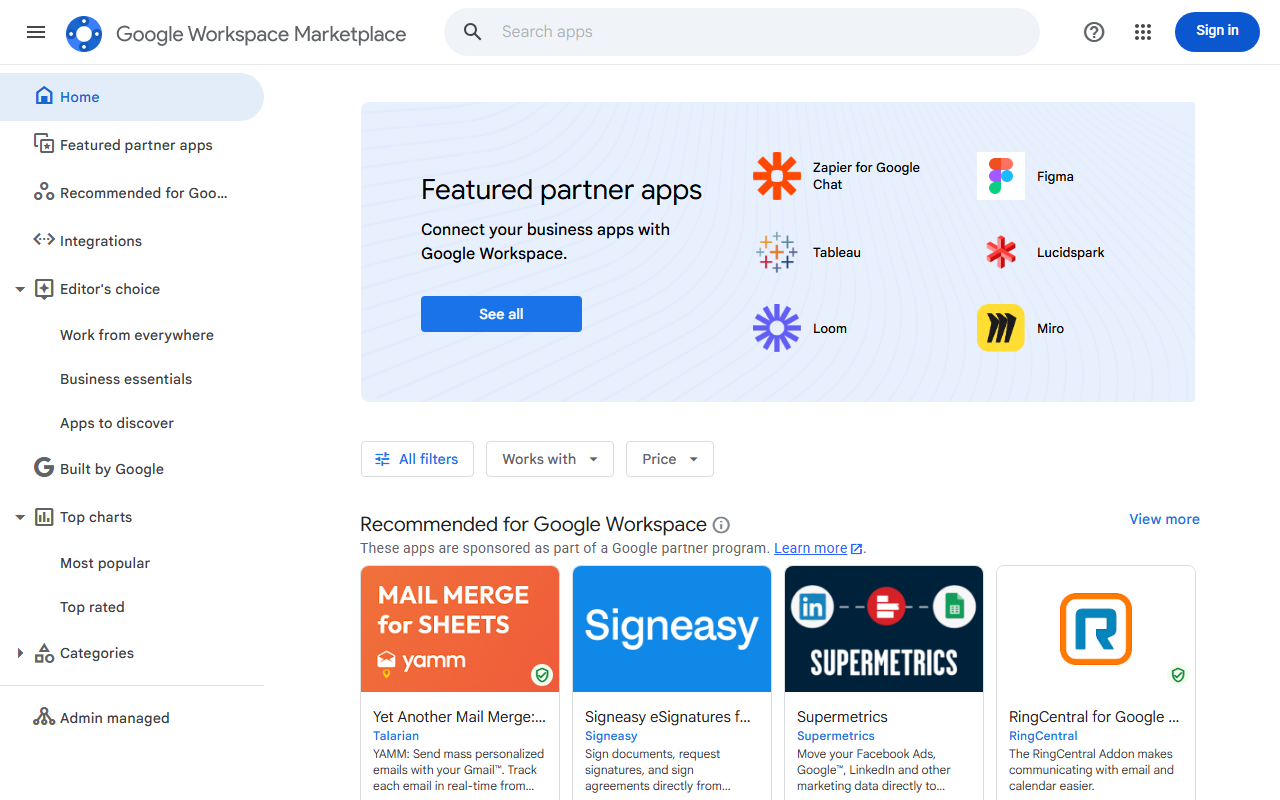
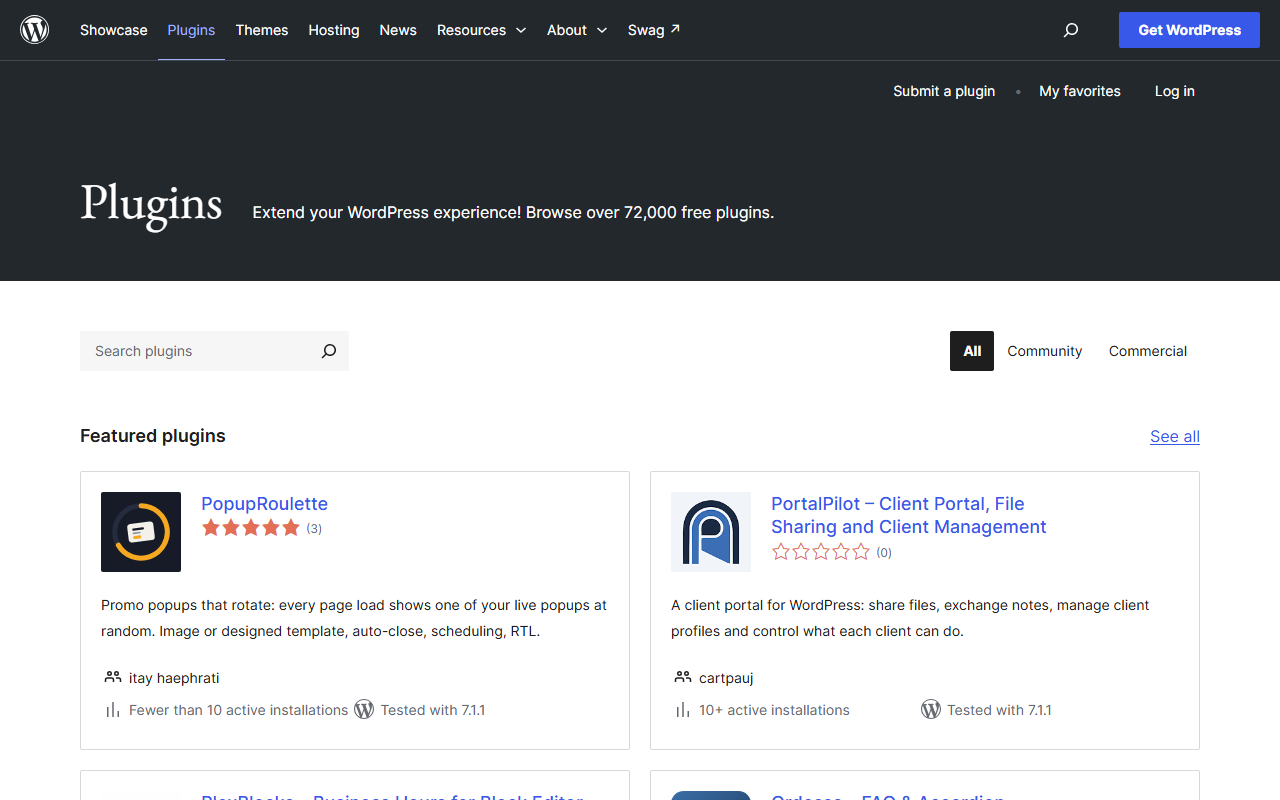
Every programmatic set needs a hub page (/integrations/) that links to every child, with categories so the hub itself is useful. And for integrations specifically, list your app in the partner marketplace as well: HubSpot, Slack, Zapier and Shopify marketplaces are high-authority pages that link back and rank for the same queries.
Step 5: Prune and refresh
Every quarter, export the programmatic set from Search Console. Pages with zero impressions after six months get either improved with more data or noindexed. A programmatic set with 40 percent dead pages drags down the crawl and quality signals for the rest. At larger scale the same pruning becomes a team process, which we cover in our guide to enterprise SaaS SEO.
What not to do
- City pages for a product that does not vary by city.
- “[Tool] for [industry]” pages with the industry name swapped and nothing else.
- AI-written paragraphs per page to fake uniqueness. Google spam policies name scaled content abuse explicitly.
- Publishing before the hub, sitemap and internal links exist.
Frequently asked questions about programmatic SEO for SaaS
How many pages count as programmatic?
Anything from 30 upwards built from a template. The rules are the same at 30 and at 30,000; only the rollout speed changes.
Will programmatic pages hurt my main site rankings?
Only if they are thin. A well-built set adds topical authority and internal links to your money pages. A thin set gets ignored, and in bad cases triggers a site-wide quality issue.
Should programmatic pages be on a subdomain?
No. Keep them on the main domain in a folder so they share authority with the rest of the site.
What is a realistic indexing rate?
Seventy percent or better within 60 days for a healthy set. Below fifty percent means the template needs more unique data.
Quick recap: Programmatic seo for saas
Programmatic seo for saas usually comes down to a short, repeatable checklist. Use this whenever programmatic seo for saas comes up again:
- Diagnose programmatic seo for saas by checking the relevant report first, not assumptions.
- Confirm the current setup is actually causing programmatic seo for saas before you change anything.
- Re-check programmatic seo for saas again after the fix ships, not before.
Treat programmatic seo for saas as an ongoing signal rather than a one-time fix. For background on the platform rules behind this, see Google Search Central.