What is a click? In the plainest terms, a click is one person choosing your result and landing on your page. The trouble is that “click” means different things depending on which tool is counting, and SaaS teams lose hours trying to make Search Console, GA4 and their ad platform agree on a number they were never going to agree on.
This guide defines a click in each place you will meet one, then goes deep on the definition that matters most for SEO: the click in Google Search Console.
What is a click in each tool you use
So what is a click, tool by tool? Same word, four different counting rules. This table is the one we hand new marketers before they build their first report.
| Where | What counts as a click | What does not | Compare it with |
|---|---|---|---|
| Google Search Console | A user selects a result from Google that takes them to your site | Interactions that keep the user on Google, like expanding a feature | Impressions on the same query |
| Google Ads | A click on your ad, billed or not | Clicks Google filters as invalid | Ad impressions and cost |
| GA4 | No “click” for organic traffic; it records sessions and events | Visits blocked by consent or ad blockers | Organic sessions, not GSC clicks |
| Email tools | A tracked link opened in an email | Links a security scanner pre-opened, if the tool filters them | Unique clicks versus total clicks |
The column that causes the most trouble is the last one. A click in Search Console and a session in GA4 are different units measured by different systems. They should move together. They will almost never match. To see the full list of queries behind those clicks, including the ones the report hides, use our guide to Google Search Console keywords.
What is a click in Google Search Console
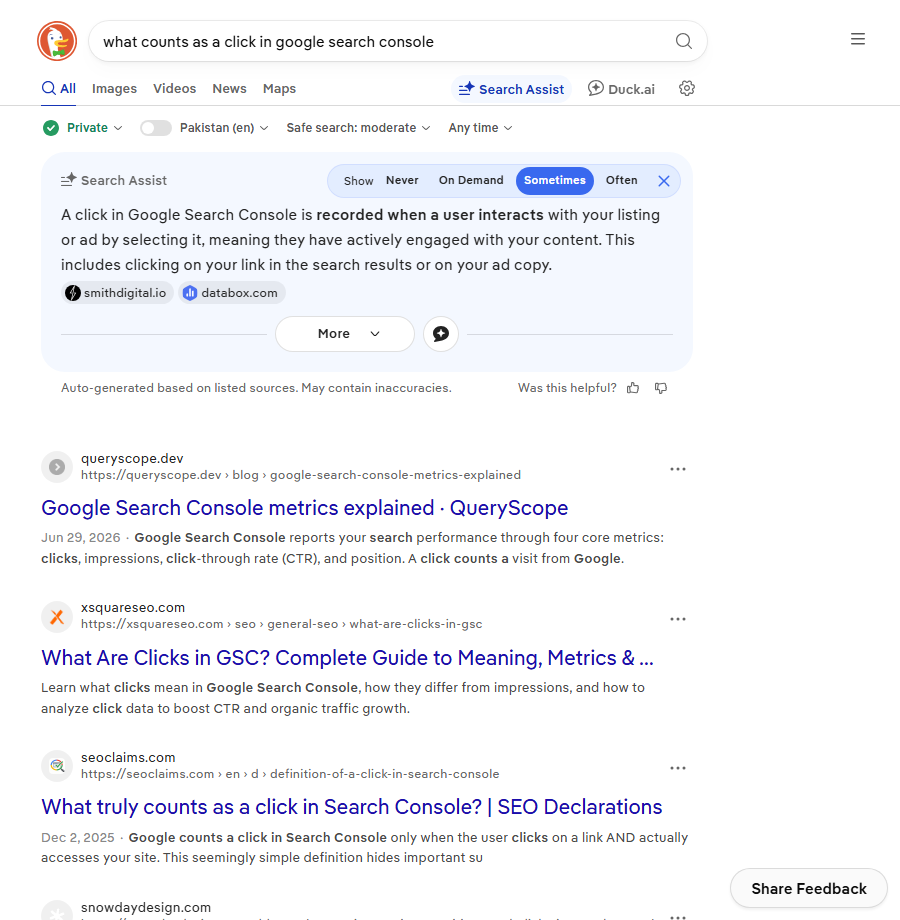
Search Console counts a click when someone on a Google search results page chooses a link that takes them to a URL on your property. Google explains the rules for clicks, impressions and position in its Search Console help documentation, and it is worth reading once in full because the counting varies by search feature.
Knowing what is a click in Search Console changes how you read the report. Three consequences follow from that definition.
- A click is tied to a result, not a visit. Search Console does not know whether the page loaded, how long the person stayed, or whether they bounced.
- Interactions that stay on Google are not clicks. If someone reads your answer inside a feature and never leaves Google, you may get an impression and no click.
- Clicks are reported per page and per query. The totals you see at the top of the Performance report and the rows in the query table do not always add up, because some low-volume queries are withheld for privacy but still counted in the total.
Clicks, impressions and CTR in one line each
An impression is your link appearing in a result the user could see. A click is the user choosing it. CTR is clicks divided by impressions. If a page earned 40 clicks from 2,000 impressions, CTR is 2 percent. We walk through reading all three in measuring SaaS SEO in GA4 and GSC.
Why GSC clicks never match GA4 sessions
This is the question behind most what is a click searches from people who already use both tools. The gap is normal. Here is a made-up but typical month for a SaaS pricing page.
| Metric | Number | Why it differs |
|---|---|---|
| GSC clicks to /pricing/ | 1,240 | Every organic result click to that URL |
| GA4 organic sessions on /pricing/ | 1,010 | Consent banners declined, ad blockers, pages closed before the tag fired |
| GA4 sessions that started elsewhere and reached /pricing/ | +380 | GA4 counts the page view even when the landing page was a blog post |
| Gap between GSC clicks and GA4 landing sessions | about 19 pct | Well inside the normal range we see |
In our experience a gap of 10 to 30 percent is ordinary. A gap above 50 percent usually means something is broken: the GA4 tag missing on some templates, a redirect dropping the session, or a consent mode setup that throws away most organic visits. Chase the big gaps. Stop trying to close the small ones.
The five usual causes of a gap
- Consent banners and tracking blockers stop GA4 from recording some visits.
- The user clicks, then closes the tab before the page and tag finish loading.
- Redirects between the Google result and the final page lose the referrer.
- GA4 attributes some visits to direct or referral instead of organic.
- Search Console and GA4 report on slightly different days and time zones.
What is a click worth to a SaaS company
Once the team agrees on what is a click, the next question is what it is worth. A click is not the goal, it is the entry ticket. For reporting we care about what share of clicks turn into trials or demo requests, and which pages do that best. A page with 300 clicks and 12 trials beats a page with 3,000 clicks and 2 trials every time.
That is why we report clicks next to conversions by landing page, never on their own. The KPI view we use with founders is in SEO KPIs for SaaS, and the report layout is in SaaS SEO reporting dashboard.
How to get more clicks without ranking higher
If a page already sits on page one, CTR is the fastest lever. Four changes we try first:
- Rewrite the title to match the query wording. If people search “pricing” and your title says “Plans”, test the exact word.
- Put a number or a concrete promise in the title. “Pricing: Plans From $19 a Month” out-clicks “Our Pricing” on commercial queries.
- Write a meta description that answers the question. Google rewrites many of them, but the ones that match intent get kept more often.
- Check how the snippet actually looks. Truncated titles lose clicks. Preview it with the SERP snippet preview tool before you publish.
Also check which SERP features are taking attention above you. On many SaaS queries an AI answer or a video block sits over the first blue link, and no title rewrite fixes that. We cover which features still send clicks in SERP features for SaaS. For the plain definition of which listings count as unpaid, our guide to organic results shows where they start on a modern results page.
Quick recap: what is a click
- A click is one person choosing your result and landing on your page, but each tool counts it differently.
- In Search Console, a click is counted when a Google result takes the user to your site.
- Interactions that keep the user on Google can earn an impression without a click.
- CTR is clicks divided by impressions, read per query and per page.
- GSC clicks and GA4 sessions will not match; a 10 to 30 percent gap is normal.
- Report clicks next to trials and demo requests by landing page, never alone.
FAQ
What is a click in Google Search Console?
It is a user on a Google results page selecting a link that takes them to a URL on your site. Search Console records it against both the query and the page, and adds it to the totals in the Performance report.
What is the difference between a click and an impression?
An impression means your link appeared in a result the user could see. A click means they chose it. You can have impressions without clicks, but not clicks without impressions.
Why are my Search Console clicks higher than GA4 sessions?
Because the two tools measure different things. Search Console counts result clicks on Google’s side; GA4 only records a session if its tag loads and consent allows it. Blockers, closed tabs and redirects all widen the gap.
Does a click on an AI Overview link count?
If the link in the AI feature takes the user to your page, it is reported as a click for that page. How position is recorded for those features is its own topic, and we wrote about it in why average position is hard to map now.
What is a good click-through rate?
There is no single number. CTR depends heavily on position, the SERP features on the page and whether the query is branded. Compare a page against its own history and against similar queries, not against an industry average.
How long does Search Console take to show clicks?
Usually two to three days. The most recent days in the Performance report are often incomplete, so avoid judging a change on data from the last 48 hours.