A good SEO daily work report format fits on one screen, takes ten minutes to fill in, and tells a manager three things: what got done, what changed in the data, and what is blocked. Most templates we see online do the opposite. They ask for 25 fields, list every task down to “checked email”, and get skimmed for a week before everyone quietly stops sending them.
We have run in-house and agency SEO teams that sent daily reports, and we have also killed daily reports that were not earning their keep. Below is the format we use now, a filled-in example, the fields we removed and why, and how the daily notes roll up into a weekly summary that a founder will actually read.
Why use an SEO daily work report format at all
SEO results move slowly. Rankings shift over weeks, links take months to count. So why report daily? Because the work does not move slowly. A writer publishes, a developer ships a template change, a page drops out of the index. A short daily note catches the second and third kind of event while they are still cheap to fix.
We recommend a daily report in three situations: a new hire or freelancer in their first 60 days, a team of three or more people working on the same site, or a migration or redesign period. Outside those, a weekly report is usually enough, and our guide on what an SEO report should contain covers that version.
The SEO daily work report format we use
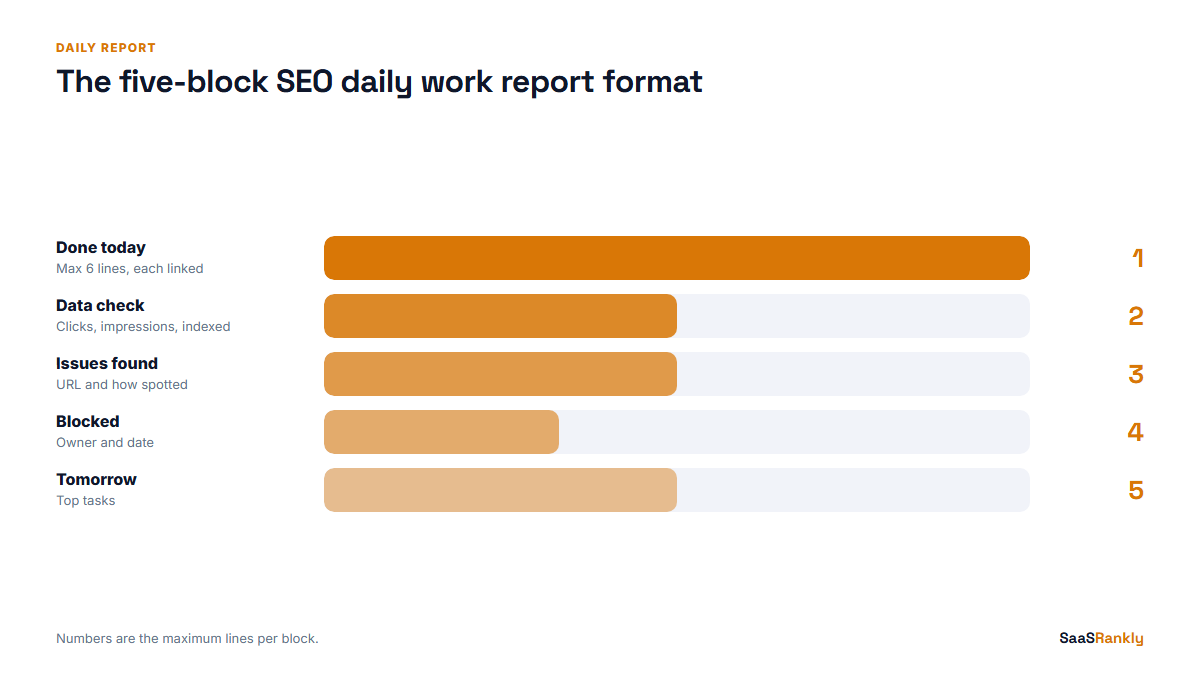
Five blocks, in this order, and nothing else. Each block has a hard limit so the report stays short.
| Block | What goes in | Limit |
|---|---|---|
| 1. Done today | Finished tasks with a link or ID for each (URL, ticket, sheet row) | Max 6 lines |
| 2. Data check | Yesterday vs the same day last week: clicks, impressions, pages indexed, any alert | 3 numbers plus 1 line of comment |
| 3. Issues found | Anything broken or at risk, with the URL and how it was spotted | Max 3 lines, or “none” |
| 4. Blocked | What you need from someone else, named, with a date | Max 2 lines, or “none” |
| 5. Tomorrow | The top 3 tasks for the next working day | 3 lines |
That is it. No time logs, no “hours per task”, no motivational line at the bottom. If a manager needs hours for billing, that belongs in a time tracker, not in the SEO daily work report format.
A filled-in example
Here is an illustrative example from a fictional SaaS called Ledgerly, an invoicing tool with about 600 indexed pages. The numbers are invented but typical for a site at that size.
| Block | Entry for Tuesday |
|---|---|
| Done today | Published “invoice template for freelancers” (/templates/freelance-invoice/). Updated 3 pricing comparison pages with October prices. Fixed 12 broken internal links from last week’s crawl (sheet row 44 to 55). Sent 4 outreach emails for the late payment study. |
| Data check | Clicks 1,840 (vs 1,710 last Tuesday, up 8 percent). Impressions 96,200 (flat). Indexed pages 588 (down 6). Comment: drop in indexed pages is the old /blog/tag/ URLs, expected after noindex. |
| Issues found | /pricing/ title rewritten by Google in results, showing H1 instead. Spotted via site: search. Checking whether the title is too long. |
| Blocked | Need dev to add hreflang to the new UK pages. Asked Sam on Monday, need it by Friday before the UK launch. |
| Tomorrow | Shorten /pricing/ title and test. Brief writer on “late payment fees UK”. Recrawl templates folder after the hreflang change. |
Read it again and notice what the manager gets without asking a single question: one page went live, one problem is being handled, one dependency has a name and a deadline. That is the job of the report.
Fields we removed, and why
Most templates online are padded, and a padded SEO daily work report format is the fastest way to get reports nobody reads. Here are the fields we cut from our own format after a few months of use, with the reason for each.
- Hours per task. People round to make the day look full. It measures effort, which nobody reading an SEO report cares about.
- Daily rank changes. Rankings bounce several positions a day for no reason. Reporting them daily creates panic over noise. We look at rankings weekly, as covered in our post on SERP metrics worth tracking.
- Domain rating or authority score. It barely moves day to day and it is a third-party estimate. Monthly at most.
- “Research” as a task. If research produced something, list the output (a keyword list, a brief). If it did not, it is not a finished task yet.
- Total backlinks. Daily counts swing as tools recrawl. Track new and lost links weekly with a proper backlink monitoring routine.
Where the data check numbers come from
The data block is the part people skip, and it is the part that catches problems. We keep it to three numbers so it takes two minutes.
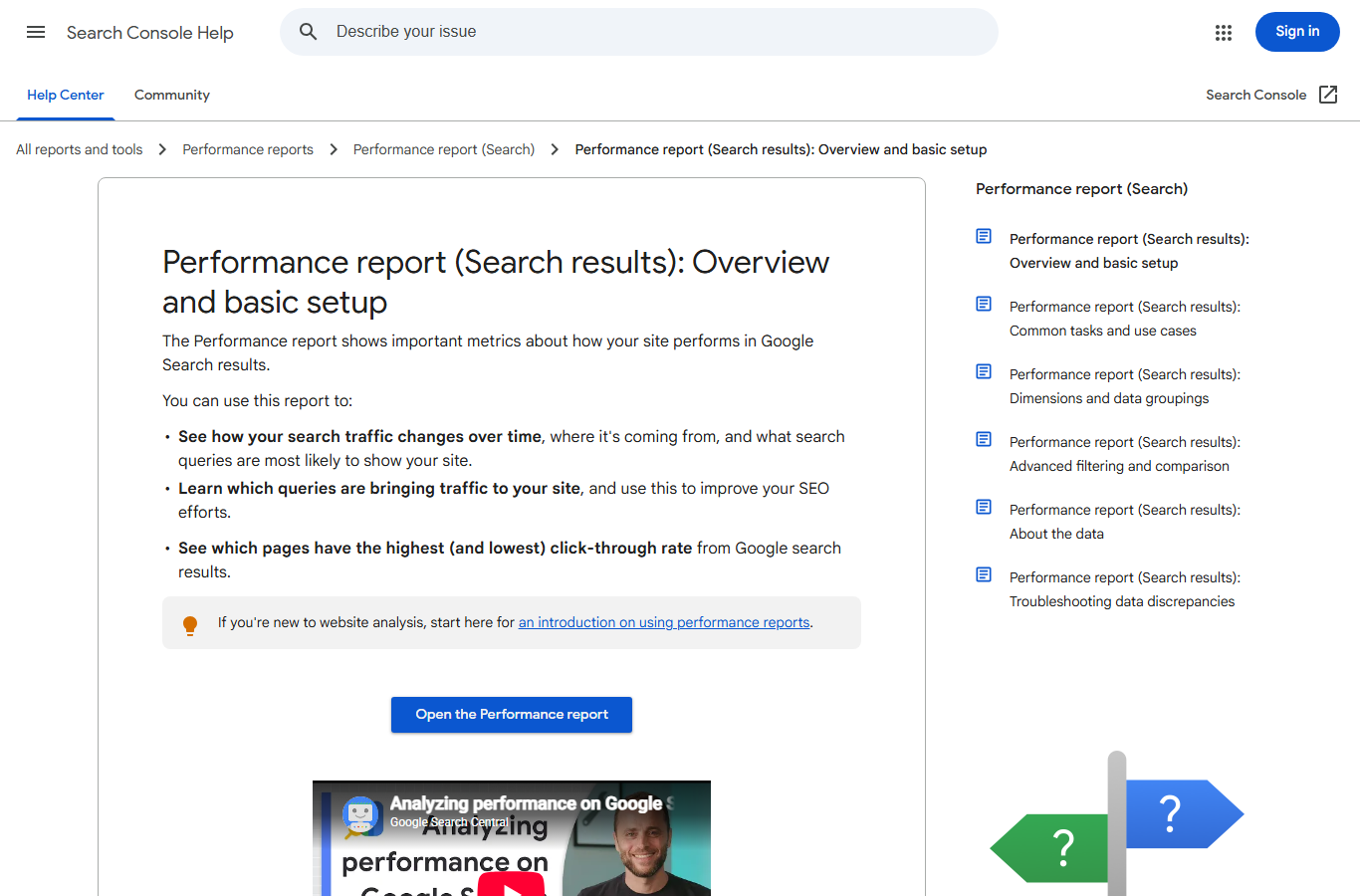
- Clicks and impressions: Search Console, Performance report, last day with data compared with the same weekday a week earlier. Search Console data usually lags by about two days, so “yesterday” is really two days ago. That is fine as long as you compare like with like.
- Pages indexed: Search Console, Pages report. A sudden drop of more than 5 percent is worth a line in the Issues block.
- Alerts: anything from Search Console messages, your uptime monitor, or a crawl. If your sitemap changed, run it through the sitemap checker before writing “none”.
Comparing to the same weekday matters. SaaS traffic dips hard on weekends, so Monday compared to Sunday always looks like a win and tells you nothing. For more on pulling query data out of Search Console, see our guide to Google Search Console keywords.
How to set up the SEO daily work report format in a week
- Day 1: Pick the tool. A shared Google Doc with one heading per day works. So does a Slack channel with a pinned template. We avoid project-management tools for this because reports get buried in comments.
- Day 2: Paste the five-block SEO daily work report format above and agree the limits with the team.
- Day 3: Fix the time. End of day, before 6 pm local time, so the manager can read it the next morning.
- Day 4: The manager replies to at least one item every day for the first two weeks. If nobody reacts, people stop writing well.
- Day 5: Start the weekly rollup (see below).
Rolling daily notes into a weekly report
The daily report is for the team. The weekly report is for the founder or client. Every Friday, we pull from the five daily reports into a short summary:
| Weekly section | Built from |
|---|---|
| Shipped this week | All “Done today” lines, grouped by type (published, fixed, outreach) |
| Trend | Week-over-week clicks and signups from organic, one line of context |
| Risks | Any issue that appeared more than once, or is still open |
| Decisions needed | Every “Blocked” item older than 3 days |
The weekly version links to the KPIs that matter at the business level. Our post on SEO KPIs for SaaS lists the nine we report and the ones we dropped. Keep the two separate, and keep the SEO daily work report format inside the team. A founder who receives daily task lists will stop reading both.
Checklist: is your daily report working?
- Can someone read it in under 90 seconds?
- Does every finished task have a link or an ID?
- Do the data numbers compare the same weekday?
- Has a “Blocked” item been unblocked because someone read the report this month?
- Has an issue been caught early because of the data block this month?
If the last two answers are no for a whole month, the SEO daily work report format has become ritual. Switch to weekly. For guidance on what Google itself shows in the data you are reporting, the Search Console Performance report help page explains how clicks and impressions are counted.
Quick recap: SEO daily work report format
- Use five blocks: done today, data check, issues found, blocked, tomorrow.
- Put a hard limit on each block so the report fits on one screen.
- Link every finished task to a URL, ticket or sheet row.
- Compare data to the same weekday last week, never to yesterday.
- Drop hours, daily rankings and authority scores from the daily version.
- Roll daily notes into a weekly summary for founders and clients.
FAQ
What should an SEO daily work report include?
Finished tasks with links, a quick data check of clicks, impressions and indexed pages, any issues found, anything blocked, and the top three tasks for tomorrow.
How long should a daily SEO report be?
Short enough to read in about 90 seconds. In practice that means 12 to 18 lines. If it runs longer, the tasks are too granular.
Should I report keyword rankings every day?
No. Daily rank movement is mostly noise. Report rankings weekly and react only to sustained drops on pages that drive signups.
Is there a free template for an SEO daily work report format?
Copy the five-block table in this post into a Google Doc or a pinned Slack message. That is all the template you need, and it is easier to keep up than a spreadsheet with 25 columns.
Who should read the daily SEO report?
The team lead or SEO manager. Founders and clients should get the weekly rollup instead, which groups the work and focuses on trends and decisions.
When should a team stop sending daily reports?
When nobody has acted on a blocked item or an issue from the report in a month. At that point a weekly report gives the same value with less effort.