Backlink monitoring is the habit of checking, on a schedule, which links to your site are new, which ones disappeared and which ones changed in a way that matters. If you are still deciding whether links deserve the effort at all, start with why backlinks are important in SEO. Most SaaS teams skip it. They spend $3,000 on a guest post campaign or a digital PR push, watch the links go live, and never look again. Six months later a third of those links are gone, redirected or quietly switched to nofollow, and nobody noticed.
This is the routine we run for SaaS sites. Once it is set up it takes about 20 minutes a week.
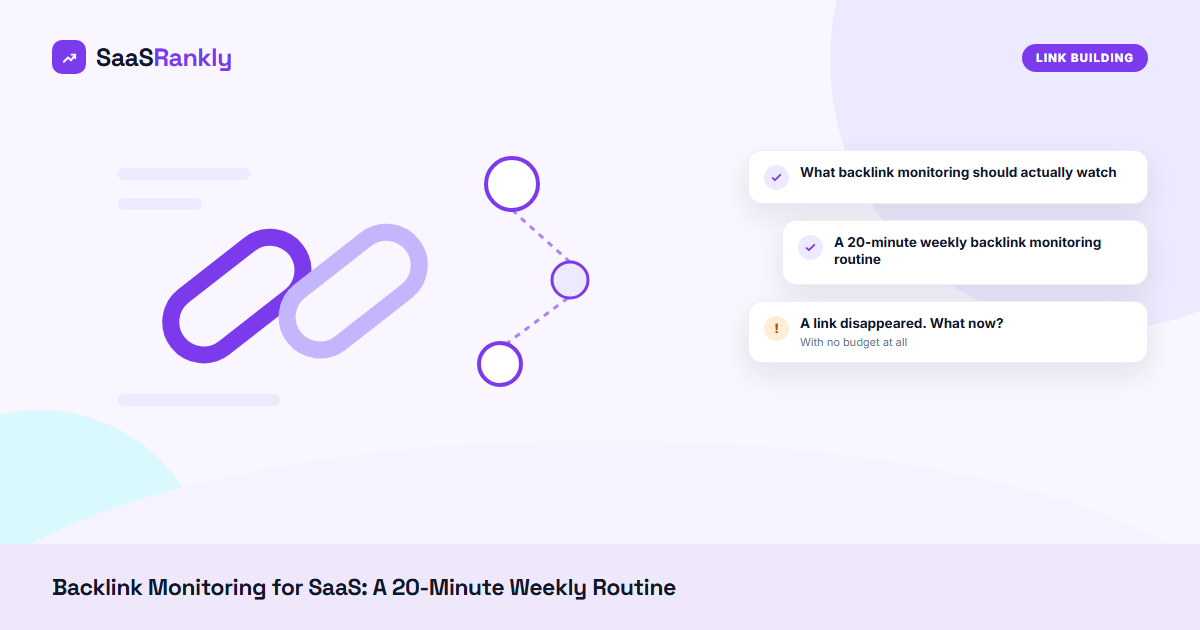
What backlink monitoring should actually watch
| Signal | Why it matters | How often | Where to see it |
|---|---|---|---|
| New referring domains | Confirms campaigns landed and spots spam bursts early | Weekly | Ahrefs or Semrush alerts, GSC Links |
| Lost referring domains | Paid or earned links you might get back | Weekly | “Lost” filter in your backlink tool |
| Links switched to nofollow or sponsored | The link is still there but passes less value | Monthly | Crawler check of your top 50 linking pages |
| Anchor text changes | A sudden spike in exact-match anchors can look manipulative | Monthly | Anchors report |
| Your target pages returning 404 or redirecting | The link is fine, your page is not | Weekly | Your own crawl, or the URL test in our sitemap checker |
| Top linked pages | Shows which content earns links, so you can make more of it | Quarterly | GSC Links, “Top linked pages” |
The row most teams forget is the fifth one. A lot of “lost” links are not lost at all. The linking page still points to /blog/old-slug/, you renamed the post, and the redirect broke during a CMS change. That one is on you to fix, and it is the easiest recovery you will ever make.
A 20-minute weekly backlink monitoring routine
- Open lost links from the past 7 days. In Ahrefs that is Site Explorer, Backlinks, then the Lost filter. Sort by the linking site’s authority and ignore anything very weak unless you paid for it.
- Open each lost link that passed the cut. You will see one of four things: the link was removed, the page is gone, the page redirects somewhere else, or the link is still there and the crawler missed it. Note which one in your tracker.
- Scan new links from the same 7 days. Flag clusters from sites you have never heard of. Ten new links from throwaway domains with casino anchors in one week is usually a scraper network. It is almost always safe to ignore, but you want to know about it.
- Test your own target URLs. Take the 20 pages that receive the most links and confirm each returns a 200 with no redirect chain.
- Log the week. One row: date, links gained, links lost, links recovered, notes. After three months the log tells you which campaigns produced links that last.
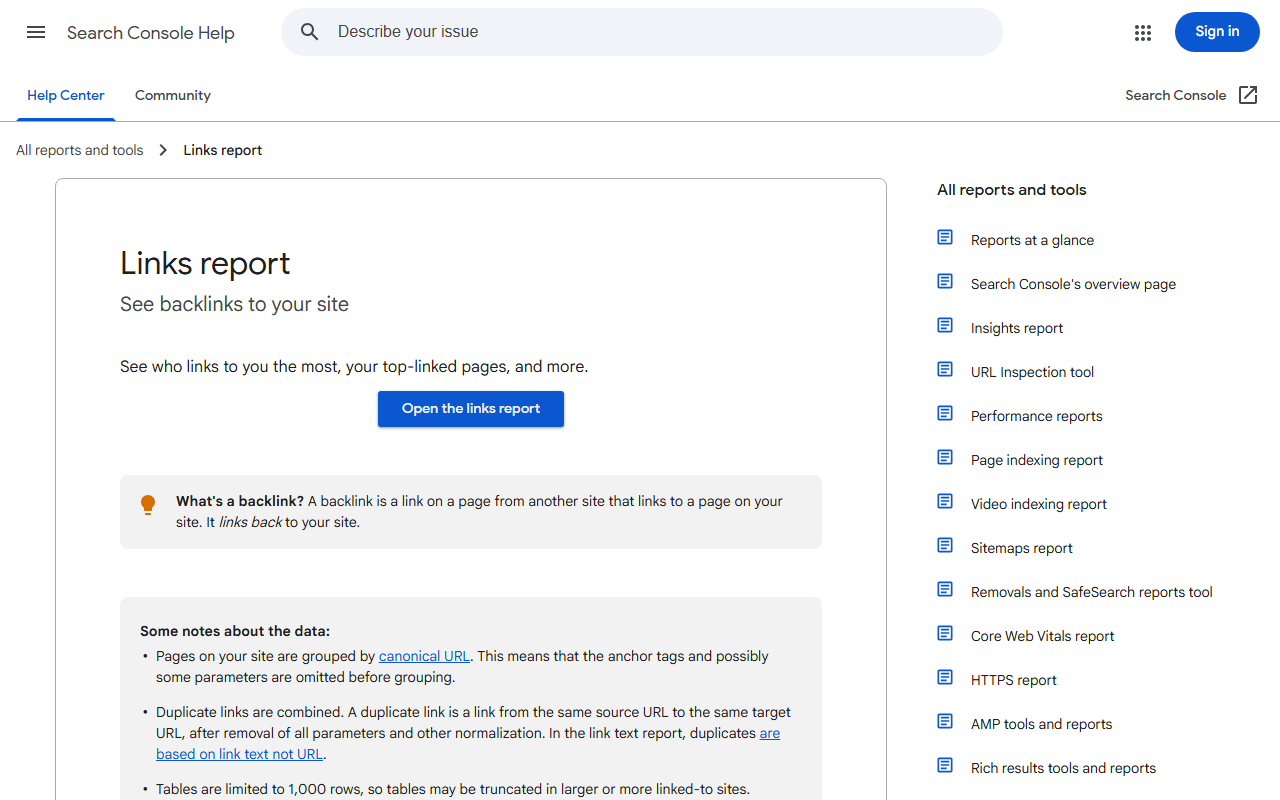
With no budget at all, start with the Search Console Links report documented above. It shows top linking sites, top linked pages and top anchor text for free. The limits are real: no dates, no “lost” view, and the data is sampled. Google’s Links report help page spells out what is included. We export it once a month and compare the CSVs in a spreadsheet. Crude, but it catches the big drops.
A link disappeared. What now?
| What you find | What it usually means | What we do |
|---|---|---|
| Link removed, page still live | Editor cleanup, or a paid placement expired | Email once, politely, with the exact URL. If it was paid, check the agreement. |
| Linking page returns 404 | Their site was restructured or pruned | Look for the new URL on their site and ask them to restore the link there. |
| Linking page redirects to their homepage | Content deleted and blanket-redirected | Rarely recoverable. Log it and move on. |
| Link now rel=”nofollow” or “sponsored” | Site-wide policy change | Nothing to do. Many publishers switched in bulk. |
| Your target page 404s or redirects twice | Your own migration broke it | Fix the redirect today. Fastest win on this list. |
| Link still there, tool says lost | Crawler timing | Recheck next week before doing anything. |
In our experience about one lost link in four is recoverable, and most recoveries come from the last two rows, not from outreach emails.
Worked example: backlink monitoring after a SaaS site migration
“Crewbase” is a fictional HR SaaS that moved its blog from blog.crewbase.io to crewbase.io/blog/ in January. The team redirected the top 100 posts by hand and assumed a pattern rule would catch the rest. Nobody tested it. This is what their monitoring log showed over the next eight weeks.
| Week | Referring domains | Lost that week | Cause | Recovered |
|---|---|---|---|---|
| Before migration | 412 | n/a | n/a | n/a |
| Week 2 | 398 | 14 | Old URLs returning 404, pattern rule failed | 0 |
| Week 4 | 371 | 27 | Same, plus 4 removed by editors | 0 |
| Week 5 (audit) | 371 | 0 | Found 61 old URLs with no redirect | n/a |
| Week 6 | 389 | 2 | Redirects fixed, crawlers re-found links | 20 |
| Week 8 | 405 | 3 | Normal churn | 14 |
Crewbase lost 41 referring domains in a month and almost none of them were real losses. Apart from the 4 editor removals, every drop was a redirect problem on their side. After the fix they got 34 back within three weeks. Without weekly backlink monitoring they would have spotted it in the quarterly report, around week 12, after rankings for the affected posts had already slipped. Our SaaS link building guide covers how we protect links during a migration.
Backlink monitoring tools by budget
| Tool | What it does well | Price at the time of writing | Our take |
|---|---|---|---|
| Google Search Console | Top linking sites and pages, straight from Google | Free | Use it regardless. Not a monitoring tool on its own. |
| Ahrefs (Alerts and Site Explorer) | Fast discovery, clear new and lost views, email alerts | Paid plans from about $129 a month | Our default if you already pay for it. |
| Semrush (Backlink Audit) | Lost links, toxicity flags, ties into outreach | Pro plan from about $140 a month | Good if the team already lives in Semrush. See Ahrefs vs Semrush for SaaS. |
| SE Ranking | Backlink monitor per project, cheaper seats | From about $65 a month | Solid budget pick, covered in our Semrush alternatives roundup. |
| Screaming Frog (list mode plus custom search) | Checks whether known links still exist and are followed | Free up to 500 URLs, licence £199 a year | Best for verifying a list of paid or PR links. |
Our opinion: if you spend less than $1,000 a month on links, you do not need a dedicated monitoring tool. Search Console plus a monthly Screaming Frog pass over your list of known links is enough. Once you run digital PR for SaaS at volume, automated alerts pay for themselves with the first recovered link.
Quick recap: backlink monitoring
- Backlink monitoring means checking new, lost and changed links on a fixed schedule, not once a quarter.
- Watch six signals: new, lost, nofollow switches, anchors, your own broken targets, top linked pages.
- Twenty minutes a week covers most SaaS sites.
- About one lost link in four is recoverable, usually by fixing your own redirects.
- Migrations are where most “lost” links come from, so monitor weekly for two months after one.
- Start free with Search Console and a crawler, then add paid alerts when link spend grows.
FAQ
What is backlink monitoring?
It is the regular tracking of links pointing to your site: which are new, which were removed, and which changed attributes like nofollow or anchor text. The goal is to protect links you earned or paid for and to catch problems on your own site.
How often should you do backlink monitoring?
Weekly for new and lost links, monthly for anchors and link attributes, and weekly for eight weeks after any migration or URL change. Daily checks mostly show crawler noise.
Can I do backlink monitoring for free?
Partly. The Search Console Links report is free and comes from Google, but it has no dates or lost-link view. Pair it with Screaming Frog’s free 500-URL crawl to check a list of known links.
Why do backlinks disappear?
Editors remove them, pages get deleted or redirected, sponsored placements expire, or your own target URL breaks. The last cause is the most common one we see on SaaS sites, and the easiest to fix.
Should I disavow spammy links that backlink monitoring flags?
Usually not. Google ignores most spam links on its own. We only use the disavow file after a manual action or when a site was part of a paid link scheme it wants to step away from. Our disavow guide covers the five questions to answer before you upload anything.
What is the best backlink monitoring tool for a SaaS startup?
The one you already pay for. If you have Ahrefs or Semrush, turn on their alerts. If you have neither, Search Console plus Screaming Frog is enough until link building becomes a real budget line.