What is on-page SEO? It is every change you make on the page itself to help it rank: the title tag, headings, copy, internal links, images, structured data and the URL. If you can edit it in your CMS without asking another website for anything, it counts as on-page.
That definition is the easy part. What SaaS teams actually want to know is which on-page changes are worth an afternoon and which are busywork. We audit a lot of SaaS marketing sites, and the same handful of fixes accounts for most of the ranking movement we see. Below are the 14 checks we run, in priority order, plus one feature page rewrite with the numbers before and after.
What is on-page SEO compared with technical and off-page SEO?
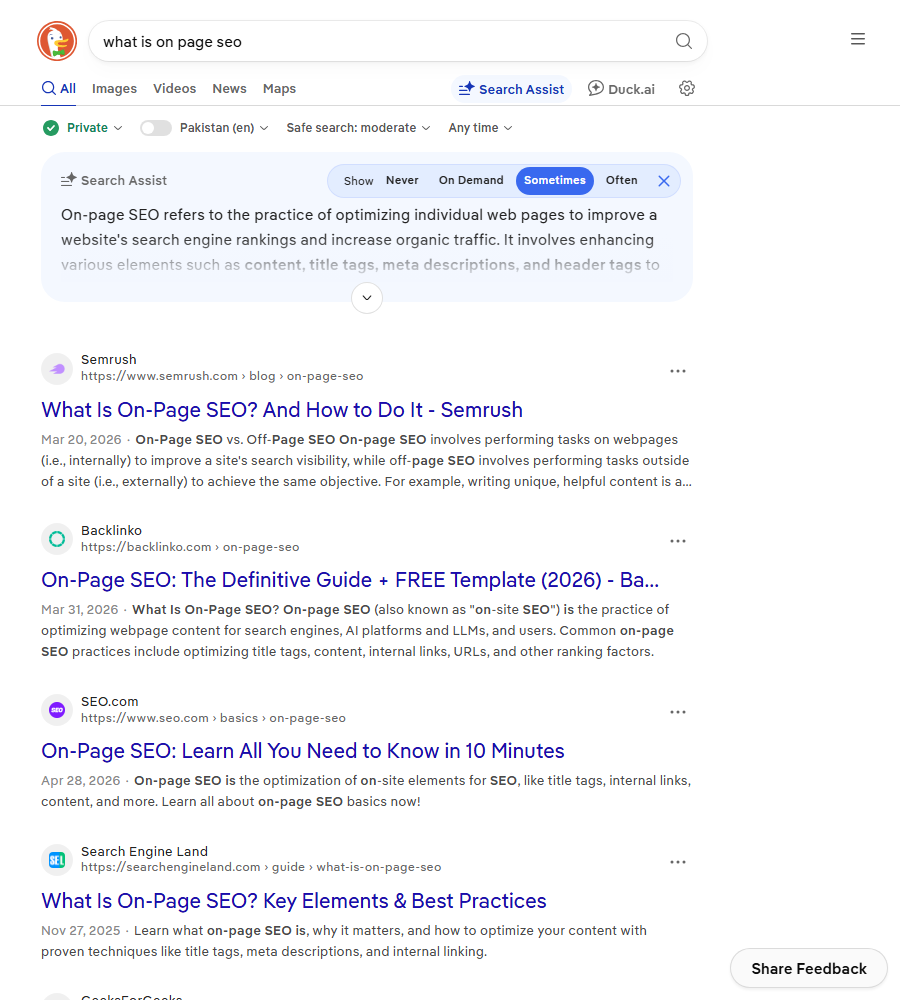
Search the question and every result gives roughly the same answer.
The simplest way to separate the three types is by where the work happens and who does it.
| Type | What you change | Where the work happens | Usual owner on a SaaS team | Example |
|---|---|---|---|---|
| On-page SEO | The content and HTML of one URL | Your CMS | Writer with the SEO lead | Rewriting the title and intro of /features/time-tracking/ |
| Technical SEO | How the whole site is crawled, rendered and indexed | Codebase, server, CDN | Developer | Fixing a canonical tag template that points every post at the blog index |
| Off-page SEO | Signals that come from other websites | Other people’s sites | Founder or head of marketing | Getting listed on a partner’s integration directory |
The lines blur. Internal links sit on the page, but they shape site architecture. Schema is code, but a writer can paste it in. We file each task by who can ship it, because that decides whether it gets done this week. For the full map of how these pieces depend on each other, see our breakdown of SEO components in build order.
The 14 on-page SEO checks we run, in priority order
| # | Check | What good looks like | The SaaS failure we see most | Impact |
|---|---|---|---|---|
| 1 | Search intent match | The page type matches what already ranks | A feature page targeting a query where Google shows only “best tools” lists | High |
| 2 | Title tag | Keyword near the front, fits the snippet, gives a reason to click | “Features | Brand” on 40 different pages | High |
| 3 | H1 | One H1 that says plainly what the page is | A slogan such as “Work, but better” | High |
| 4 | First 100 words | The answer or core claim shows up early | Three paragraphs of company story before the point | High |
| 5 | Internal links pointing in | 5 or more contextual links from related pages | Feature pages linked only from the nav and footer | High |
| 6 | Subheadings | H2s answer the questions the searcher has | H2s written as taglines | Medium |
| 7 | Meta description | Specific, under about 155 characters | Blank, so Google pulls cookie banner text | Medium |
| 8 | URL slug | Short, readable, never changes | /p/12938 or a year baked into the blog URL | Medium |
| 9 | Content depth | Covers the subtopics the top results cover | A 300-word feature page against 2,000-word guides | Medium |
| 10 | Internal links pointing out | Links to the next step a reader would take | Blog posts that never mention the product | Medium |
| 11 | Images | Real screenshots, compressed, descriptive alt text | A 2.4 MB hero image with alt=”image1″ | Low to medium |
| 12 | Structured data | Valid schema for the page type | The same FAQ block pasted onto 60 pages | Low to medium |
| 13 | Freshness | The updated date is real and the numbers are current | “2023” still in the title in 2026 | Low to medium |
| 14 | Keyword placement | Primary term in title, H1, URL and intro | The exact phrase forced in 30 times | Low |
The order matters more than the list. Checks 1 to 5 decide whether a page can rank at all. Checks 6 to 10 decide how high. Checks 11 to 14 are tidy-up. The mistake we see most is a team spending a sprint on alt text and schema for pages that fail check 1.
The on-page SEO checks that carry the most weight
Intent match
Search your target term and look at the top five. If they are all “best X tools” lists, a single product page will struggle however well you tune it. Either write the comparison page the results are asking for, or pick a query where product pages already rank. Our guide to high-intent keywords shows how to find the second kind.
Title tag
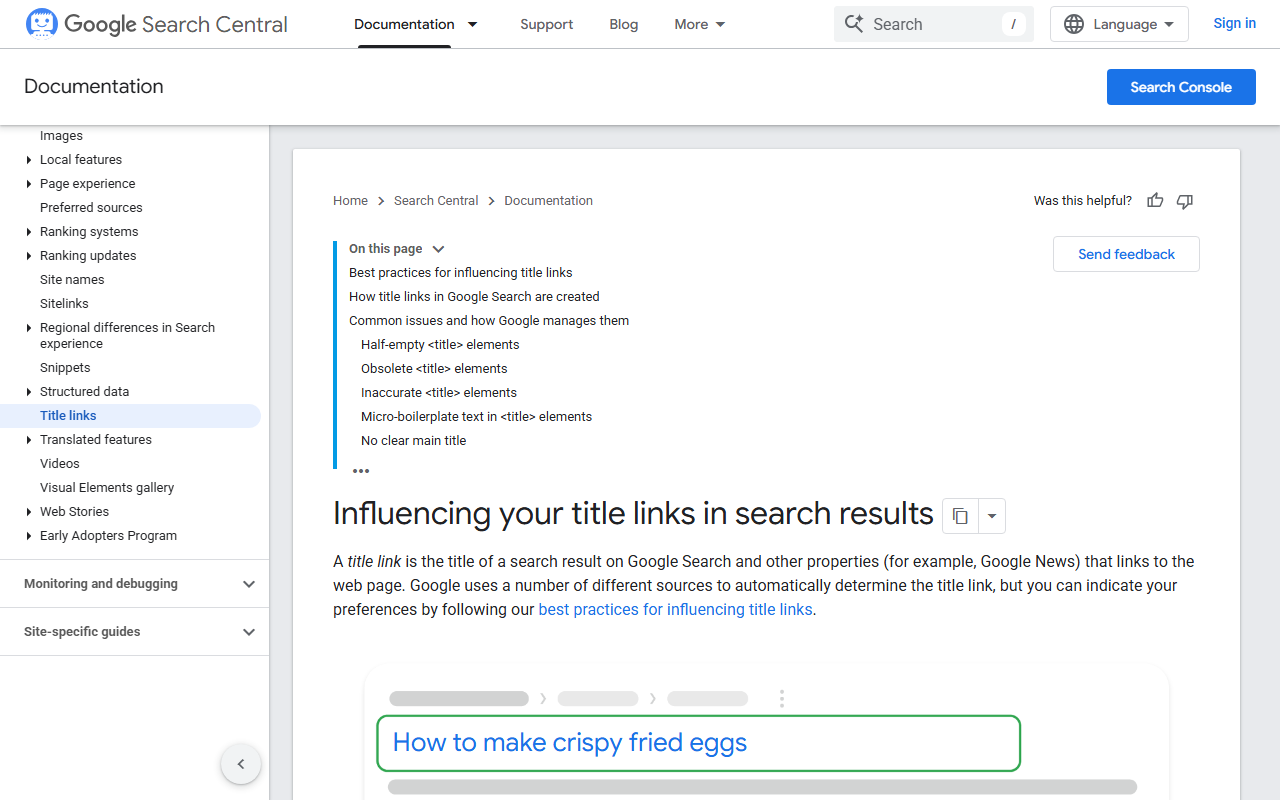
Google rewrites titles it considers inaccurate, stuffed or repetitive. Its documentation on influencing title links lists the patterns that trigger a rewrite, and it reads like a list of SaaS template habits.
We draft titles in a SERP snippet preview because truncation happens by pixel width, not character count. A title full of Ws and Ms gets cut sooner than one with the same number of letters. Letter case is the last thing we settle, and our title capitalization post covers what it does and does not change.
First 100 words
Put the claim or the answer first. For a feature page that means what it does, who it is for and, if you can, the price. For a blog post it means answering the query in the opening paragraph. Readers skim, and so do the systems that build AI answers and featured snippets.
Internal links pointing in
This one gets forgotten because the work happens on other pages. Open the Links report in Search Console, sort your money pages by internal links, and anything under 5 is a quick win. Add the links inside real sentences in related posts, not in a “related articles” block at the bottom.
Worked example: rewriting one feature page for on-page SEO
Hourlane is a fictional time-tracking SaaS. Its timesheets feature page targeted “timesheet software for small business”, which the results page answers with a mix of product pages and short comparisons. Here is what changed.
| Element | Before | After |
|---|---|---|
| Title tag | Timesheets | Hourlane | Timesheet Software for Small Business, Free for 5 Users | Hourlane |
| H1 | Time well spent | Timesheet software for small teams |
| Intro | 140 words about the company mission | Two sentences: what it does, who it is for, what it costs |
| Word count | 280 | 1,150 |
| H2s | “Built for you”, “Loved by teams” | How timesheet approval works, Payroll exports, Pricing for small business, Hourlane vs spreadsheets |
| Internal links pointing in | 2 (nav and footer) | 9 |
| Images | 1 stock illustration | 4 product screenshots with descriptive alt text |
| Schema | None | SoftwareApplication with offers |
Eight weeks later, from Search Console and GA4:
| Metric | Before | After 8 weeks |
|---|---|---|
| Average position for the target query | 31 | 11 |
| Monthly impressions for the page | 640 | 3,900 |
| Monthly clicks | 6 | 71 |
| Trial signups from the page | 0 | 9 |
Which change did the work? We cannot isolate it cleanly because everything shipped together. Our honest read, from doing this many times: the intent fix (adding pricing and a spreadsheet comparison, because the results page mixed both) plus the nine internal links moved it from page four to page two. The new title roughly doubled click-through at the same position. The schema did nothing we could measure.
Schema and images: on-page SEO worth doing after the basics
Structured data does not push a page up the rankings by itself. It makes the page eligible for rich results and helps search engines understand what the page is about. On a SaaS site the useful types are SoftwareApplication on product pages, Organization on the homepage, BreadcrumbList sitewide and Article on blog posts. Google limited FAQ rich results to well-known government and health sites back in 2023, so FAQ schema on a SaaS blog rarely shows anything extra in the results.
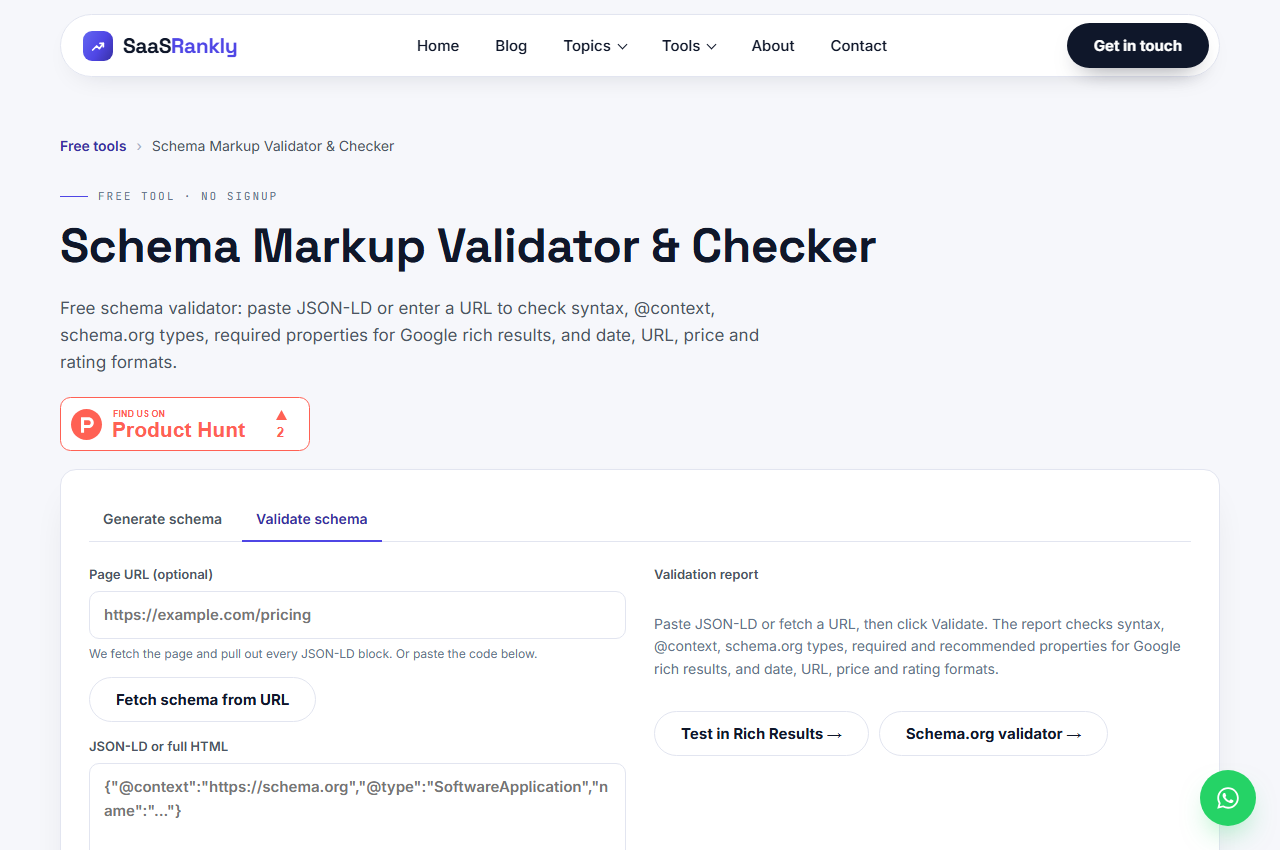
Whatever you add, validate it before it ships. Our free schema markup validator checks the syntax and the properties Google needs.
For images, use real product screenshots rather than stock art, compress them to under about 200 KB, and write alt text that describes what the screenshot shows. That helps image search and accessibility, and it is a two-minute job per image.
On-page SEO myths we still hear
| Myth | What we see in practice |
|---|---|
| “Aim for 1 to 2 percent keyword density.” | Google does not count density. Use the term where it reads naturally and cover the related questions. |
| “Longer content always wins.” | Match the depth of what ranks. A 4,000-word answer to a query where the top results are 600 words usually loses. |
| “The meta keywords tag still helps.” | Google has ignored it for well over a decade. |
| “Meta descriptions are a ranking factor.” | They affect clicks, not position. That is still worth an afternoon on your top 20 pages. |
| “Every H2 needs the exact keyword.” | Variants and natural phrasing are fine. Forced headings hurt readability more than they help. |
Quick recap: what is on-page SEO
- What is on-page SEO? Everything you change on the page itself: title, headings, copy, links, images, schema and URL.
- Technical SEO covers the whole site’s crawling and indexing; off-page SEO comes from other websites.
- Fix intent match, title, H1, the first 100 words and internal links before anything else.
- Draft titles by pixel width and avoid boilerplate suffixes that make Google rewrite them.
- Schema makes a page eligible for rich results but rarely moves rankings by itself.
- Measure each rewrite in Search Console for 8 weeks: position, impressions, clicks, then signups.
FAQ
What is on-page SEO in simple words?
It is making each page as clear as possible to searchers and search engines: a title that matches the query, a heading that says what the page is, content that answers the question, and links that connect it to related pages on your site.
What is the difference between on-page and off-page SEO?
On-page SEO is work you do on your own pages. Off-page SEO is what happens on other websites, such as backlinks, brand mentions and reviews. You control the first completely and only influence the second.
What are the most important on-page SEO factors?
In our experience, matching search intent, the title tag, a clear H1, answering early in the copy and internal links pointing to the page. Those five do most of the ranking work. Schema, alt text and keyword placement come after.
How long does on-page SEO take to show results?
Once Google recrawls the page, changes usually show in Search Console within 2 to 8 weeks. Request indexing after a big rewrite to speed up the recrawl. Pages already on page two tend to move fastest.
Is internal linking on-page or technical SEO?
Both, depending on the scale. Adding contextual links to a page is on-page work a writer can do. Designing navigation, hub pages and folder structure across the site is closer to technical SEO and architecture.
Do I need a plugin for on-page SEO on WordPress?
You do not need one, but it helps. Plugins such as Rank Math or Yoast make it easy to set titles, descriptions and schema per page. They do not decide what to write, so the checks above still matter more than the plugin’s score.