Doing SEO on blog content for a SaaS company is a different job from doing it on a feature page. A blog post can rank for hundreds of queries, pick up links nobody asked for, and feed your product pages with internal authority for years. Or it can sit at position 60 forever because it answers a question nobody types. This post covers the parts of SEO on blog posts that compound over time, and the parts teams spend hours on that barely move anything.
We have split it by when the work happens: before you write, while you write, after you publish, and six months later. The last one is the stage most SaaS blogs skip.
Before you write: SEO on blog topics starts with the query, not the idea
The single biggest predictor of whether a blog post gets search traffic is chosen before a word is written. If the query has no volume, or the results page is full of product pages and tools, a blog post will not rank for it no matter how good it is.
Three checks we run on every topic:
- Does someone search this? Even 50 searches a month is fine for a SaaS niche term. Zero is not.
- Are the top results blog posts? Open the SERP. If the first page is tools, category pages or documentation, the intent is not “read an article”.
- Could this post link to a product page naturally? If not, it may still be worth writing, but it will not help pipeline.
Our keyword intent classifier handles the second check in bulk, and SaaS keyword research covers how to build the list in the first place.
While you write: the on-page parts of SEO on blog posts
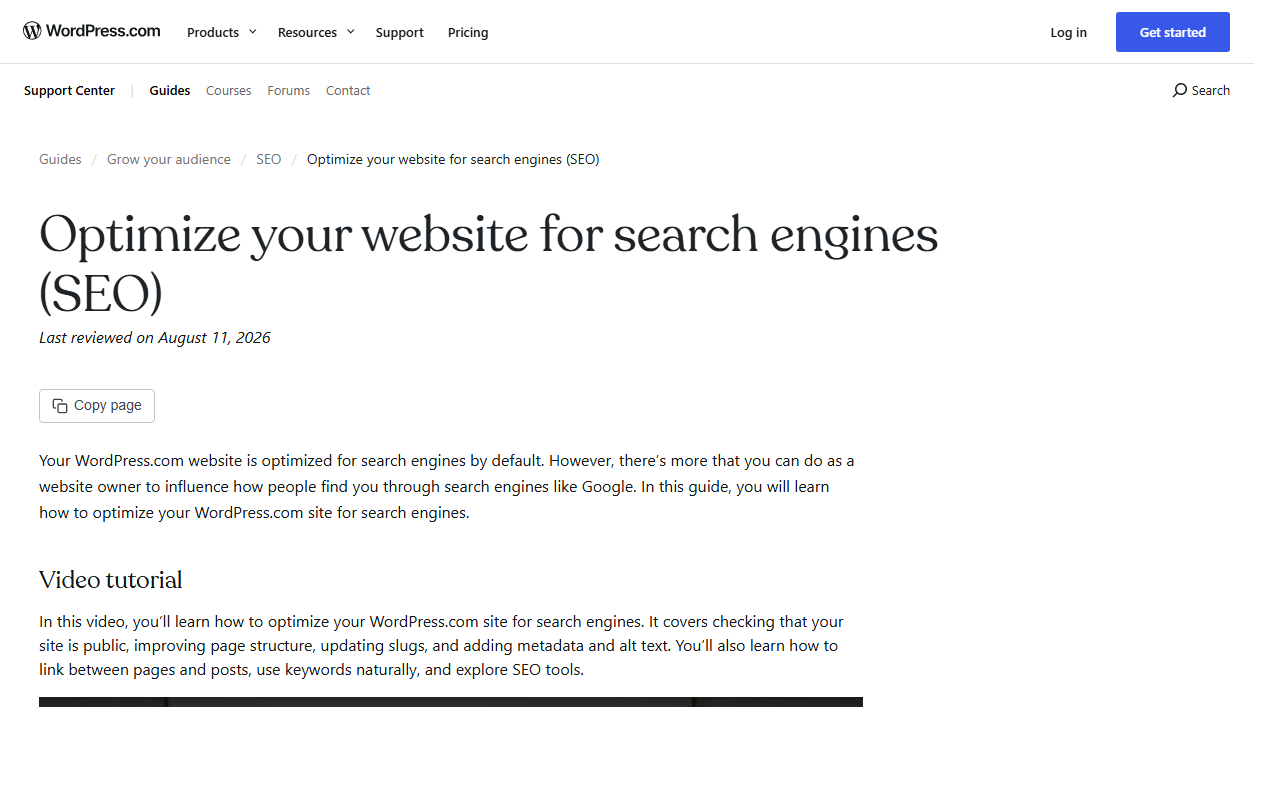
Most CMS platforms already handle the technical basics. WordPress, Ghost, Webflow and HubSpot all generate sitemaps, canonical tags and clean URLs out of the box. That changes where your effort should go.
Here is how we split the on-page checklist between “the platform does it” and “a person has to do it”.
| Element | Usually handled by the CMS | Needs a human |
|---|---|---|
| XML sitemap | Yes | Only to confirm it is submitted in Search Console |
| Canonical tag | Yes | Check syndicated or duplicated posts |
| Title tag | Defaults to the post title | Yes, write it for the click, under about 60 characters |
| Meta description | Often auto-filled from the first lines | Yes, one sentence that matches the query |
| Headings | No | Yes, H2s that mirror the sub-questions searchers have |
| Internal links | Some plugins suggest them | Yes, 3 to 6 contextual links, written into sentences |
| Image alt text | No | Yes, describe the image, not a keyword list |
| Structured data | Basic Article schema via plugin | FAQ or HowTo only where it fits the content |
The human column is where rankings are won. A good title alone can double CTR at the same position. If you want to test lengths before publishing, our SERP snippet preview shows where Google will cut it off.

What actually compounds in blog SEO
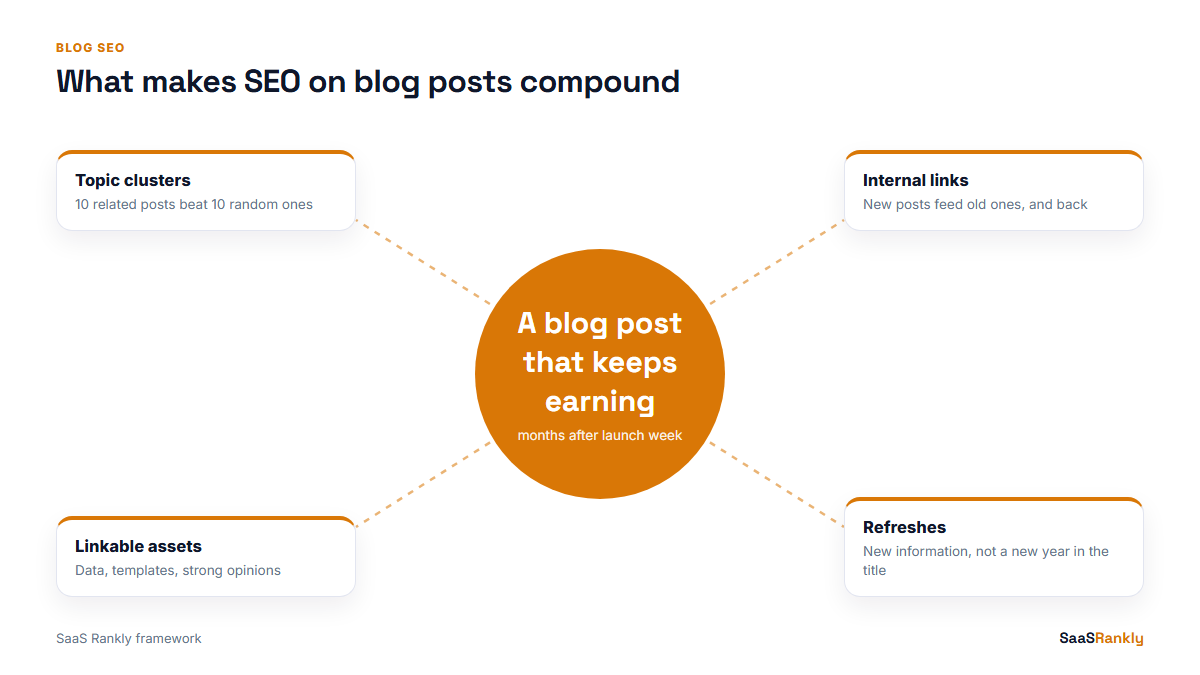
A blog is an asset when older posts keep earning after the launch week. Four things make that happen, and none of them are about keyword density.
1. Topic clusters, not one-off posts
Ten posts around one theme, all linking to a pillar page and to each other, outrank ten unrelated posts of the same quality. Search engines read the cluster as depth. We explained the structure in what a topic cluster is.
2. Internal links from new posts to old ones
Every new post is a chance to send authority back to a post that already ranks on page two. This is the cheapest ranking lever a SaaS blog has, and the one teams forget most. We add two links from older posts to every new one as well, so nothing ends up orphaned.
3. Posts that attract links on their own
Original data, templates, calculators and strong opinions earn links. A 1,500-word rewrite of the top three results does not. One linkable post per month is plenty for most early-stage SaaS blogs.
4. Refreshes
A post that ranked 4th in March and slid to 11th by September usually needs new information, not new keywords. Updating the year in the title without updating the content is the mistake we see most, and readers notice.
SEO on blog posts: myths worth dropping
| Myth | What we see instead |
|---|---|
| Every post needs 2,000 words | Length follows the question. A definition query is often answered best in 800 words. |
| Publish daily to rank | A young domain publishing daily can look like a content farm. Consistency matters more than volume. |
| Keyword density should be 2 to 3 percent | Use the phrase where it reads naturally, plus close variants. Stuffing hurts readability first. |
| Categories and tags help rankings | They help navigation. Thin tag archives often get noindexed for good reason. |
| Old posts should be deleted | Merge or redirect them if they overlap. Deleting a post with backlinks throws those links away. |
Six months later: the blog SEO review
Twice a year, pull every blog post from Search Console with its clicks, impressions and average position over the last 90 days. Then sort each one into a bucket. This is an illustrative split for a blog of 60 posts, not data from a real account:
| Bucket | Rule | Posts | Action |
|---|---|---|---|
| Winners | Top 5, steady clicks | 9 | Protect. Add internal links to product pages. |
| Strikers | Position 6 to 20 | 17 | Refresh content, add 2 to 3 internal links each. |
| Sleepers | Impressions but position 20+ | 21 | Check intent. Rewrite angle or merge into a stronger post. |
| Dead | No impressions in 90 days | 13 | Redirect to the closest post, or noindex if it has no links. |
The strikers bucket is where most of the gain sits. A post moving from 12th to 5th can go from a handful of clicks a month to a few hundred. How to read these numbers properly is in measuring SaaS SEO with GA4 and GSC.
Quick recap: SEO on blog content
- SEO on blog posts is decided mostly at topic selection: real volume and blog-type results.
- Let the CMS handle sitemaps and canonicals; spend human time on titles, headings and links.
- Build clusters of related posts instead of one-off articles.
- Link every new post to older ones, and older ones back to it.
- Refresh posts that slide from page one with new information.
- Review the whole blog twice a year and sort posts into winners, strikers, sleepers and dead.
FAQ
How do I do SEO on blog posts in WordPress?
Install one SEO plugin (Rank Math or Yoast), write a custom title and meta description for each post, use H2s that match searcher questions, add 3 to 6 internal links, and submit your sitemap in Search Console.
How long does blog SEO take to show results?
On a new domain, expect 3 to 6 months before posts earn steady clicks. Established domains often see movement within weeks.
How many blog posts do I need for SEO?
There is no fixed number. Twenty well-chosen posts in two or three clusters usually beat a hundred scattered ones.
Should a SaaS company host its blog on a subdomain?
A subfolder (/blog/) keeps authority on one host and is simpler to manage. Subdomains can rank, but they tend to need more links to get there.
Does updating old blog posts help SEO?
Yes, when the update adds real information. Changing only the date or the year in the title rarely helps and can mislead readers.
What is the most overlooked part of blog SEO?
Internal linking. Many SaaS blogs publish good posts that nothing links to, so search engines find them late and treat them as minor.