A SaaS blog with 300 posts and 40,000 monthly sessions that produces 12 signups a month is not a content strategy. It is a publishing habit. This guide lays out a cluster-based strategy where each piece of content has a job, a place in a structure, and a path to a signup.
This guide covers saas content strategy for SaaS teams: what it means, why it matters, and the practical steps to get it right.
What a topic cluster is, in SaaS terms
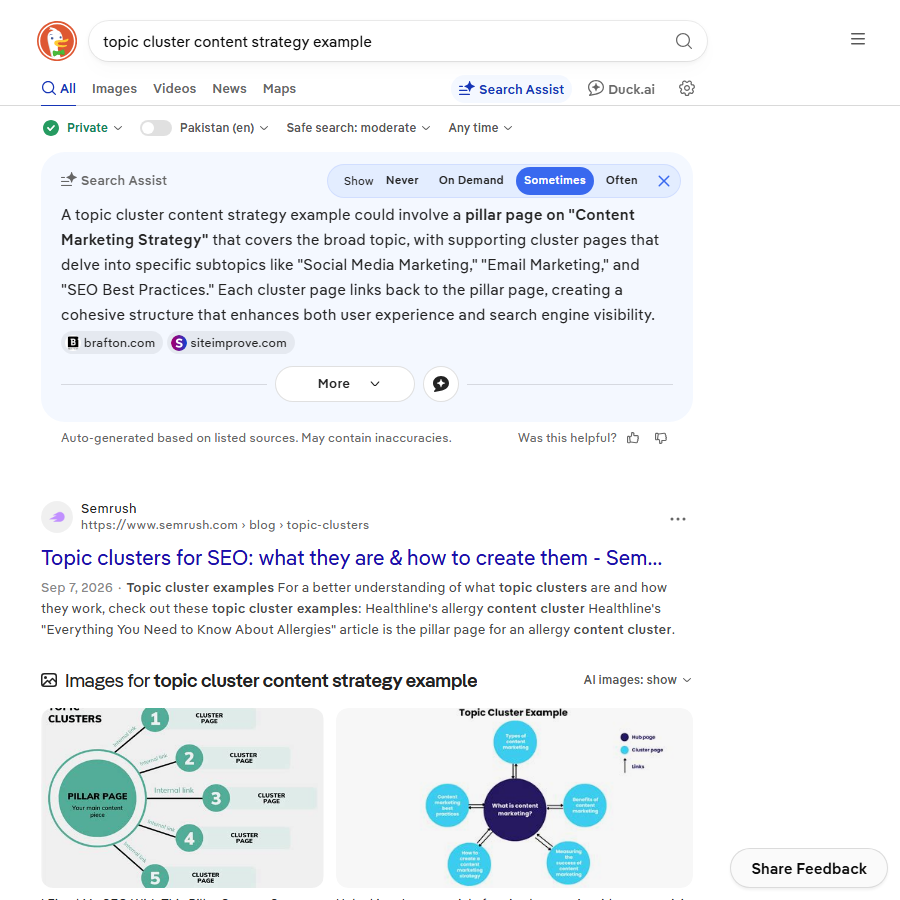
A cluster is one pillar page plus 6-15 supporting articles, all internally linked, all about one problem your product solves. The pillar targets the head term (“customer churn”), the supporting articles target the long tail (“how to calculate churn rate”, “churn benchmarks by industry”, “churn vs retention”), and the whole cluster links to the money page that sells the feature (“churn analytics”).
| Layer | Example | Intent | Links to |
|---|---|---|---|
| Money page | /features/churn-analytics/ | Transactional | Pricing, signup |
| Pillar | /blog/customer-churn/ | Informational, broad | Money page, every cluster article |
| Cluster articles | /blog/churn-rate-formula/, /blog/saas-churn-benchmarks/ | Informational, specific | Pillar, money page, 2-3 siblings |
| Tool | /tools/churn-calculator/ | Commercial | Pillar, money page |
The tool row is the SaaS-specific addition. A free calculator inside the cluster earns links, ranks for “calculator” keywords and converts better than any article. The churn and LTV calculator on this site is an example.
Step 1: Choose clusters from money pages, not from keyword lists
List your features and use cases. For each, ask: what problem does a buyer have before they know this feature exists? That problem is the cluster topic. A CRM with a pipeline feature has a “sales pipeline” cluster; a helpdesk with SLA tracking has an “SLA management” cluster. Turning that cluster map into briefs is the next step, and the template we use is in the content SEO loop.
Then validate with keyword data using the SaaS keyword research process. A cluster needs a head term with real volume and at least eight long-tail terms with clear informational intent.
Step 2: Run every brief through the helpful-content questions
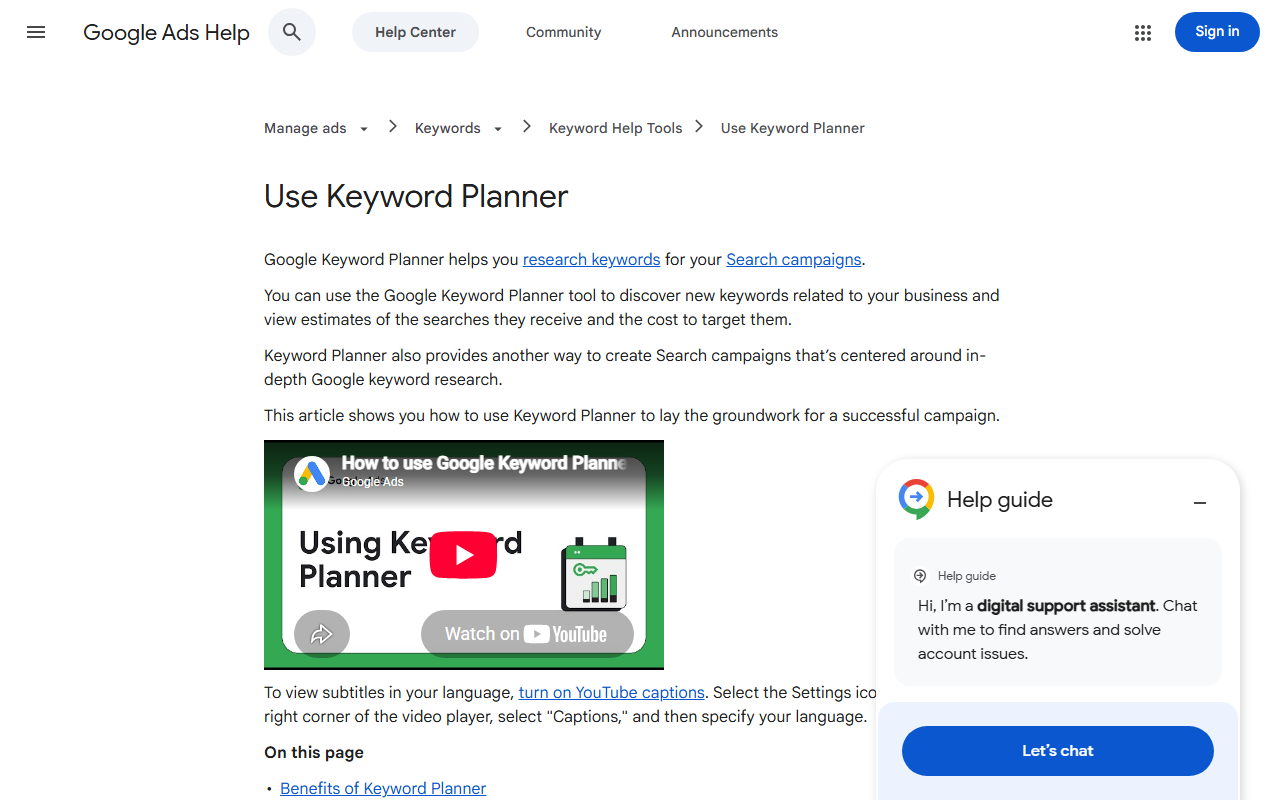
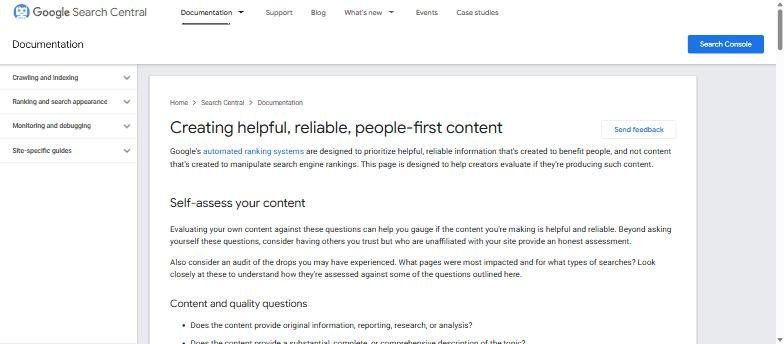
Google publishes a self-assessment list for helpful, people-first content. Before writing, answer three of them for each brief: does the article provide original information or analysis, would someone leave feeling they learned enough to achieve their goal, and is it written by someone who demonstrably knows the topic? If a brief cannot answer yes, merge it into another article or drop it.
Step 3: Give every article original data
SaaS companies sit on data nobody else has: product usage, aggregated customer benchmarks, support ticket themes. One anonymised chart per article turns a generic explainer into the source other sites cite. It is also the cheapest link-building you will ever do; see digital PR for SaaS.
Step 4: Link the cluster deliberately
- Pillar links to every cluster article in a “Read next” list and inline.
- Every cluster article links up to the pillar in the first 200 words and to the money page in a contextual sentence, not a banner.
- Each cluster article links to 2-3 siblings where the topics genuinely connect.
- The money page links back to the pillar (“Learn how churn is calculated”).
- Avoid orphan articles. Anything with fewer than two internal links pointing at it does not get published.
Step 5: Plan the calendar by cluster, not by week
Finish one cluster before starting the next. Publish the pillar first, then two articles a week until the cluster is complete, then move on. A finished cluster of ten articles outperforms thirty scattered posts because the internal links and topical coverage compound.
Step 6: Measure clusters, not articles
In Search Console, filter by URL pattern to see each cluster as a unit. Track impressions, clicks and (via GA4) signups assisted per cluster. An article that gets little traffic but sits in a cluster that converts is doing its job.
Step 7: Refresh on a schedule
Every quarter, pull the top 20 URLs by impressions. Update statistics, replace dated screenshots, add new sections for questions that appeared in Search Console, and update the year in the title if it is there. Refreshed articles typically regain rankings within two to four weeks; new articles take months.
A cluster template you can copy
- Pillar: “[Topic]: the complete guide for SaaS teams” (3,000 words, table of contents, links to everything)
- Definition article: “What is [topic]” (short, answers the question in the first paragraph)
- Formula or process article: “How to calculate or do [topic]”
- Benchmarks article with original data
- Mistakes article
- Tools article (honest, includes competitors)
- Examples article with screenshots
- Template or checklist article with a download
- Free tool page
- Comparison of two approaches
Frequently asked questions about SaaS content strategy
How many clusters should a SaaS start with?
Two or three, matched to the features that drive the most revenue. Add one per quarter.
Should the pillar be a blog post or a landing page?
A long-form guide in the blog is fine. What matters is that it links clearly to the money page and is updated regularly.
Do topic clusters still work with AI search?
Yes. AI answers cite sources that cover a topic thoroughly and consistently, which is exactly what a cluster produces. The informational traffic drops; the citations and the commercial clicks remain.
How long until a cluster ranks?
Three to six months for a new domain, faster on an established one. The pillar usually ranks last because it targets the hardest term.
Quick recap: Saas content strategy
Saas content strategy usually comes down to a short, repeatable checklist. Use this whenever saas content strategy comes up again:
- Diagnose saas content strategy by checking the relevant report first, not assumptions.
- Confirm the current setup is actually causing saas content strategy before you change anything.
- Re-check saas content strategy again after the fix ships, not before.
Treat saas content strategy as an ongoing signal rather than a one-time fix. For background on the platform rules behind this, see Google Search Central.