Webflow SEO has a reputation problem in both directions. Designers think the platform handles it because there is an SEO tab on every page. Agencies coming from WordPress assume it cannot be done properly because there are no plugins. Both are wrong, and the gap between them is where the actual work sits.
Here is what the platform gives you, what it quietly does not, and the order we work through a Webflow marketing site.
What Webflow SEO handles for you, and what it does not
| Handled by default | Still your job |
|---|---|
| Clean HTML output, no plugin bloat | Heading order inside your own components |
| SSL, CDN and fast global hosting | Image weight, because the designer will upload a 4MB hero |
| Auto-generated sitemap | Deciding what should not be in it |
| Per-page title and description fields | Writing them, and checking the pixel width |
| 301 redirect tab in settings | Actually adding the redirect before you rename a slug |
| Canonical tag on every page | Overriding it when a CMS template duplicates content |
The pattern in Webflow SEO is obvious once you see it. Webflow is good at the infrastructure layer and hands you a blank field for everything that needs a decision. That is the correct trade-off, but it means a Webflow site left on defaults ships with real problems.
The Webflow SEO audit, in the order we run it
1. Open the sitemap before anything else
Every Webflow SEO audit we run starts here. Webflow generates a sitemap automatically and it is usually the fastest way to find what is wrong. Go to yoursite.com/sitemap.xml and count. If the number surprises you, something is being published that should not be.
The usual culprits are CMS items created as placeholders during the build, old template pages, and utility pages nobody remembers. Each page has an “Exclude from site search and sitemap” toggle, and each CMS collection has its own setting. Turn them off individually, not by disabling the auto sitemap, because a hand-written sitemap on a CMS site goes stale within a month.
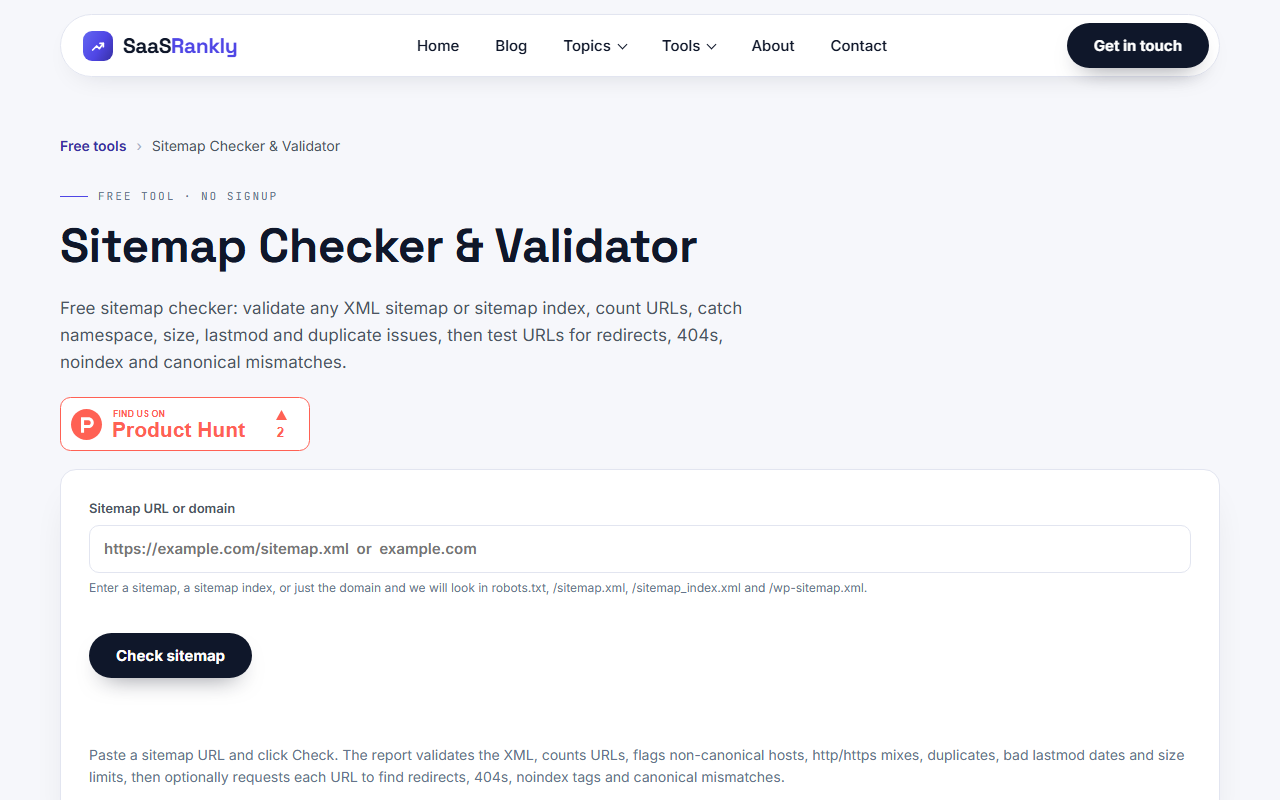
If the file is large enough that counting by eye fails, paste it into our sitemap checker. We also wrote up what good ones look like in sitemap examples.
2. The Webflow SEO check nobody runs: robots.txt
Webflow sites get built on a yoursite.webflow.io subdomain, and a lot of teams block crawlers there. The staging subdomain is noindexed by Webflow automatically, so that block is unnecessary, and the risk is that somebody copies the rule into the live site settings during launch.
Open yoursite.com/robots.txt and read it. A Disallow line on the production domain after launch is one of the most expensive five-character mistakes in this business. If pages are already stuck, our guide on blocked by robots.txt covers what the Search Console message actually means.

3. Fix collection slugs before the CMS fills up
This is the Webflow SEO problem that costs the most and gets caught the latest. A CMS collection has one URL structure, set once, and every item inherits it. Change it later and every published item changes URL at the same moment.
Decide early:
- Do blog posts sit at /blog/post-name or /post/post-name? Webflow defaults to the collection name, which is often the word nobody would choose.
- Do you need a date in the URL? Almost never for SaaS.
- Does the collection need a landing page at the folder root, or will /blog/ 404? Webflow does not create it for you.
A site with 40 published posts that renames its collection is looking at 40 redirects and a few weeks of ranking wobble. A site that settles it on day one pays nothing.
4. Webflow SEO lives or dies on 301 timing
Webflow has a redirect tab under Project Settings, Publishing. It works fine. The failure is human: somebody renames a slug in the Designer, hits Publish, and the old URL is gone immediately with no warning and no automatic redirect.
Make the rule “no slug change ships without its redirect in the same publish”. Write it on the team board if you have to. This single habit removes most of the indexing chaos we see on Webflow sites a year into their life, and it pairs with the checks in fixing SaaS indexing problems.
5. Write the title and description fields, all of them
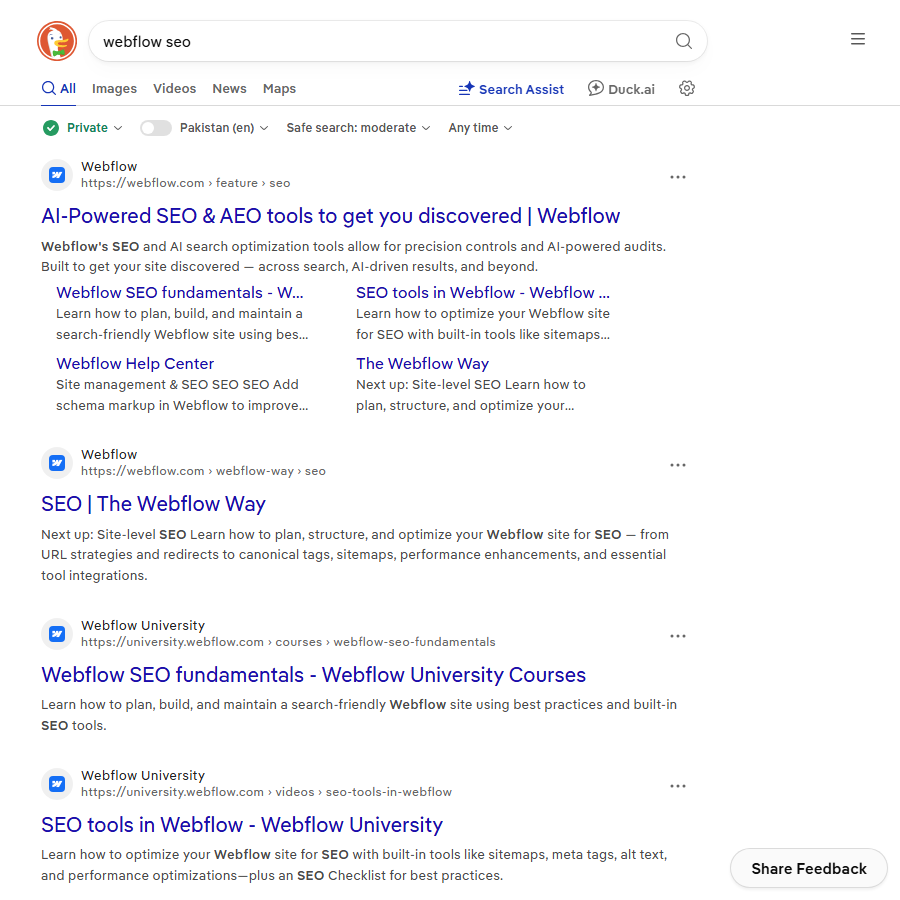
Webflow leaves them blank by default and Google writes its own when you do. For CMS templates you can build the title from field variables, for example “Name plus pipe plus Brand”. That is fine as a floor, but the twenty pages that matter deserve hand-written titles.
Check the pixel width rather than the character count with our SERP snippet preview, and if the capitalisation question comes up in your team, title capitalisation settles it.
6. Compress the images the designer uploaded
Webflow serves responsive variants and converts to WebP, which covers a lot. It does not save you from a 4MB PNG used as a hero background, because the variant it generates from a huge source is still heavy. Compress before upload. This is the one Webflow SEO item where the fix lives outside Webflow entirely.
The CMS gotchas that only show up later
These do not break anything on launch day, which is exactly why they get missed on a Webflow SEO review.
| Gotcha | What happens | Fix |
|---|---|---|
| Category collection auto-publishes template pages | Thin pages with one item each end up indexed | Exclude the template from the sitemap until the category has real depth |
| Draft items stay in the collection list | Related-post modules link to URLs that 404 | Filter collection lists by published status |
| Rich text fields ship H1s | Two H1s on a template page | Style the template H1 properly and train writers to start at H2 |
| Pagination on collection lists | Page 2 onwards has the same title and description | Add the page number into the title, or noindex past page 1 |
| Symbol reused across page types | The same internal link block on every page | Acceptable, but it is not internal linking, and it will not do that job |
That last row is worth sitting with. A symbol at the bottom of every page is site furniture. Contextual links inside body copy do the work, and on Webflow those have to be added item by item in the rich text editor. There is no plugin to do it for you, which is the honest cost of the platform.
Where Webflow genuinely limits you
An honest list, because most articles on this pretend the platform does everything.
- Server-side control. No access to the server response beyond redirects. Hreflang across separate projects is painful.
- Log files. You cannot get them. If log analysis is part of your process, that part ends here.
- Scale. CMS item limits are real. Programmatic pages in the thousands push you toward a different stack, which is the calculation we work through in programmatic SEO for SaaS.
- Bulk edits. Changing 200 meta descriptions means a CSV round trip, and the import will happily overwrite fields you did not intend to touch.
Our position: for a SaaS marketing site under a few hundred pages, none of these matter and Webflow is a good choice. Past that, the CMS limits will decide for you before the SEO limits do.
A realistic first month of Webflow SEO work
Illustrative, not a case study, but this is the shape the work takes on a site of maybe 60 pages.
- Week one. Sitemap audit, robots.txt check, exclude the junk. Half a day, and it usually removes 15 to 30 percent of the URLs in the file.
- Week two. Titles and descriptions for the top 20 pages by intent, CMS template patterns for the rest.
- Week three. Heading structure pass through the components, image compression, redirect audit for anything renamed during the build.
- Week four. Internal links added by hand inside the body copy of the pages that matter, plus the technical baseline from technical SEO for SaaS.
Nothing in that list is clever. It is the boring version of Webflow SEO, and on this platform the boring version is most of the job.
Quick recap: webflow seo
- Webflow handles the infrastructure and hands you a blank field for every decision that matters.
- Open the sitemap first, because CMS placeholder items are the most common problem on any Webflow site.
- Settle collection slugs before the CMS fills up, since changing them later moves every item at once.
- No slug rename ships without its 301 in the same publish, or the old URL dies silently.
- The platform will not do internal linking for you, and a footer symbol is not a substitute.
- Under a few hundred pages Webflow is a fine choice; past that, CMS limits bite before SEO limits do.
FAQ
Is Webflow good for SEO?
Yes, for the size of site it is built for. Clean markup, fast hosting and per-page control cover the basics well. What it does not do is make decisions for you, so a Webflow site left on defaults will have sitemap and heading problems that a well-configured WordPress site would not.
Does Webflow generate a sitemap automatically?
It does, and you should leave the auto sitemap on. The work is excluding what does not belong in it, per page and per collection. A hand-written sitemap on a CMS site goes stale as soon as someone publishes an item.
How do I add redirects in Webflow?
Project Settings, then the Publishing tab, then the 301 redirects section. It supports wildcards. The part that goes wrong is timing: add the redirect in the same session as the slug change, because publishing removes the old URL immediately.
Can I do Webflow SEO without plugins?
You have to, and it is less of a loss than it sounds. Title fields, descriptions, canonicals, redirects, robots and sitemap controls are all built in. What you lose is the bulk-editing and internal-linking automation that plugins provide, which turns into manual work.
Why are my Webflow CMS pages not indexed?
Check three things in order: whether the collection is excluded from the sitemap, whether the template page has a noindex left over from the build, and whether the pages are thin enough that Google crawled and skipped them. The third is the most common on category templates with one item each.
Should I move off Webflow for SEO reasons?
Rarely on SEO grounds alone. The trigger is usually scale: thousands of programmatic pages, multi-market hreflang, or a need for log files. If you are under a few hundred pages and frustrated, the problem is almost always configuration rather than the platform.
For the platform’s own reference, see Webflow’s own SEO guidance, and read it next to Google’s guidance on building sitemaps so you know which defaults are worth changing.