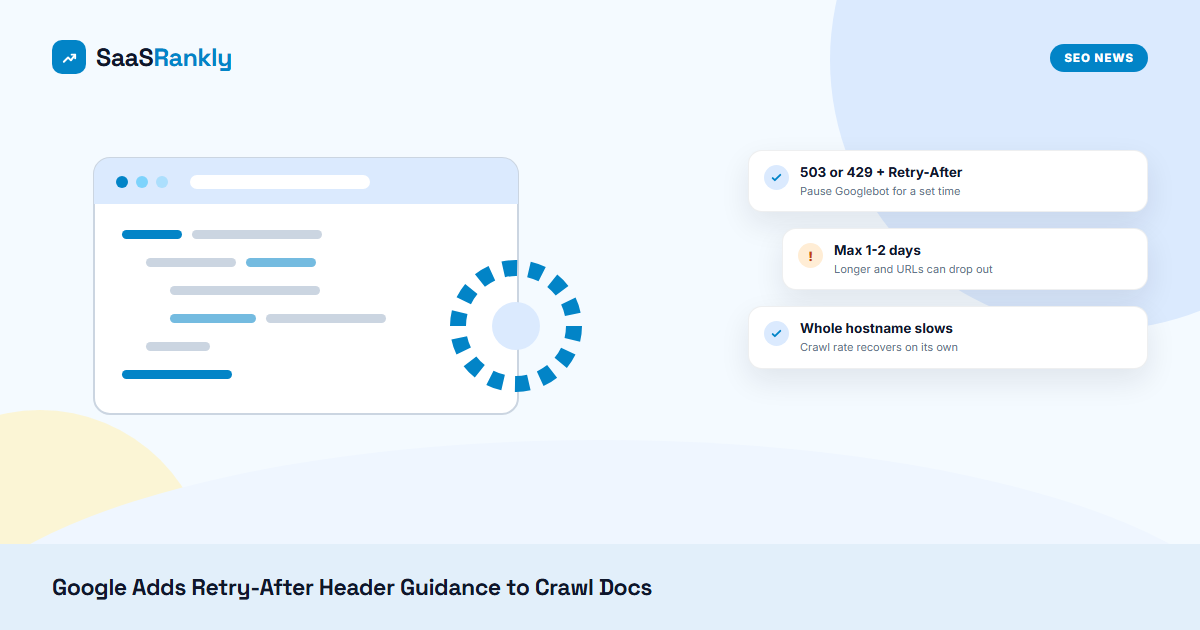
What happened: On October 6, 2026, Google updated its “Reduce the Google crawl rate” documentation with a restructured emergency section and new examples for the Retry-After header. The changelog says Google “added information and examples about the Retry-After HTTP header.” The doc now states that when you return a 503 or 429, you can add a Retry-After header to tell Google’s crawlers when to come back. The mechanism is not new. What changed is that the guidance now sits in the one doc people open when a server is on fire.
Source(s): Google: Reduce the Google crawl rate, Google crawling changelog, Search Engine Roundtable.
Why the Retry-After header matters for SaaS sites
SaaS sites get hit by crawl spikes more often than people admit. A new programmatic section ships with 40,000 template pages, a docs migration creates fresh URLs overnight, or an integrations directory starts generating filter combinations. Googlebot finds all of it at once, and the app server that also handles logged-in customers starts to struggle.
The usual panic move is to block Googlebot in robots.txt. That is the wrong tool. Robots.txt stops crawling but it also cuts Google off from pages you still want refreshed, and the change can take a day to be picked up anyway. Google’s own answer for a short emergency is to return 500, 503 or 429 status codes. The Retry-After header adds a time hint on top of a 503 or 429, so you are not just saying “stop” but “stop for two minutes” or “come back after this timestamp.”
We see this a lot on shared hosting and CDN setups, where the edge throws 429s at bots without anyone on the team deciding it. If your CDN already rate-limits crawlers, you want those responses to be deliberate, short and clearly labelled, not random.
What the updated doc actually says
| Point | Google’s guidance |
|---|---|
| Status codes for urgent reduction | 500, 503 or 429 |
| Where Retry-After works | With 503 or 429 responses |
| Header format | Seconds (e.g. Retry-After: 120) or an HTTP date in GMT, per RFC 9110 |
| Scope of the slowdown | Crawl rate drops across the whole hostname |
| Recovery | Google raises the crawl rate again on its own once the errors drop |
| Safe duration | Hours, at most 1-2 days |
| Risk if you overdo it | URLs that keep returning these codes for several days may be dropped from the index |
| Alternative | The Googlebot report form for a special crawl rate reduction request (takes several days; you cannot ask for a higher rate) |
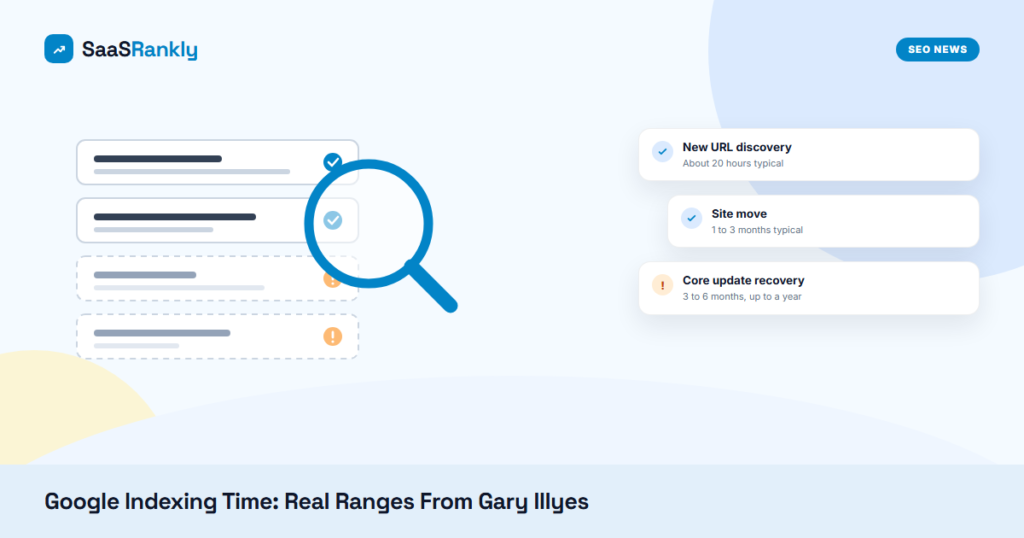
The duration warning is the part people miss. A 503 with a Retry-After header is a pause button, not a long-term setting. If a staging subdomain or an old app path has returned 503 for a week, Google will start treating those URLs as gone. We covered how long recovery takes in our post on Gary Illyes’ indexing time ranges, and it is not quick.
Retry-After header vs robots.txt vs the report form
- Retry-After header with 503/429: best for a spike lasting minutes to a day. Fast, reversible, hostname-wide.
- Robots.txt disallow: for sections Google should never crawl, like internal search or filter URLs. Not an emergency brake. See our guide to blocked by robots.txt issues before you touch it.
- Googlebot report form: for a crawl rate that stays too high for weeks and that your infrastructure cannot absorb.
One more note for teams that care about AI crawlers. The doc is about Google’s crawlers. GPTBot, ClaudeBot and PerplexityBot each decide on their own whether to respect a Retry-After header, so do not assume the same behaviour. Our GPTBot guide covers the robots side of that.
What to do
- Check what your CDN or WAF already sends. Pull a day of server or CDN logs, filter for Googlebot, and count 429 and 503 responses. If you find them and nobody planned them, fix the rule before it costs you index coverage.
- Write an emergency runbook. One line in your incident doc: “If Googlebot overloads the app, return 503 with Retry-After: 3600 on the heavy paths for no more than 24 hours.” Add who can flip it and who turns it off.
- Keep the Retry-After header short and honest. Use seconds for short pauses and a GMT date for planned maintenance. Never leave it in place past two days.
- Watch Crawl Stats afterwards. In Search Console, open Settings, then Crawl stats, and confirm the host status and response codes go back to normal within a few days.
Quick recap: Retry-After header
- Google added Retry-After header guidance to its crawl rate doc on October 6, 2026.
- The Retry-After header works with 503 and 429 responses, not with 500.
- Use the Retry-After header in seconds or as a GMT date, following RFC 9110.
- A 503 plus a Retry-After header slows crawling across the whole hostname.
- Keep any Retry-After header setup to hours or 1-2 days, or URLs can drop out of the index.
- For long-term crawl problems, skip the Retry-After header and use the Googlebot report form.