Product-led SEO is the idea that your product, not your blog, is your best source of ranking pages. Every integration you support, every template your users create, every job your product does for a specific audience is a search someone is already running. Canva, Zapier and Notion built enormous organic engines this way. You can do it at a smaller scale with the same logic.
This guide covers how to find product-led demand, the five page types that reliably rank, how to build them without producing thin content, and how to measure whether they are creating signups rather than just sessions.
What product-led SEO actually is
Traditional SaaS content marketing writes about the problem space and hopes readers find the product. Product-led SEO starts with what the product does and builds a page for each way someone might search for that capability. The pages sit closer to the product, convert better, and are often cheaper to produce because the product itself supplies the content: screenshots, templates, live examples.
Finding product-led demand
- Integrations. List every tool you connect with. Search “[tool] + [your category]” and “[tool] integration” for each. Zapier ranks for tens of thousands of these.
- Templates. If users create things in your product, each type is a search: “OKR template”, “content calendar template”, “invoice template”.
- Use cases and audiences. “[category] for [industry]” and “[job to be done] tool”. Check your own signups for the industries and roles that convert.
- Features as searches. “time tracking with screenshots”, “kanban board with automations”. Each feature people search for by name gets a page.
- Free tools. A calculator, checker or generator adjacent to your product earns links and captures demand you cannot reach with articles.
The five page types that rank
| Page type | Search pattern | What makes it rank | Example |
|---|---|---|---|
| Integration page | “[tool] integration” | Screenshots of the actual workflow, setup steps, use cases | Slack + Trello |
| Template page | “[thing] template” | Preview, one-click use, a short guide to using it | Sprint retrospective template |
| Use-case page | “[job] tool”, “[category] for [audience]” | Audience-specific proof, pain points, workflow | Project management for agencies |
| Feature page | “[feature] software” | Demo GIF, limits, comparison with alternatives | Time tracking with screenshots |
| Free tool | “[thing] calculator/checker” | Genuinely useful, fast, no signup wall | SaaS churn calculator |
Building them without thin content
The failure mode of product-led SEO is a thousand near-identical pages. Google’s helpful content systems have got very good at spotting templates with the noun swapped. Each page needs something only that page has.
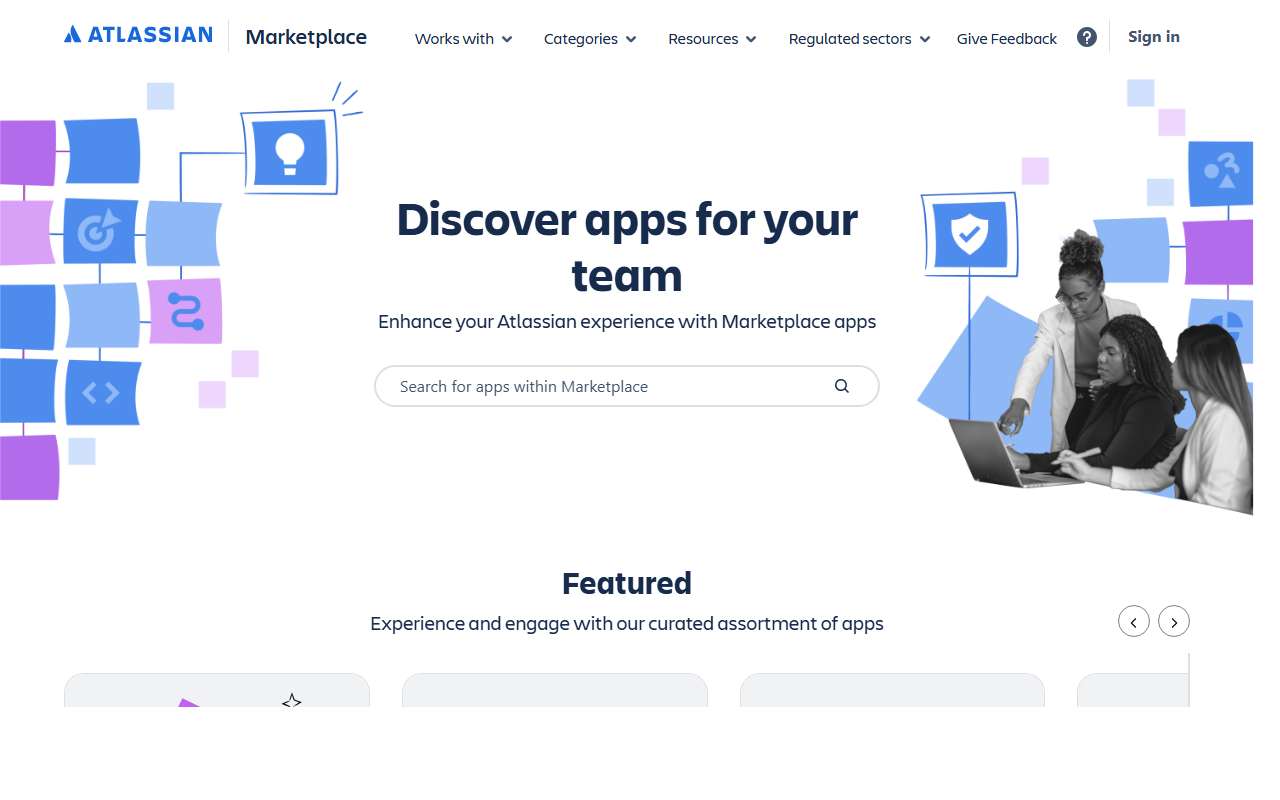
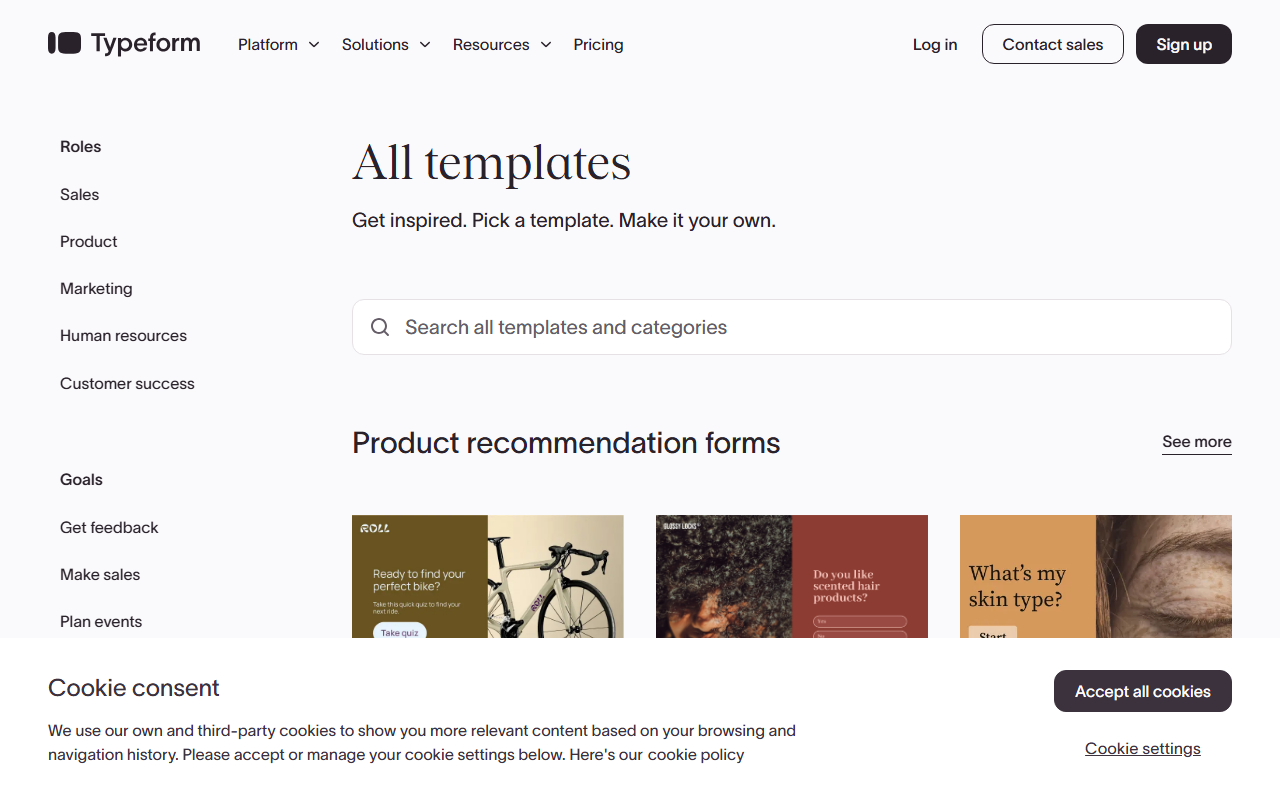
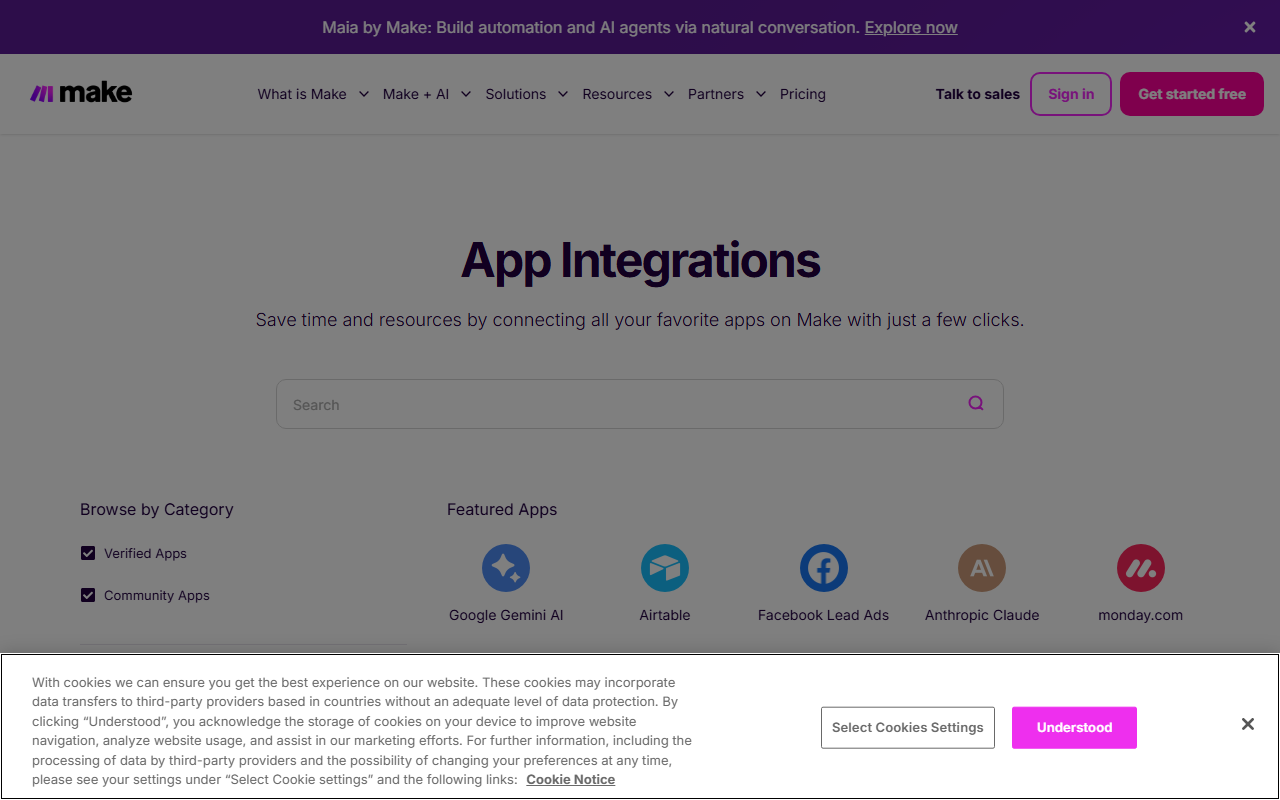
- Real screenshots or a live embed specific to that integration, template or use case.
- At least 300 words of genuinely specific copy: the workflow, the setup, the gotchas, who it is for.
- Unique FAQs drawn from support tickets and sales calls for that use case.
- Internal links to the two or three most related pages, not a giant footer of every page.
- A reason to link: a template people can share, a tool people can embed, data people can cite.
Ship in tiers, measure, then scale
Start with ten hand-built pages across the types above. Give them three months. If integration pages convert and template pages do not, scale integrations. Only move to programmatic generation once a page type has proven itself, and even then keep a human editing pass on every page. Programmatic SEO that skips this step gets deindexed in the next update.
Internal linking is the multiplier
Product-led pages rarely earn links on their own. They rank because your homepage, navigation, blog posts and related pages pass authority to them. Build a hub for each type (an integrations directory, a template gallery), link every page from its hub, and link the hubs from the main navigation. Then point the links you earn on blog posts and free tools at the hubs.
Measuring product-led SEO
Track the pages as a group in Google Search Console, then tie them to signups. A template page that brings 2,000 visits and 40 signups a month is a success; an integration page with 20,000 visits and 3 signups needs a better CTA or a better fit. Report signups and activated accounts, not sessions.
Product-led SEO examples worth studying
The quickest way to understand product-led SEO is to look at companies that already run it at scale. None of these are our clients; they are public examples we point teams to, and each shows a different page type.
| Company | Page type | What the product supplies | What to copy |
|---|---|---|---|
| Zapier | App and integration pages | Real triggers and actions for each app pair | One page per pairing, filled with workflows only that pair supports |
| Canva | Template pages | The templates themselves, browsable without an account | Let the visitor use the asset before asking for a signup |
| Notion | Template gallery | User and creator templates with categories | Community content that grows the page count without your writers |
| HubSpot | Free tools such as Website Grader | A live result for the visitor’s own site | A tool adjacent to the product that earns links on its own |
| Wise | Currency converter pages | Live exchange rate data per currency pair | Data the product already has, published as a page per query |
The pattern across these product-led SEO examples is the same: the page would be useful even if the visitor never signed up, and the product is the only reason the page can exist. If you want to build the integration version, our guide to SaaS integration pages walks through the template, and programmatic SEO for SaaS covers what happens when you scale it past a few dozen pages. Feature pages follow the rules in our product page SEO guide.
Frequently asked questions about product-led SEO
Is product-led SEO the same as programmatic SEO?
No. Programmatic SEO is a production method: generating pages from data. Product-led SEO is a strategy: building pages around what the product does. Product-led pages can be hand-built or programmatic.
How many product-led pages should we start with?
Ten, across two or three page types. Enough to learn what works, few enough to make each one genuinely good.
Do integration pages work for small SaaS companies?
Yes, often better than for large ones. Small players can rank for “[niche tool] integration” queries that big platforms ignore.
Should free tools require signup?
No. A signup wall kills the links and the rankings. Capture leads with a soft CTA after the result, not before it.
How do we avoid duplicate content across similar pages?
Give each page unique screenshots, unique copy about that specific case, and unique FAQs. If you cannot write 300 genuinely different words for a page, it should not exist yet.
What are good product-led SEO examples?
Zapier integration pages, Canva and Notion template galleries, HubSpot Website Grader and Wise currency pages. Each one publishes something the product already has, as a page per search.
Next step
List every integration, template type and audience your product serves. That list is usually 50 to 200 potential pages. Pick ten, build them properly, and give them a quarter. If you would like a second pair of eyes on the list, get in touch.
Quick recap: Product-led SEO
- Product-led SEO builds pages around what the product does, not around the problem space.
- Find demand in integrations, templates, use cases, feature names and free tools.
- Every page needs something only that page has: screenshots, data, FAQs from real tickets.
- Start with ten hand-built pages and scale only the type that converts.
- Hubs and internal links do most of the ranking work for these pages.
- Measure signups and activated accounts per page group, not sessions.
For Google’s own guidance on scaled content, see Google’s spam policies, especially the section on scaled content abuse.