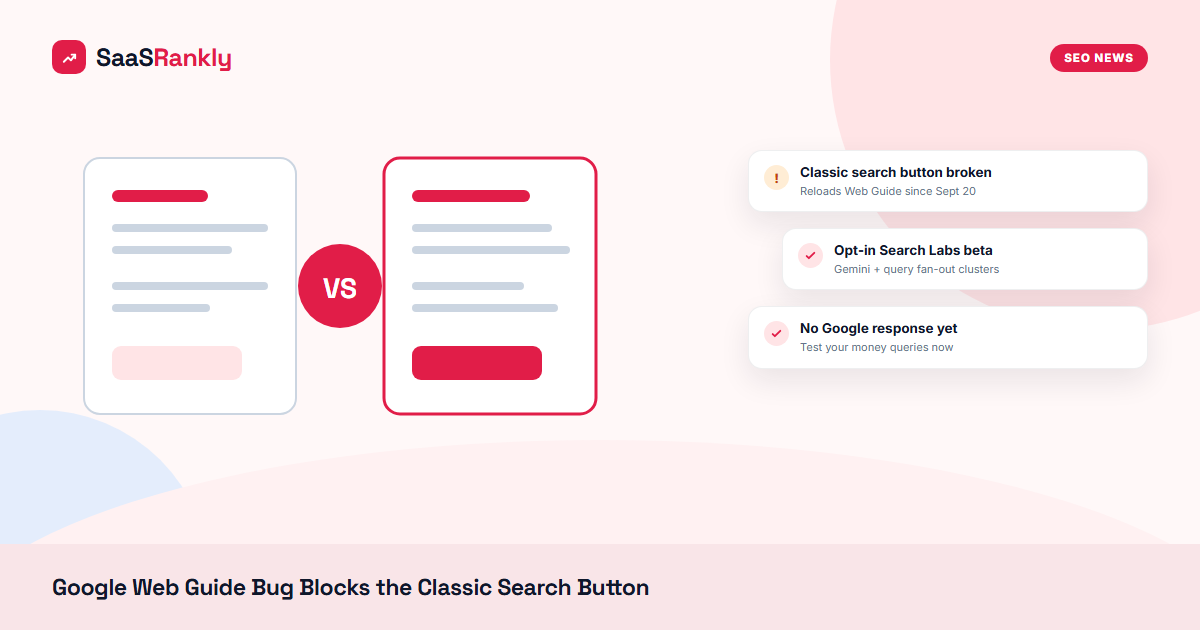
What happened: On September 20, 2026, searchers reported a Google Web Guide bug: clicking the “Classic search” button inside Web Guide reloads the same AI-organized page instead of sending you back to the normal results. Damien Andell spotted it first on X (“impossible to return to ‘classic search,’ it always redirects to Web Guide”), and Glenn Gabe confirmed it the same morning, saying he was “sometimes stuck in Web Guide and can’t get out.” Google has not commented yet.
Source(s): Search Engine Roundtable reported the bug. Background on the feature comes from Google’s Web Guide announcement.
Andell also flagged two display glitches that came with it: Web Guide text showing up below knowledge panels, and one result link printing “null://null” where the site name should be. Small stuff on its own. Together it looks like a front-end push that went out half-baked over the weekend.
What Google Web Guide actually is
Google Web Guide is the Search Labs experiment Google announced in July 2025. It uses a custom Gemini model and query fan-out (running several related searches at once) to group web links into themed sections, each with a short AI summary on top. It started in the Web tab for opted-in users, and Google said it would test AI-organized results in the “All” tab over time.
Most people are not using it. It is opt-in and still labeled beta. So why write about a bug in a feature few people see? Because the escape hatch is the part that broke. If Google keeps pushing AI layouts into more of the results page, the “take me back to ten blue links” button is the thing that protects classic organic clicks. When that button fails, users stay in the AI layout whether they want to or not.
Why this matters for SaaS sites
SaaS pages win clicks in classic results through titles, sitelinks, review stars and position. Inside Google Web Guide, the page is split into clusters, and your listing competes inside a group with an AI blurb sitting above it. A comparison page that ranks third in classic search might land in the second cluster, below the fold, or not appear at all.
We covered the same pattern this week with the AI Mode button test in the results bar and earlier with PAA answers turning into AI Overviews. Each change on its own is small. The direction is the same every time: more of the page is AI-arranged, and fewer paths lead back to the plain list.
Google Web Guide vs classic search: the specifics
| Item | Classic search | Google Web Guide |
|---|---|---|
| Layout | Ranked list, SERP features | Themed clusters with AI summaries |
| How results are picked | Single query ranking | Gemini plus query fan-out |
| Who sees it | Everyone | Opted-in Search Labs users |
| Exit route | Not needed | “Classic search” button (broken since Sept 20) |
| Known glitches | None reported | Text under knowledge panels, “null://null” link labels |
What to do
- Opt in and look for yourself. Turn on Web Guide in Search Labs and run your top 20 commercial queries (“best X software”, “X vs Y”, “X alternatives”). Note which cluster you land in and whether your page shows at all.
- Watch Search Console for odd CTR drops. Google Web Guide traffic is not split out in Search Console. If impressions hold but CTR slides on a handful of queries, AI layouts are one suspect. Our guide to measuring SaaS SEO in GA4 and GSC walks through the query-level view.
- Make each page fit one clear cluster. Fan-out groups results by sub-intent. Pages that answer one intent well (pricing, integrations, a specific comparison) are easier to slot into a group than pages that try to cover everything.
- Do not change rankings strategy over a bug. This is a beta feature with a broken button. Log the date, keep an eye on it, and move on until Google confirms a fix or a wider rollout.
If your pages are not getting picked up at all, start with basics before worrying about AI layouts. Our SERP features guide for SaaS covers where clicks actually go today.
Quick recap: Google Web Guide
- Since September 20, 2026, the “Classic search” button in Google Web Guide reloads Web Guide instead of exiting it.
- Google Web Guide is an opt-in Search Labs experiment that groups results into AI-summarized clusters.
- Extra Web Guide glitches: text under knowledge panels and “null://null” link labels.
- Google has not responded to the Google Web Guide bug reports yet.
- SaaS teams should test their money queries inside Google Web Guide to see which cluster they land in.
- Treat the Web Guide bug as a signal to watch, not a reason to rework your SEO plan.