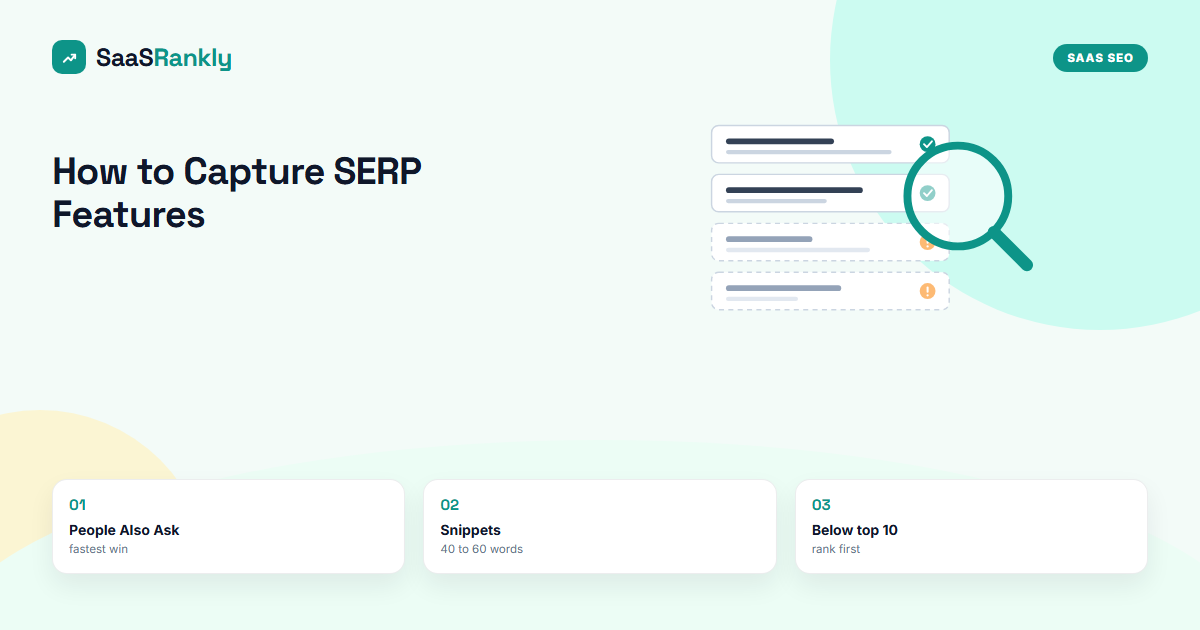
Knowing how to capture SERP features is a different skill from knowing which ones exist. Most SaaS teams can name the featured snippet, People Also Ask and the video carousel. Far fewer have a repeatable way to take one of those boxes away from a competitor who holds it today.
We run this work on SaaS blogs every month, and the pattern is boring in a good way. Google lifts a specific shape of content into each feature. If your page already ranks on page one and contains that shape in the right place, you have a real chance. If it does not, no amount of schema or word count fixes it. This guide shows how to capture SERP features format by format, with the edits we make, the order we make them in, and the cases where we walk away.
One assumption up front: you already have a list of target queries. If you do not, start with our five-step method to find SERP features opportunity in Search Console, then come back here to do the capturing.
How to capture SERP features: what capturing actually means
Capturing a feature means your URL is the one Google shows inside it, not just somewhere on the page below it. That sounds obvious, but it changes how you measure success. A page can move from position 4 to position 3 and still sit under a competitor’s snippet that takes most of the clicks. A page that stays at position 4 but wins the snippet often doubles its click-through rate.
There are three conditions we check before we spend any writing time:
- The feature shows for the query today. Look at the live results page in a clean browser, not a tool’s cached snapshot.
- You rank in the top 10 already. Google almost always pulls featured snippets and PAA answers from page one results. Below position 10, fix the ranking first.
- The current holder has a weakness. An outdated answer, a vague definition, a list with no steps, or a video from 2021.
If all three are true, the query goes on the sheet. If one is missing, it waits.
The capture matrix: what each feature wants from you
Every feature has its own trigger and its own extraction rule. This is the matrix we keep pinned at the top of our working sheet. The win rates are from our own client work, so treat them as illustrative rather than a benchmark.
| Feature | What Google lifts | Main edit | Time to see a change | Our rough win rate |
|---|---|---|---|---|
| Paragraph snippet | A 40 to 60 word answer under a question heading | Rewrite the first paragraph under the H2 | 1 to 3 weeks | About 1 in 3 |
| List snippet | Ordered or bulleted steps under a heading | Turn prose steps into an ordered list | 1 to 3 weeks | About 1 in 3 |
| Table snippet | An HTML table with clear column headers | Replace an image table with real HTML | 2 to 4 weeks | About 1 in 4 |
| People Also Ask | A short direct answer to the exact question | Add the question as an H3 with a tight answer | 1 to 4 weeks | About 1 in 2 |
| Video carousel | A YouTube video with chapters and a matching title | Publish a short video, add chapters | 4 to 8 weeks | About 1 in 5 |
| Image pack | Original images with descriptive file names and alt text | Replace stock art with your own diagrams | 3 to 6 weeks | About 1 in 4 |
| AI Overview citation | A clear, quotable sentence plus supporting detail | Add a definition line and a data point | Unpredictable | Hard to say |
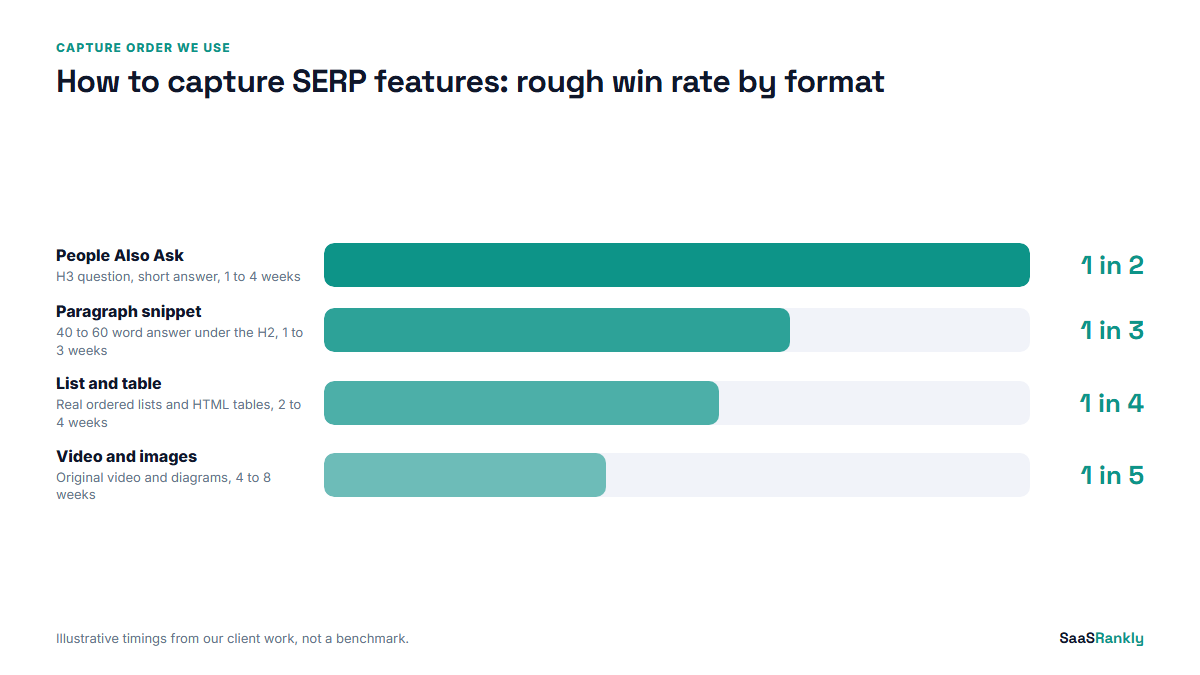
Two things stand out when you read the matrix this way. People Also Ask is the cheapest feature to win, because Google rotates answers more often and the bar is a single good paragraph. The AI Overview is the least predictable, because the sources change between runs of the same query. We still optimise for it, but we never promise it to a client.
How to capture SERP features, one format at a time
When we plan how to capture SERP features for a client, the order below is the order we work in. It moves from the quickest edits to the slowest, so you see results while the longer work is still in production.
1. People Also Ask boxes
Open the live results page and expand three or four questions in the PAA box. Write down the exact wording. Then add each question that fits your page as an H3, followed by an answer of two or three sentences that starts with the answer itself. No warm-up line, no restating the question.
We keep these in the FAQ block at the end of the post, but a question placed inside a relevant section works too. A note from experience: since PAA answers started feeding into AI Overviews, the answers Google picks have become shorter. We wrote about that shift in PAA answers now appearing in AI Overviews.
2. Paragraph featured snippets
This is where most of the clicks are. Find the heading on your page that matches the query, then rewrite the first paragraph under it so it answers the query in 40 to 60 words. Start with the term itself. “A SaaS churn rate is the percentage of paying customers who cancel in a given month” is the shape Google likes to lift.
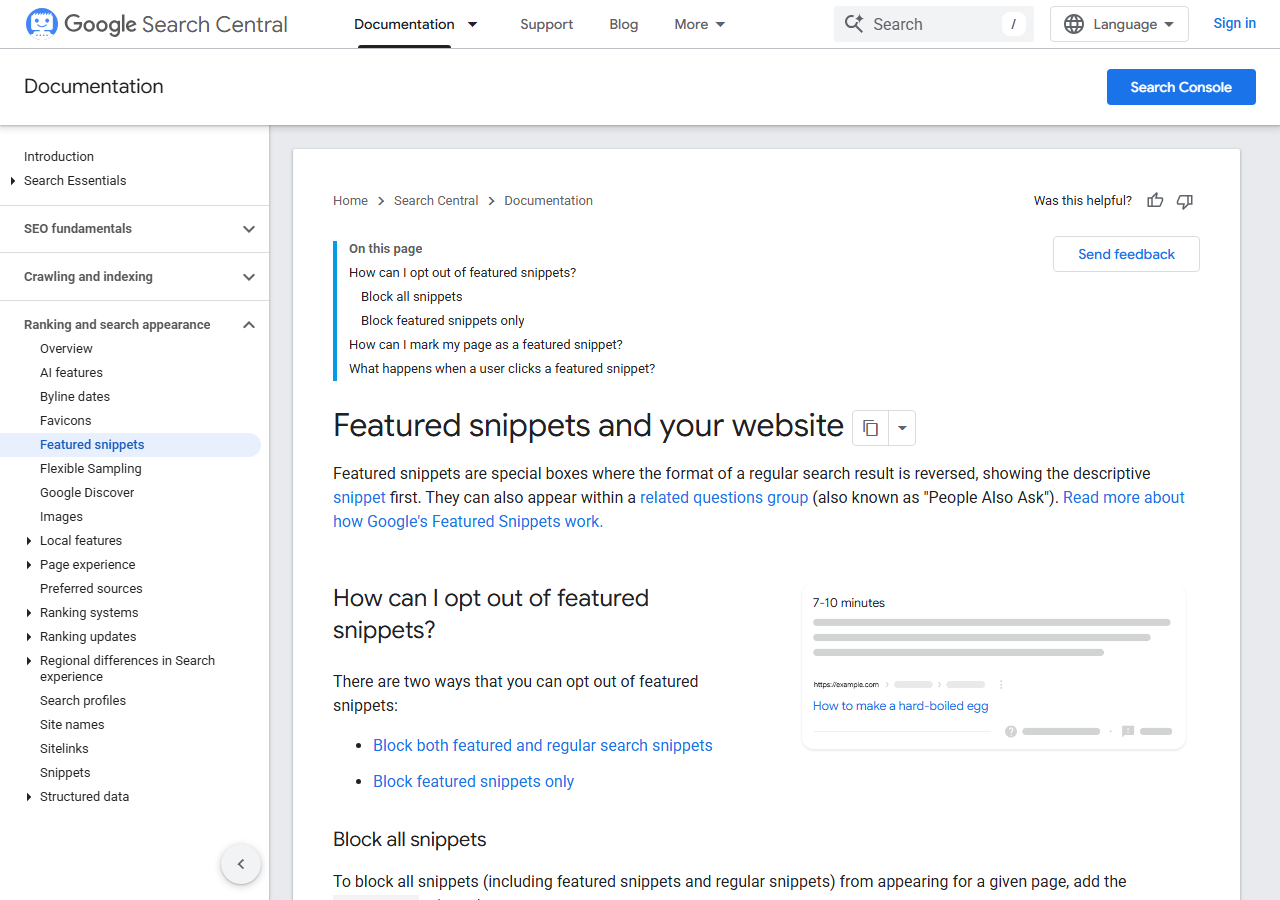
Then check the current snippet holder’s answer word for word. If theirs is vaguer, yours has a chance. If theirs is already sharp, add something they lack: a number, a time frame, or the one condition that makes the answer correct. Google’s own featured snippets documentation is short and worth reading once, mostly for the opt-out controls it describes.
Before you publish the edit, paste your title and description into our SERP snippet preview tool. A snippet win sends more people to your listing, and a truncated title wastes some of that attention.
3. List and table snippets
For “how to” and “steps” queries, Google wants an ordered list right under a heading that repeats the query. Each step should start with a verb and fit on one line. For comparison and pricing queries, it wants a real HTML table. We still see SaaS pages with pricing tables built as images, which Google cannot lift at all.
Keep the list between four and eight items. Longer lists get truncated with a “More items” link, which is fine, but a list of fifteen tiny steps usually loses to a cleaner list of six.
4. Video carousels
You cannot capture a video carousel with a blog post. You need a video, almost always on YouTube, with a title that matches the query and chapters that match the steps people search for. For SaaS this works best on product how-to queries, where a two-minute screen recording beats a polished brand film.
Embed the video in the matching post as well. In our experience the post and the video help each other: the post earns the text features, and the video earns the carousel for the same query.
5. Image packs
Image packs reward original visuals. Stock photos almost never win them, because the same file appears on hundreds of sites. Diagrams, annotated screenshots and charts with descriptive file names and honest alt text do much better. We name files after the concept, not the post, so “saas-churn-formula-diagram.png” rather than “post-image-3.png”.
6. AI Overview citations
There is no direct control here, so we focus on making a page easy to quote. One clear definition sentence near the top, one specific data point with a source, and short sections that each answer one question. Structured data does not create the citation, but it removes ambiguity about what the page is. Run your markup through our schema validator before you assume it is fine.
A worked example: one SaaS blog, eight target queries
Here is an illustrative run of how to capture SERP features for a fictional invoicing tool we will call “Billora”. The numbers are invented but sit in the range we see for a two-year-old B2B blog with about 120 posts.
| Query | Feature held by | Billora position | Edit made | Result after 4 weeks |
|---|---|---|---|---|
| what is a pro forma invoice | Competitor A (paragraph) | 4 | Rewrote first paragraph to 48 words | Snippet won, CTR 3.1% to 8.4% |
| how to write an invoice | Competitor B (list) | 6 | Prose steps into a 7-item list | Snippet won |
| invoice vs receipt | Competitor C (table) | 3 | Image table replaced with HTML | Snippet won |
| net 30 meaning | Accounting site (paragraph) | 7 | Added definition line | No change |
| can you invoice without a business | PAA only | 5 | Added H3 question and answer | PAA answer won |
| late payment fee wording | PAA only | 9 | Added H3 with sample wording | PAA answer won |
| how to send an invoice in billora | Video carousel | 2 | Recorded a 2-minute video | Video in carousel after 6 weeks |
| invoice template free | Image pack | 12 | None (ranking too low) | Parked |
Five of eight queries moved within a month, which is better than our usual rate, partly because the competitors held features with weak answers. The one that did not move, “net 30 meaning”, was held by a large accounting site with a strong definition already. We would not spend more time there. The parked query is the important lesson: at position 12, the right move is to improve the ranking, not to format for a feature.
Myths about how to capture SERP features
| Myth | What we see instead |
|---|---|
| Schema markup wins featured snippets | Snippets come from page content. Schema helps with understanding and with some rich results, not with the snippet itself. |
| You need position 1 to get the snippet | Most of our snippet wins came from positions 2 to 6. |
| Longer answers look more authoritative | Google lifts short answers. The detail goes in the paragraphs that follow. |
| Once you win a feature, it is yours | Features rotate. We recheck held features every month. |
| FAQ schema still gets you extra space | FAQ rich results are now limited to a small set of sites, so the value is in the questions themselves. |
How to capture SERP features and prove it worked
Search Console does not label featured snippets directly, so we use a simple before and after. Record the query’s CTR and position for the 28 days before the edit, then compare the 28 days after. A CTR jump with a flat position is the usual signature of a snippet win. Then confirm it by looking at the live results page.
For ongoing checks, a weekly routine works better than a one-off audit. Our guide on how to track SERP features without a paid tool covers the spreadsheet we use. If you want the broader view of which features matter for software companies at all, see SERP features for SaaS.
One honest caveat. Winning a snippet does not always raise clicks. On some definition queries, the snippet answers the question so completely that nobody clicks. We still take those, because the brand impression has value, but we do not count them as traffic wins.
Quick recap: how to capture SERP features
- Only target features that show today, for queries where you already rank in the top 10.
- Learn how to capture SERP features by format: each one lifts a different shape of content.
- Start with People Also Ask and paragraph snippets, since they are the fastest wins.
- Use real lists and HTML tables for step and comparison queries.
- Video carousels and image packs need original video and original images.
- Measure with CTR before and after, and recheck held features every month.
FAQ
How long does it take to capture SERP features after editing a page?
For featured snippets and People Also Ask, we usually see a change in one to four weeks, once Google recrawls the page. Video carousels and image packs take longer, often four to eight weeks.
Can a new page capture a featured snippet?
Yes, but only once it ranks on page one. New pages on established domains sometimes win snippets within a month. On a new domain, focus on ranking first.
Which SERP feature is easiest for a SaaS blog to win?
People Also Ask. The answers rotate often and the bar is one clear, short answer to the exact question, placed under a matching heading.
Does structured data help capture SERP features?
It helps Google understand the page and is required for some rich results, but featured snippets come from the visible content. Good markup is a support, not the main lever.
Why did I lose a featured snippet I used to hold?
Usually a competitor published a sharper answer, or Google changed the format it shows for that query. Compare their answer to yours and tighten the first paragraph under your heading.
Should I try to capture SERP features for every keyword?
No. Pick queries with real impressions where you rank in the top 10 and the current holder is weak. A short list of ten good targets beats a long list of fifty guesses.